Contents
AV Family Computer (Famicom) Review
Friends, there’s a new article on the site: EZ-Flash Air Review: Features, Limitations, and Comparison with Other Models.
ChisLink - a revolution in the GBA world.
Friends, AliExpress now has:
Cool metal labels for Game Boy Advance consoles. Important: the OMEGA series will no longer be produced — it is being replaced in the lineup by the EZ-Flash Air.
Cool eXtremeRate cases for GBA SP.
Friends, help me buy (if you have) various old stuff: Help me buy.
The original Famicom was so popular that even after the brand-new Super Famicom came out, Nintendo wasn’t in a hurry to say goodbye to the 8-bit era. In 1993 they released an updated model — the AV Family Computer (also known as AV Famicom, New Famicom, HVC-101, HVC-NFF, AV specification Famicom, Famicom Top Loader — this console has a ridiculous number of official and unofficial names).
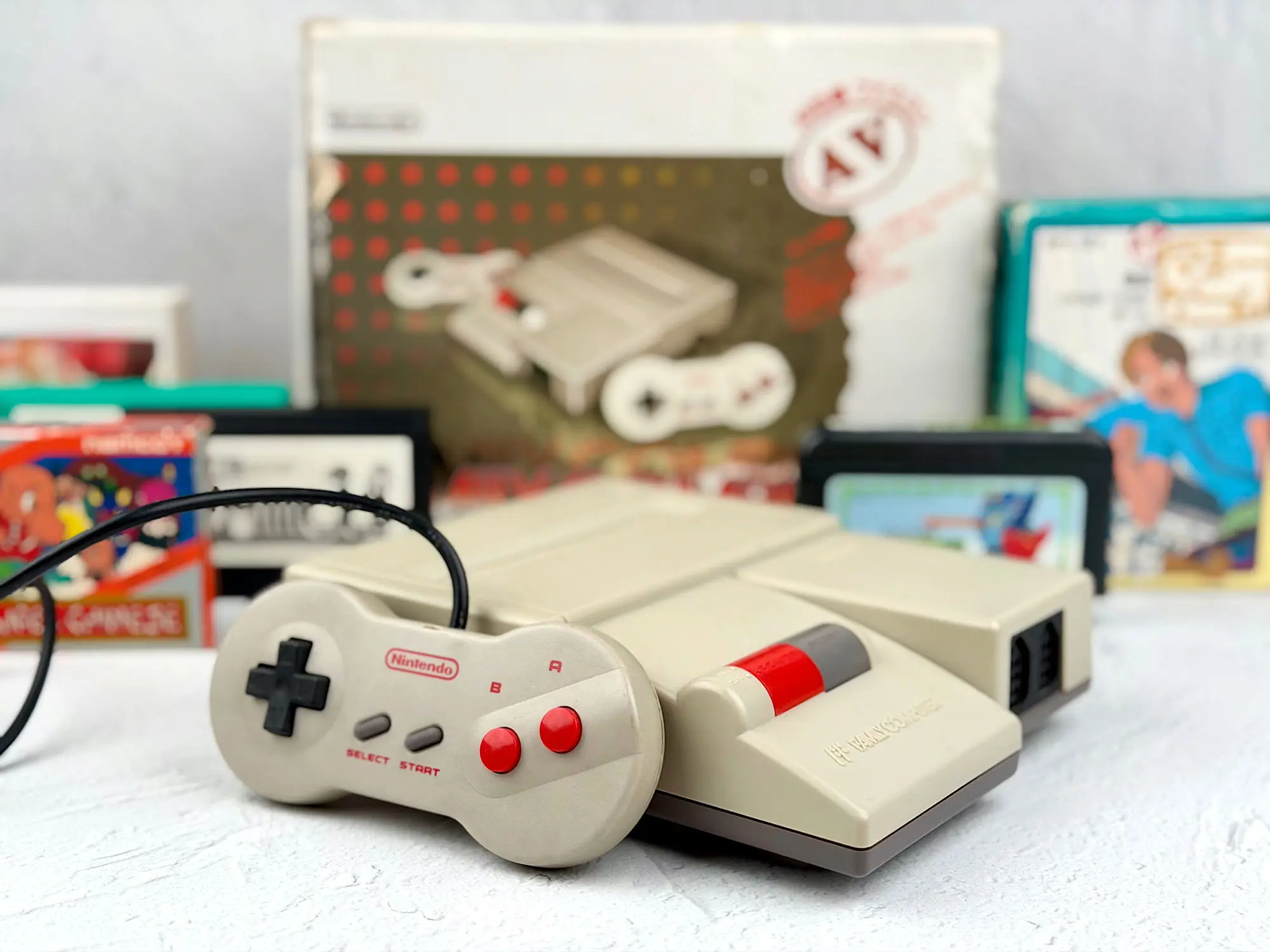
The most impressive part is that Famicom support in Japan lasted all the way until 2007. That’s 24 years of life for one console — a result no other home system can really brag about.
In this review we’ll talk about the newer version of the Famicom — the AV Family Computer (HVC-101): how it’s better or worse than the classic, and whether it’s worth hunting one down today.
Before we begin, a separate thanks to Ruslan — he provided his AV Family Computer for the photos and testing. If you shake him properly, a couple of rare consoles will always fall out. This time, his collection saved the day again.
Where to buy?
These days the AV Famicom isn’t that rare — on Avito you can usually find a dozen or so listings for roughly 10–13 thousand rubles for a console without a box.
On eBay there are sometimes cheaper offers (around 9 thousand), but once you add shipping and forwarding services, the final price is usually higher.
Interestingly, a complete set with the box and accessories often ends up cheaper on Avito than on eBay — especially if you get lucky and find one from collectors or just careful owners.
So if you decide to buy one, definitely compare prices and what’s included locally and abroad. Sometimes you can catch the “perfect” set right here without paying extra for shipping.
In the box
The AV Famicom came in a neat, light-colored box.
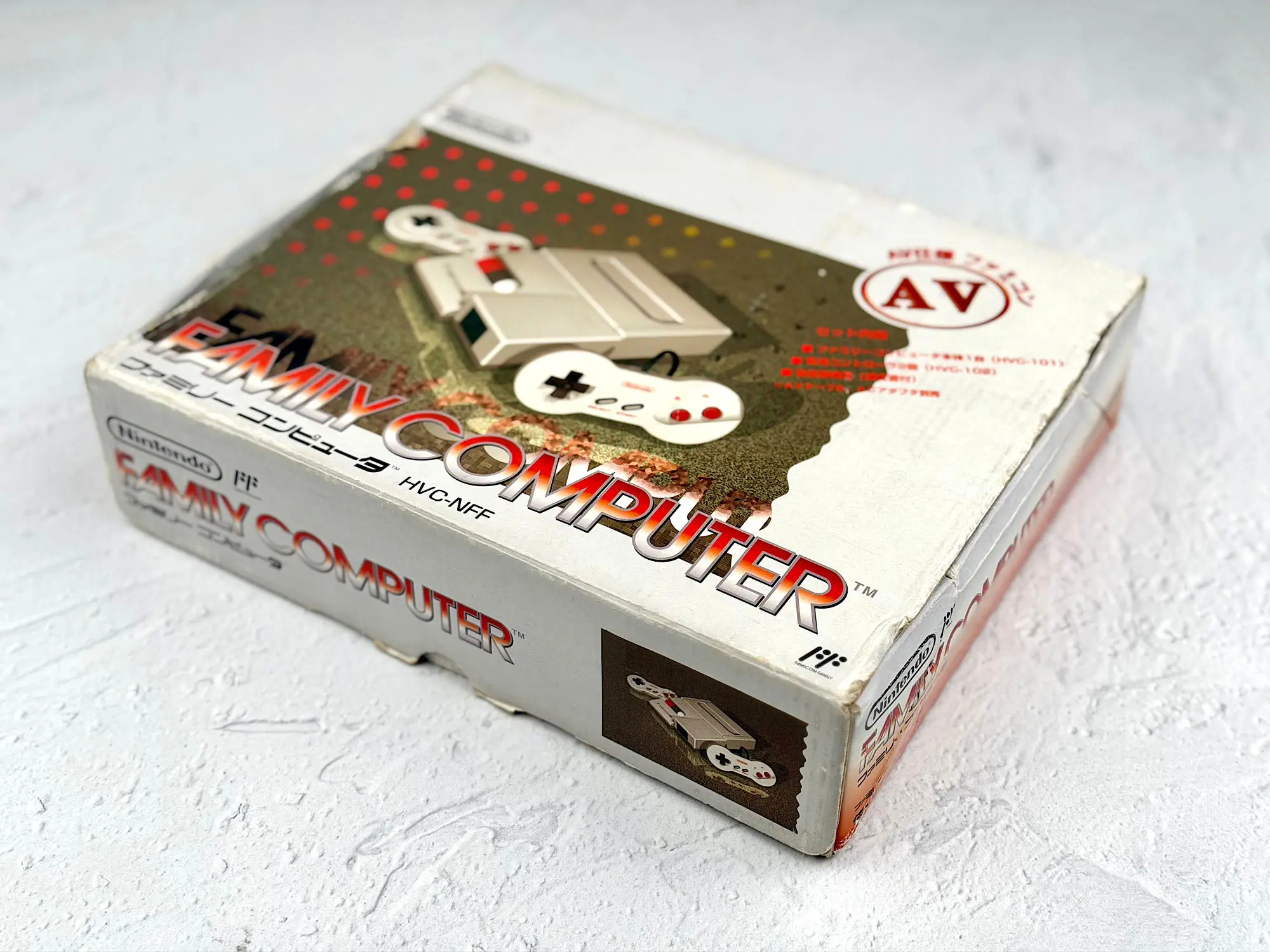
But Nintendo turned the bundle into a real puzzle. You can kind of understand why they didn’t include a power supply — in Japan many consoles were sold without one. But why the buyer had to separately find the cable to connect it to a TV is a mystery! Especially considering the first Famicom used a completely different connector (an RF output) and a matching cable that won’t work with the new console.
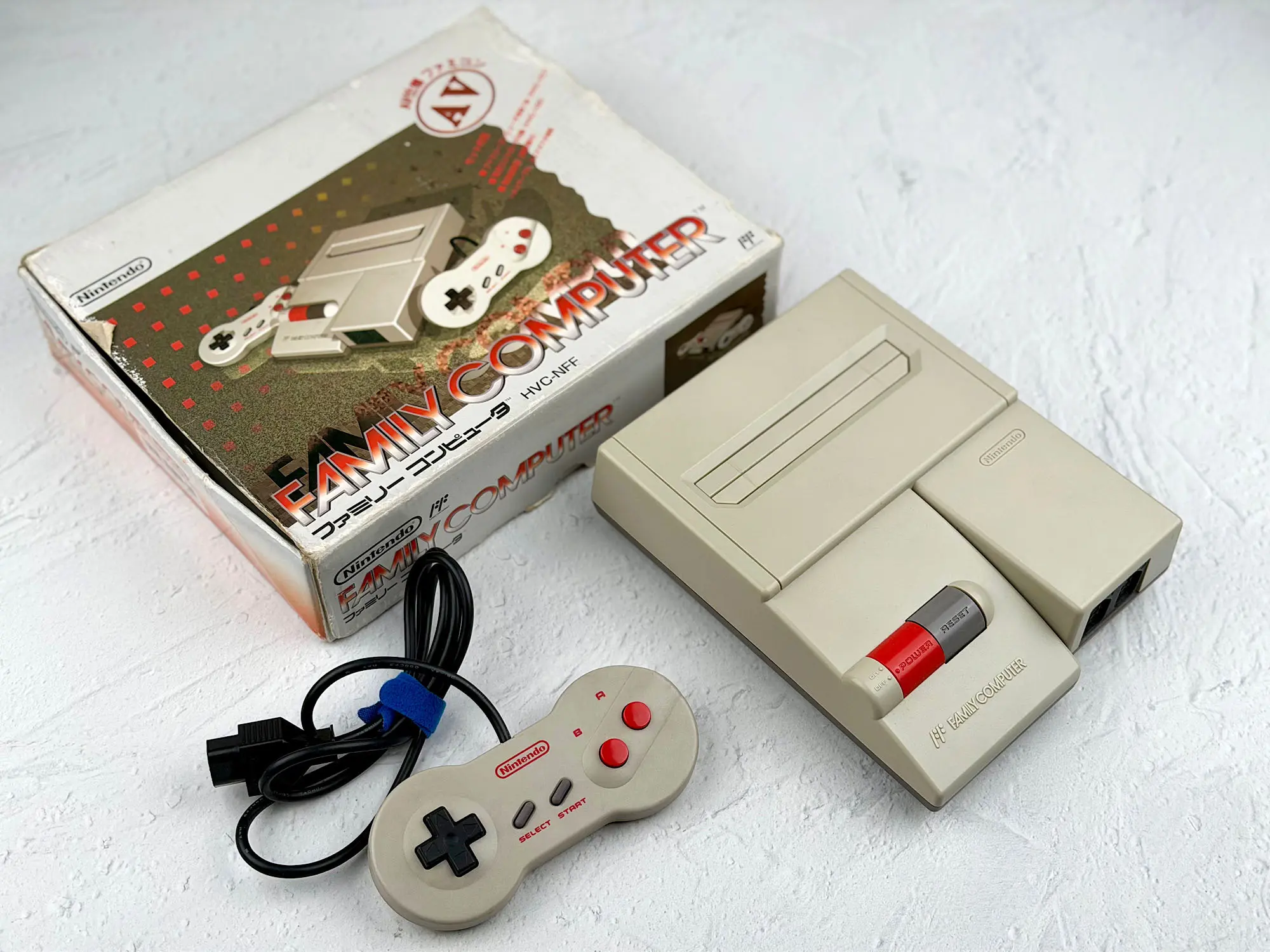
In the standard package you got:
1. The HVC-101 console itself;
2. Two signature “dogbone” controllers;
3. Paperwork and manuals.
And that’s it! To simply power it on and play, you must buy two key accessories separately: an AV cable (the one from a Super Famicom or Nintendo 64 works) and a power supply (the same type used with the Famicom or Super Famicom works).
Note: if you see “complete AV Famicom set” in a listing, it usually means only the original package contents — you still won’t be able to play straight out of the box! Without the cable and power adapter, a “complete set” is basically a collector’s bundle, not a ready-to-play kit.
The console
Now let’s take a closer look at the console itself. Honestly, the AV Famicom’s design has always raised questions for me. It’s hard to find something more plain and faceless. Usually you can tell an era just by how a console looks: think of the bright Nintendo 64 colors or the weird shapes of the GameCube and Wii.
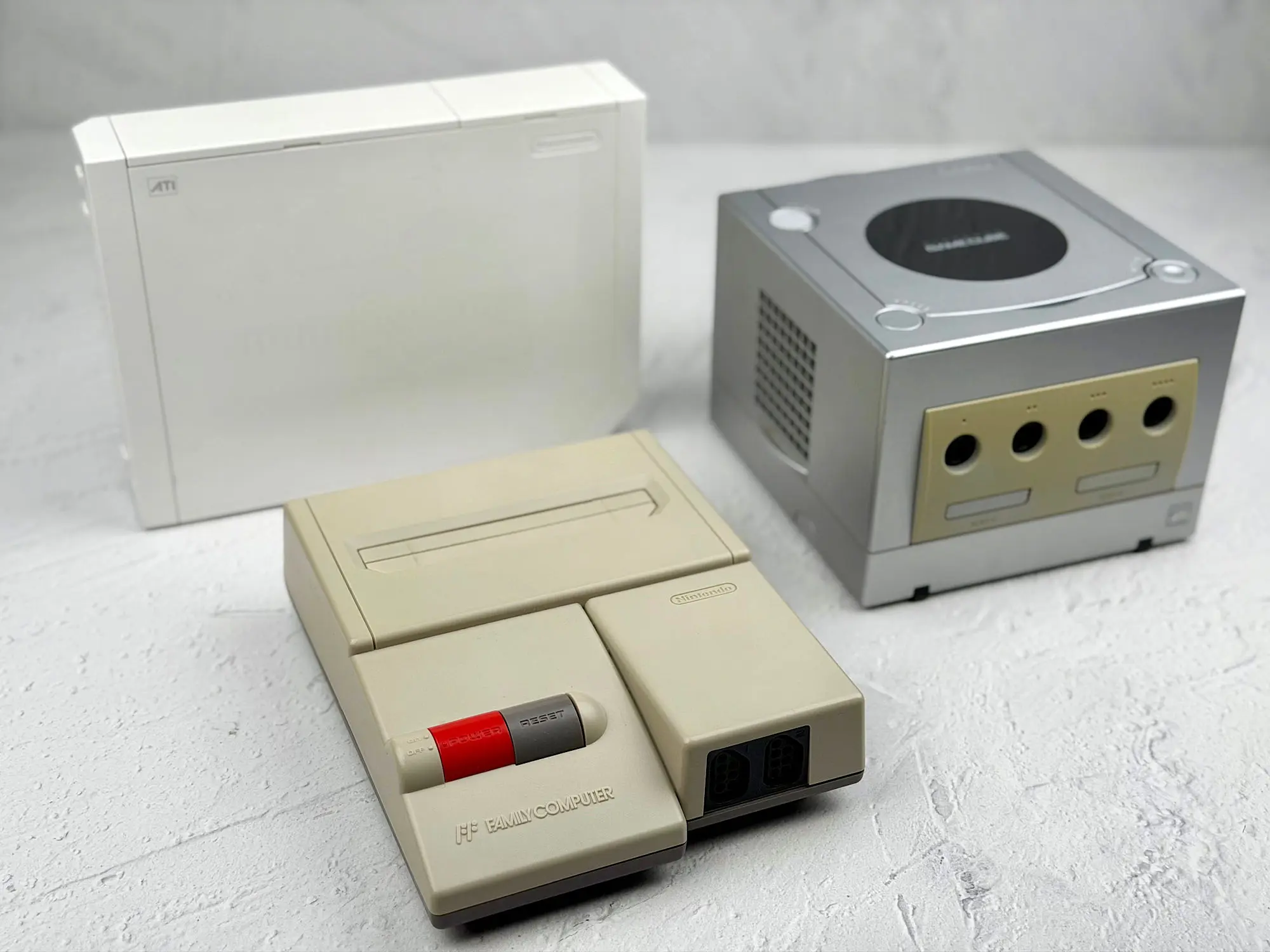
The AV Famicom has no signature character and no hint of individuality — everything is as simple as possible, with no “wow” factor and no design flourishes.
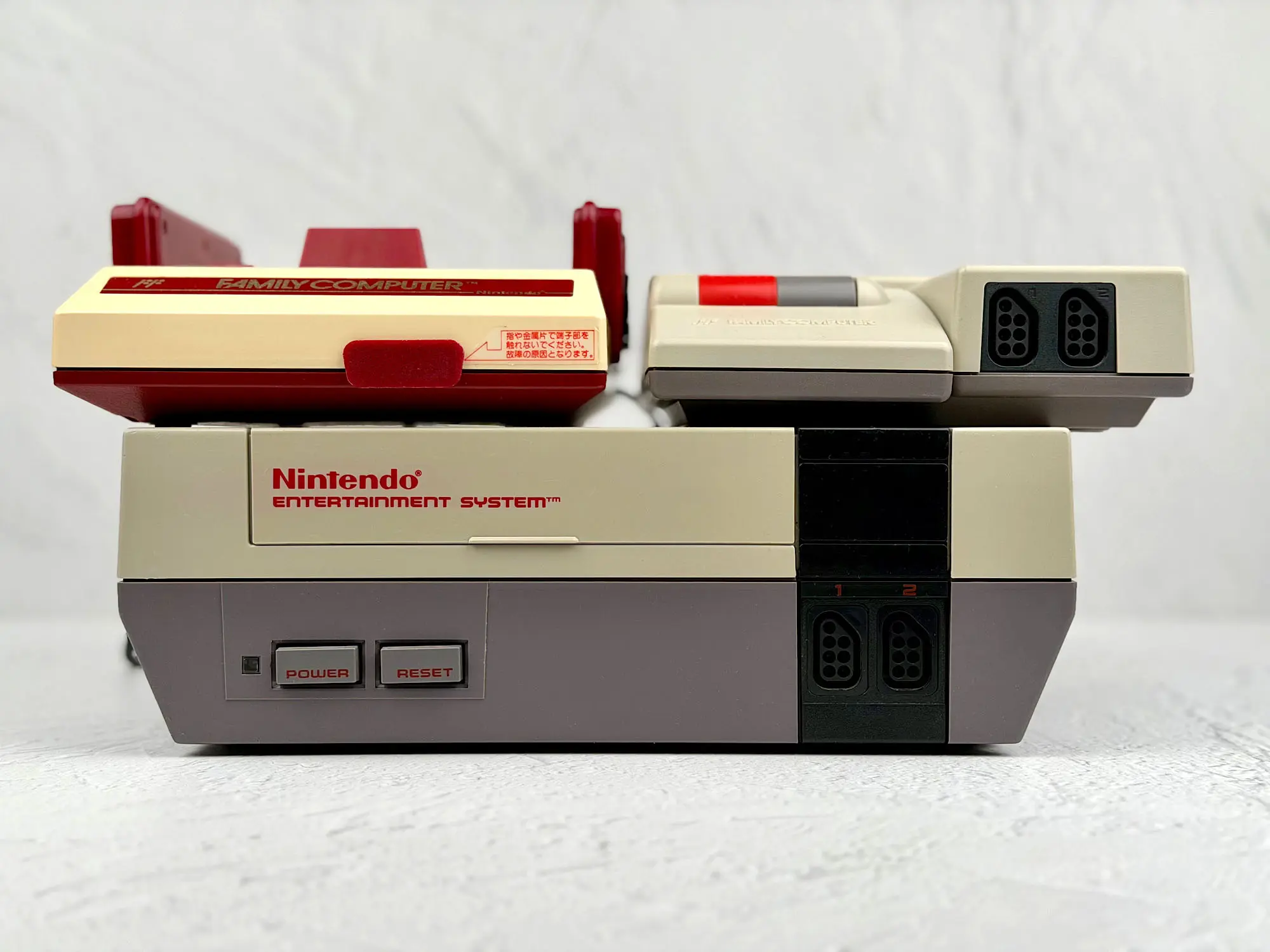
Still, it’s nice that the console stayed small and convenient.
Length: 190 mm
Width: 142 mm
Height: 42 mm
Weight: about 420 g
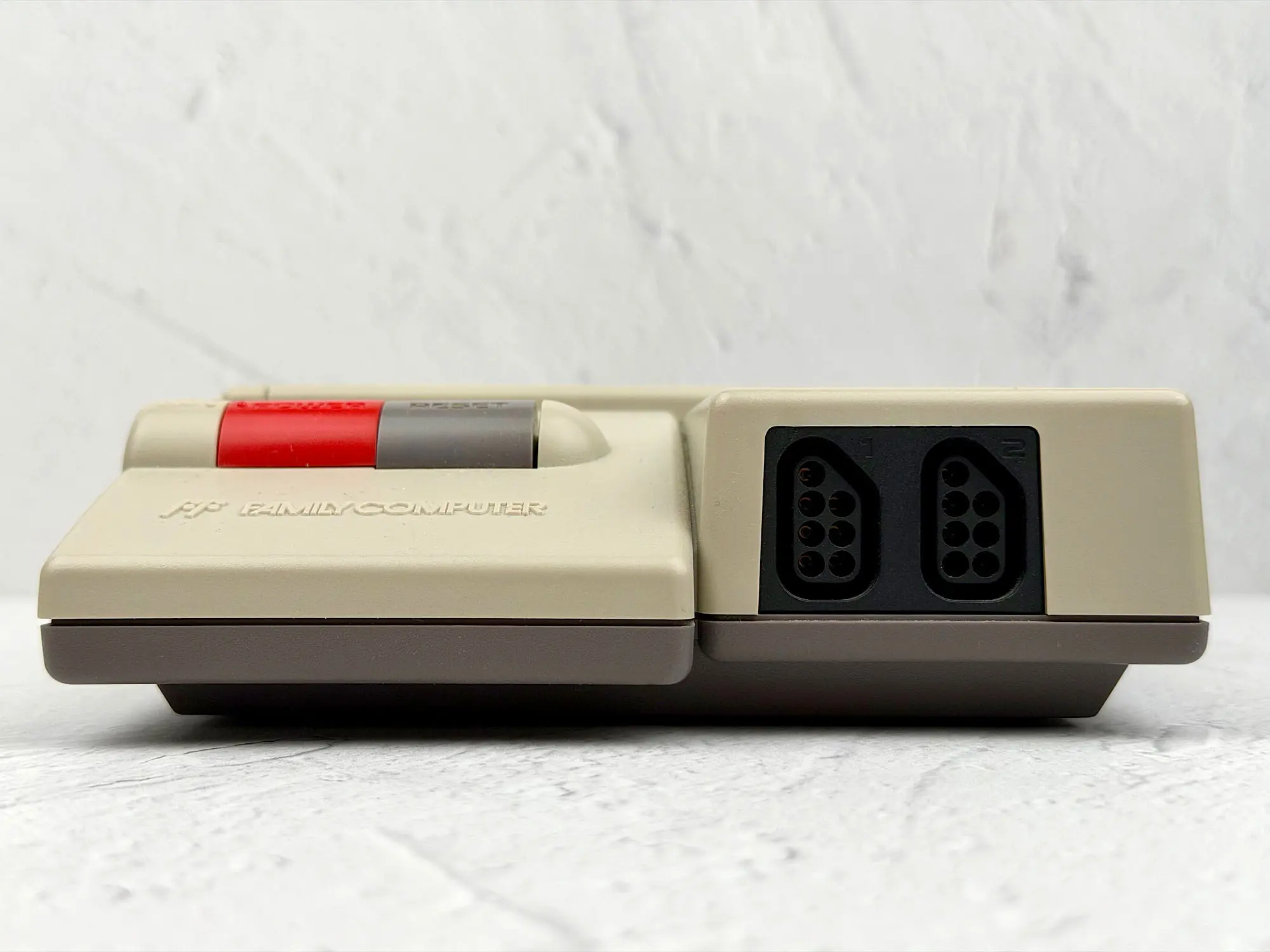
Front panel
The front panel has only the controller port — minimalism at its finest.
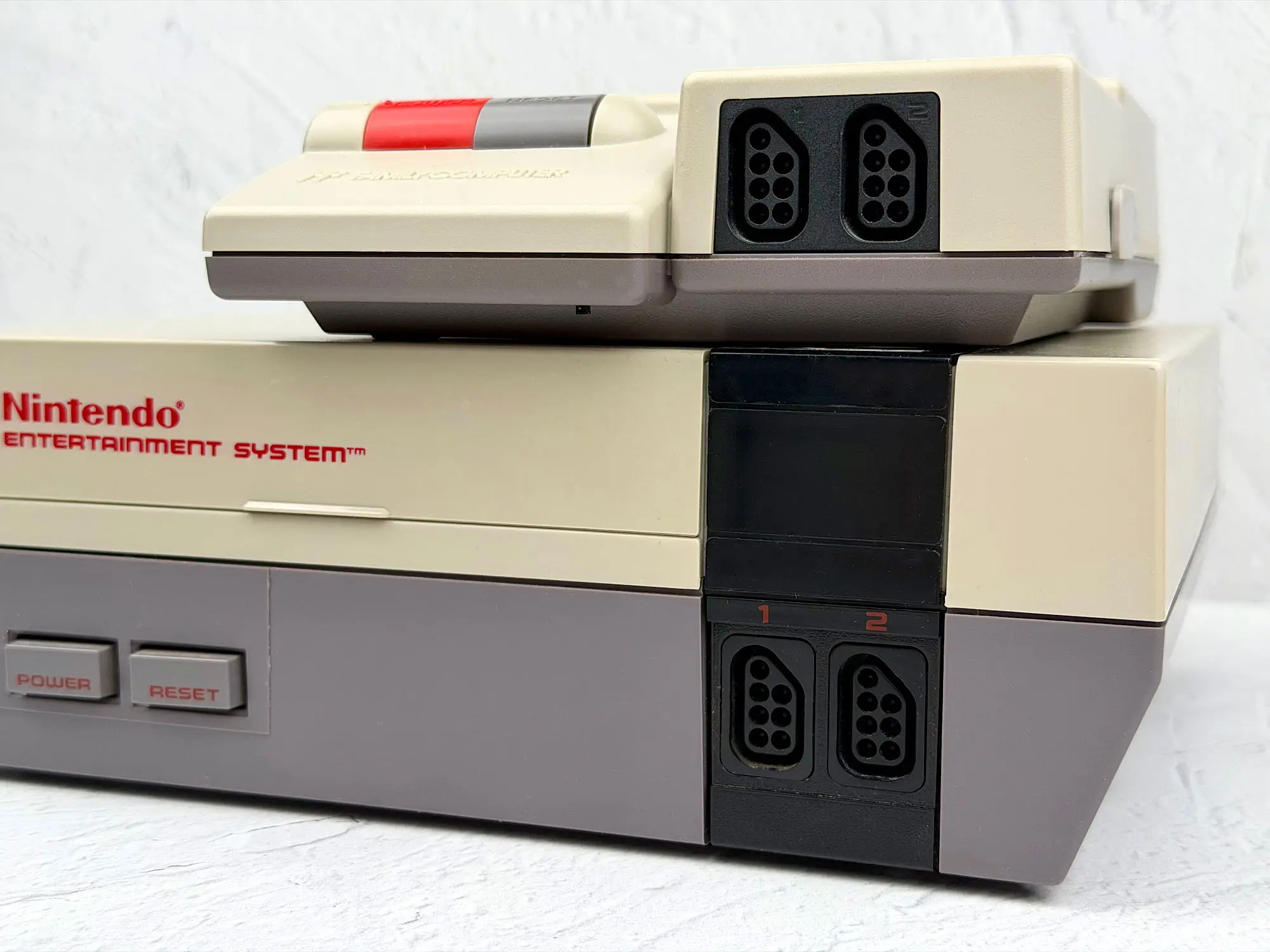
By the way, this connector is fully identical to the NES, so NES controllers work with the AV Famicom without any adapters.
Controllers
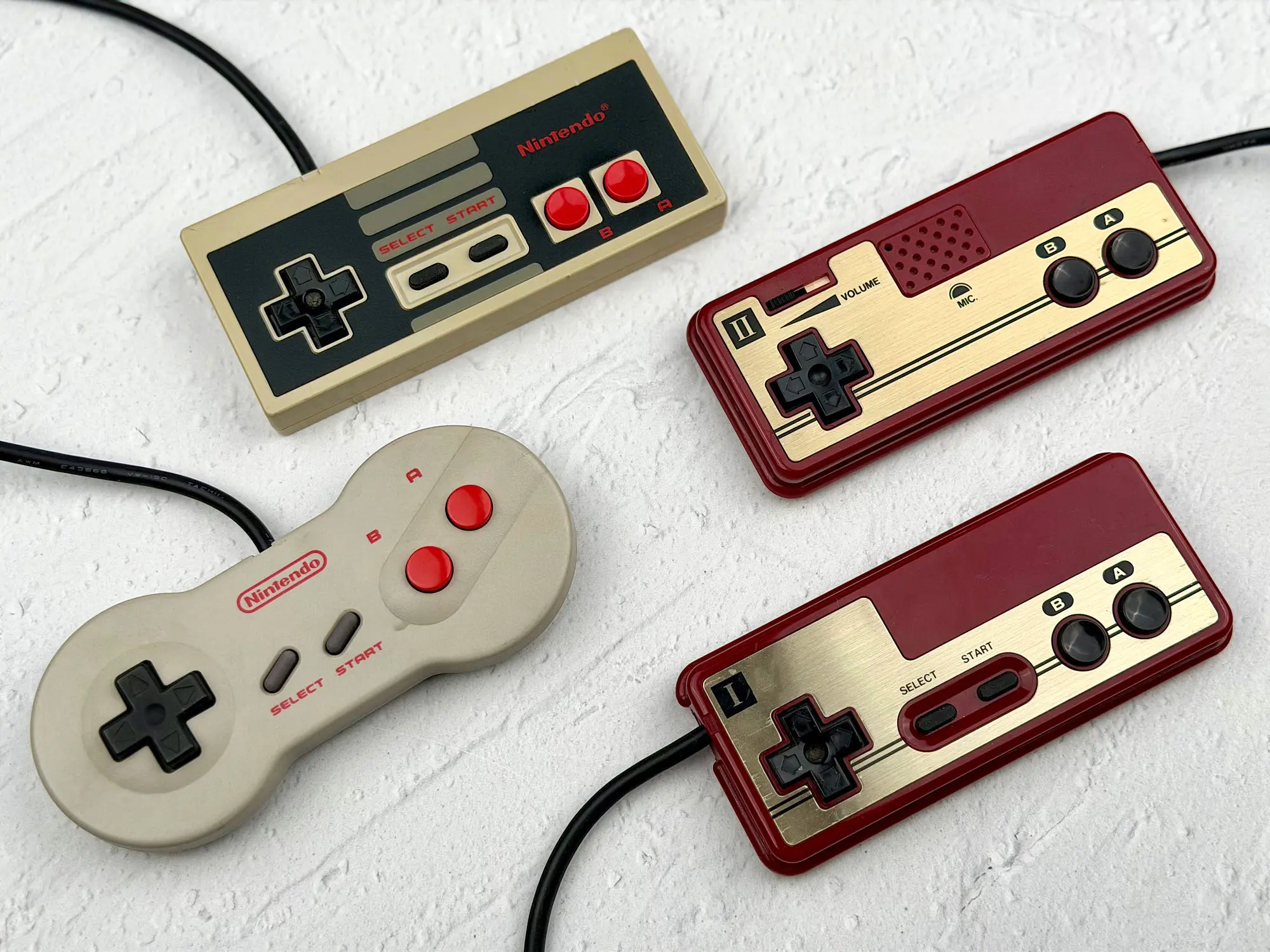
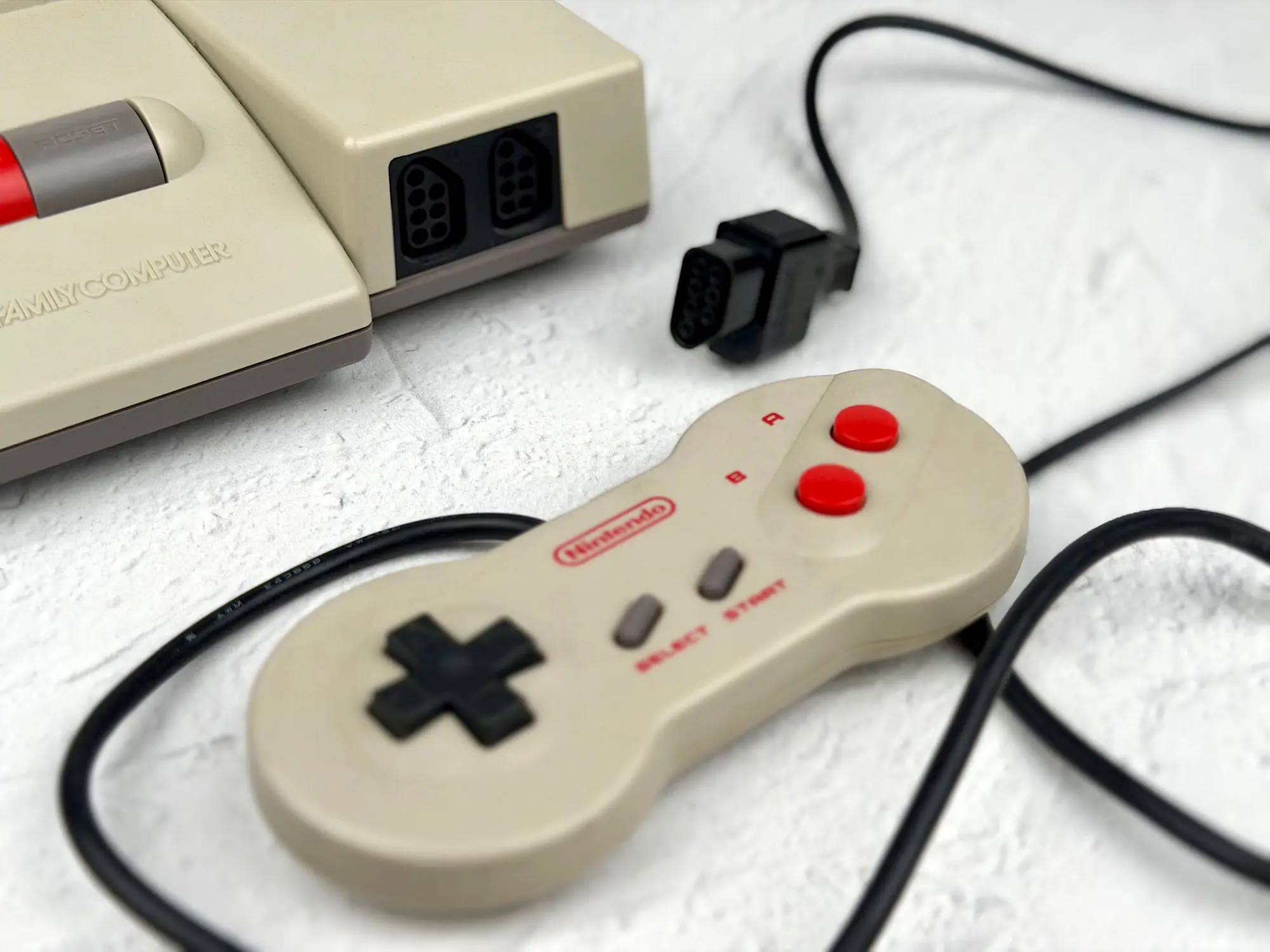
Unlike the classic Famicom and the NES, the AV Famicom controllers use the so-called “dogbone” shape — a lot of players love it: it genuinely feels better in your hands than the old square NES or Famicom controllers.
Top panel
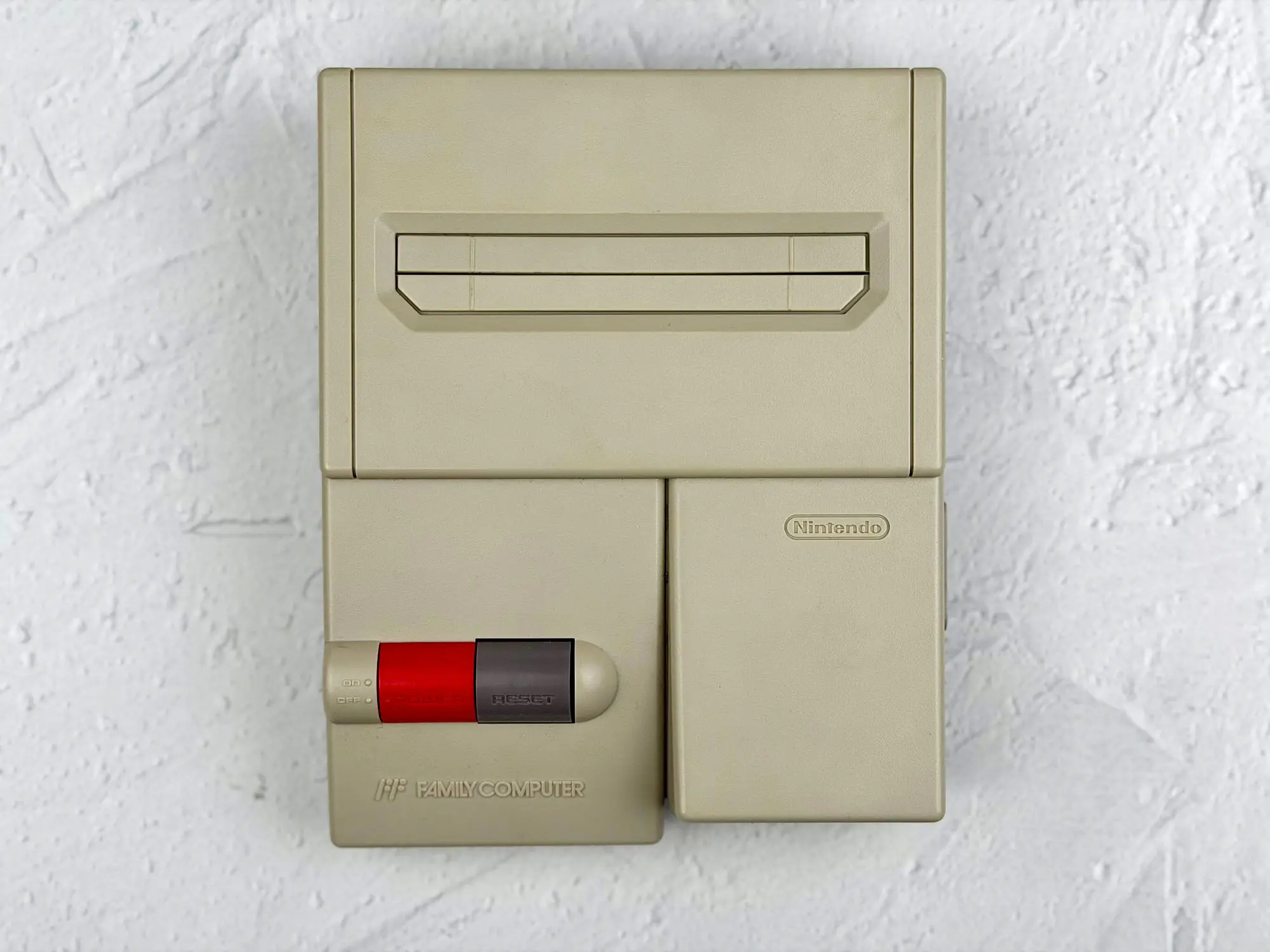
Here you’ll find the Power and Reset buttons, as well as the cartridge slot itself — it’s covered by a neat spring-loaded flap to keep dust out.
Sides
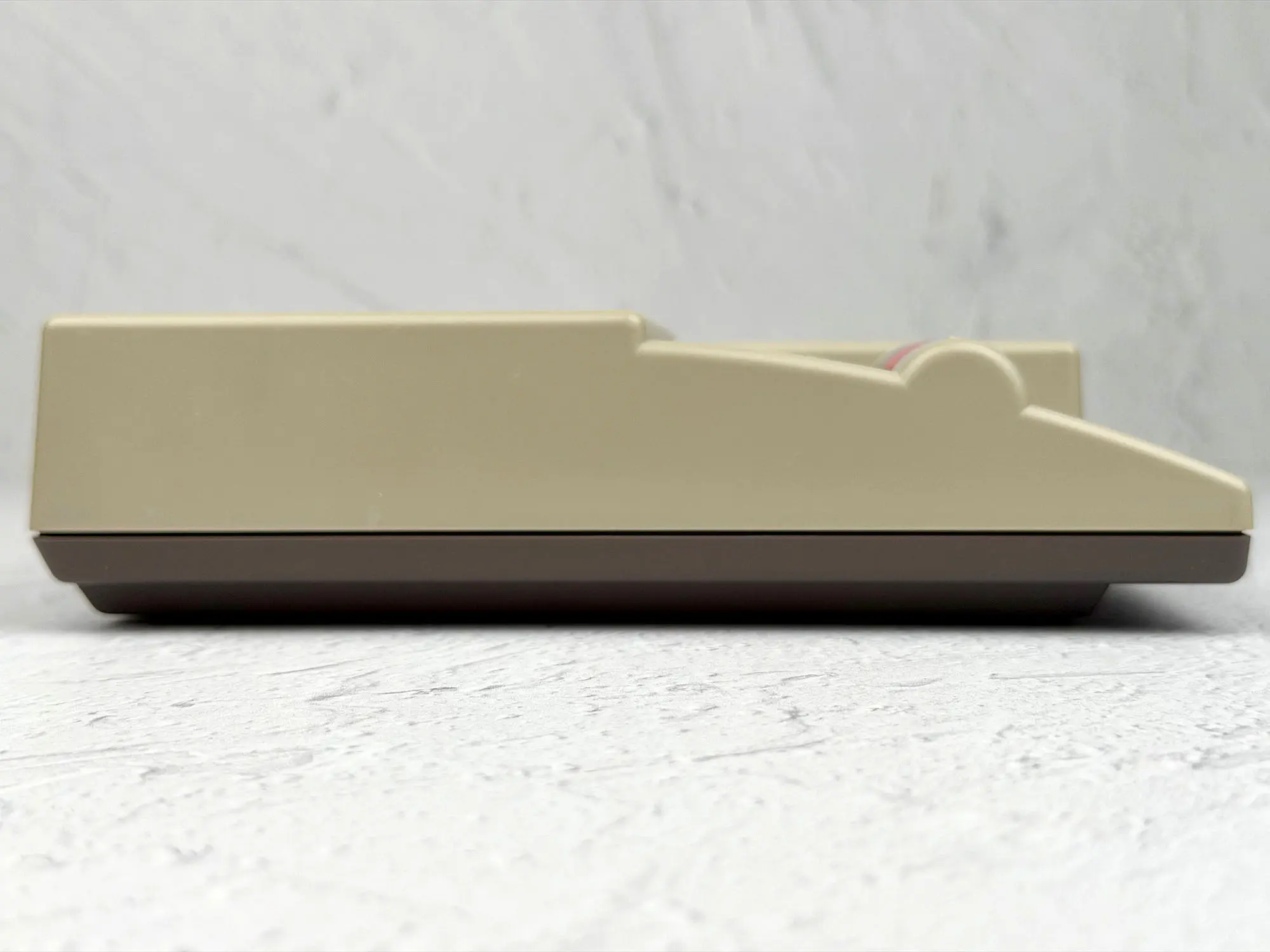
Left side — nothing at all, total emptiness.
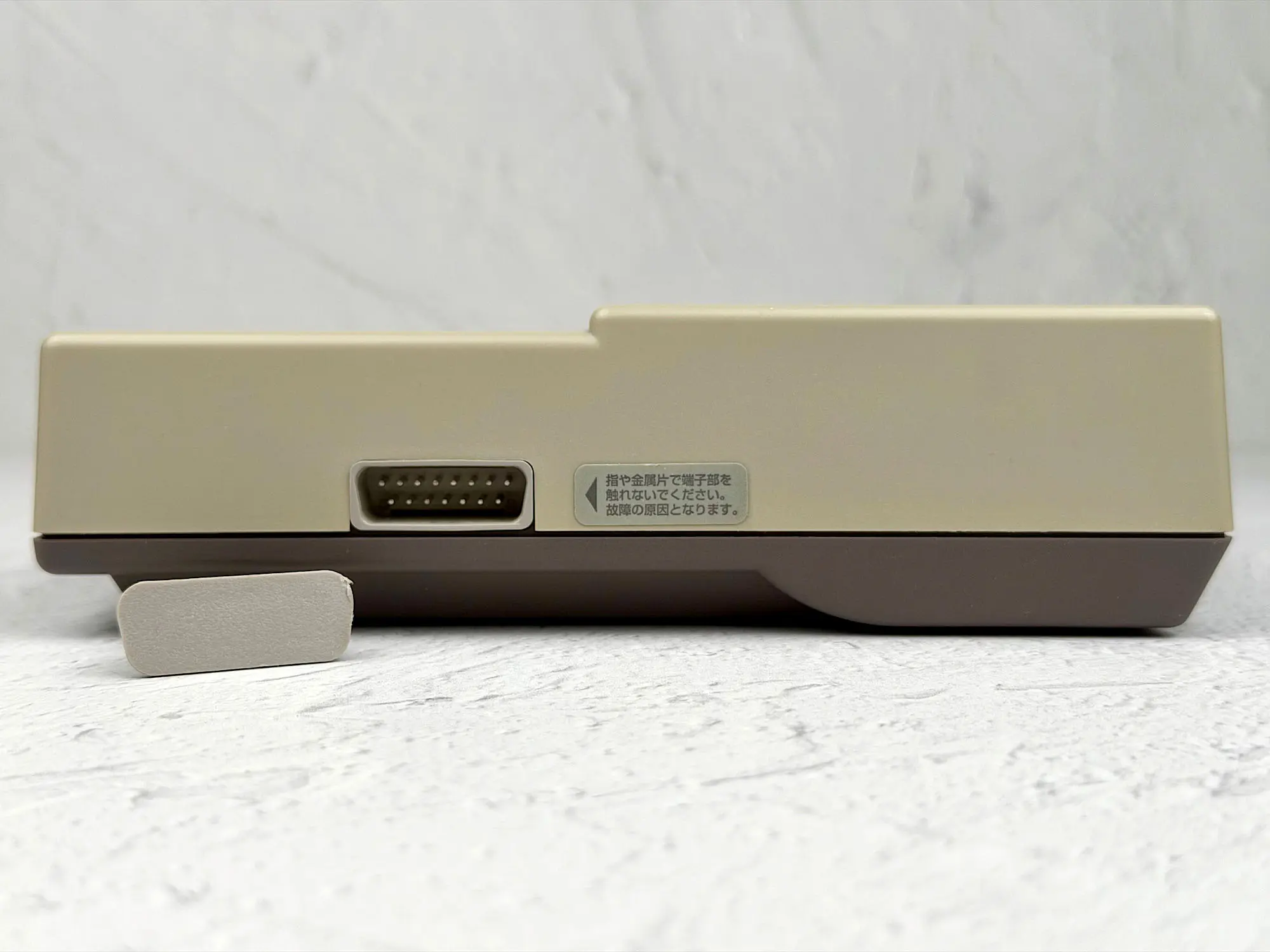
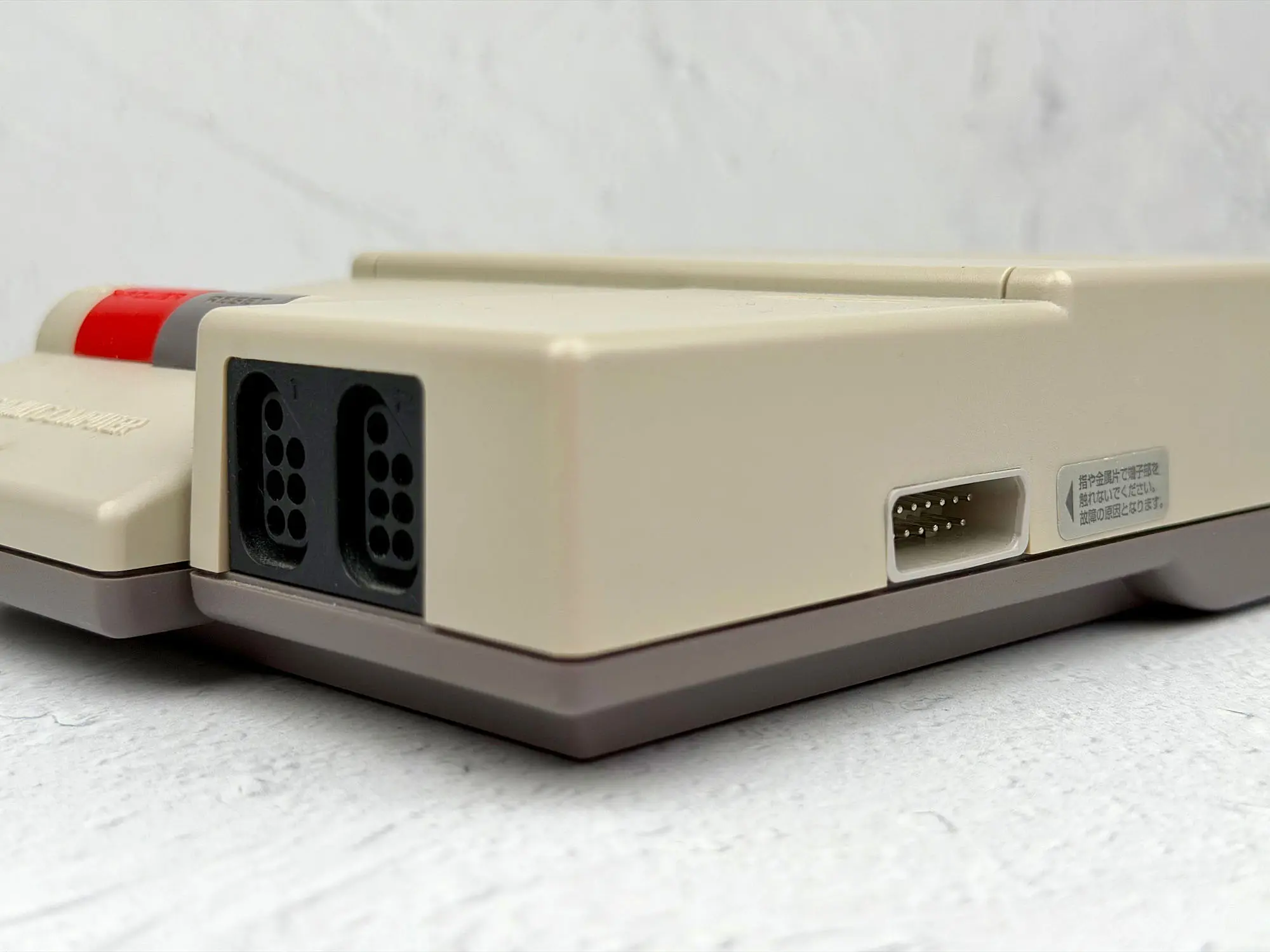
Right side — the proprietary accessory connector, like on the classic Famicom (for example, for a keyboard or other add-on hardware).
Back panel
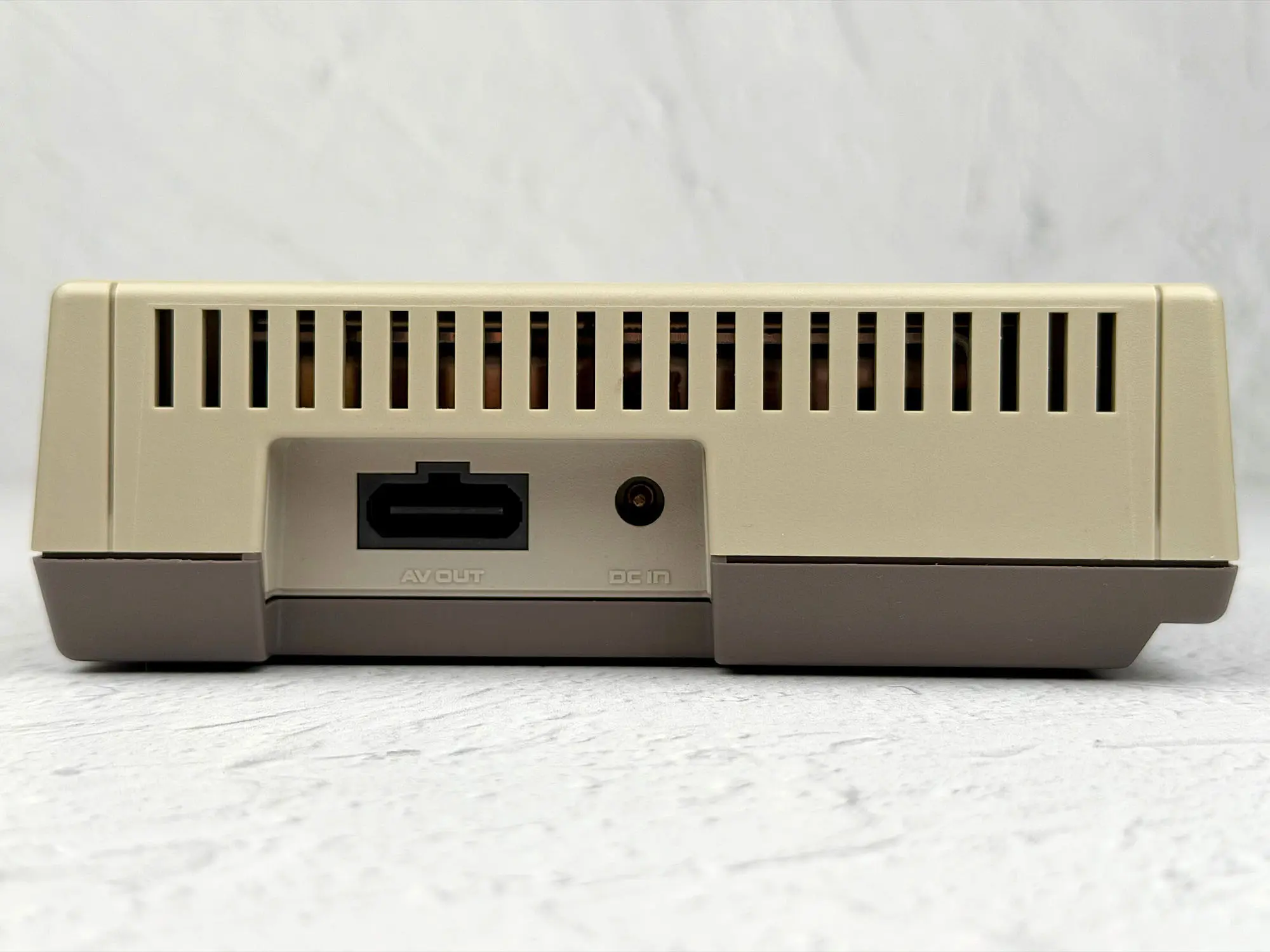
On the back you get the Multi Out connector (first introduced on the Super Famicom — a standard AV cable from the SNES/SFC and even the N64 fits here) and the power jack.
Bottom
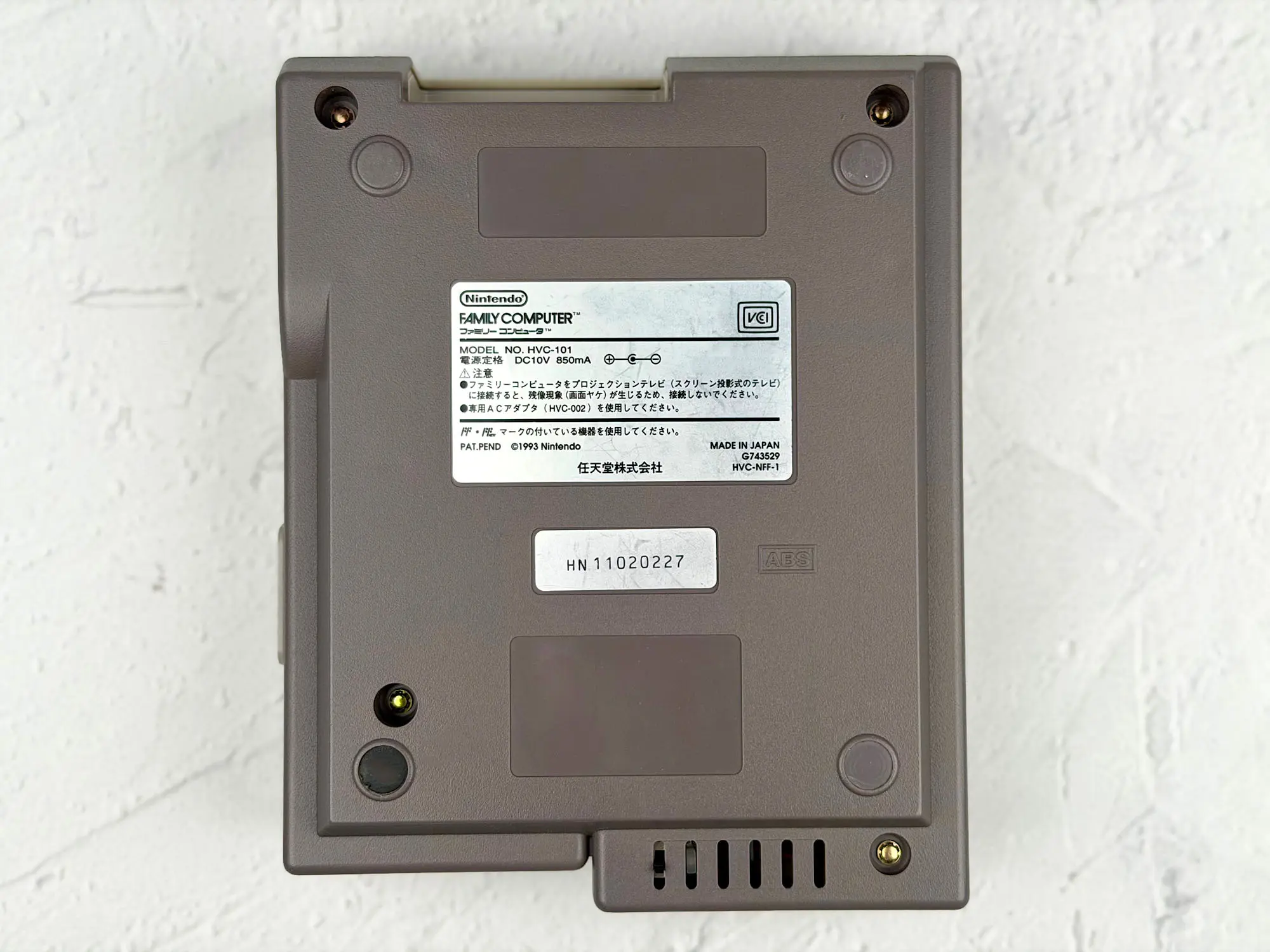
On the bottom, as expected, there’s the mandatory legal text and the console’s serial number.
Pros and cons
Considering this is already the fourth console in the Famicom family, it’s not surprising it barely has any serious drawbacks left.
Cons
1. Uninspired design — we already covered that in detail above.
2. Incomplete bundle — also discussed.
3. The microphone in the second controller is gone. The classic Famicom had it, but here it was removed. For most games it doesn’t matter, but fans of the “true Japanese original experience” might be annoyed.
That’s basically where the cons end — and the pros begin.
Pros
1. Detachable controllers
On the classic Famicom both controllers were built into the case, with very short cables, and they connected at the back. Because of that, you had to sit right in front of the TV — otherwise playing was basically impossible.
On the AV Famicom all of this was fixed:
- the controllers are detachable,
- the ports were moved to the front,
- the cables got longer, so playing is much more comfortable.
2. The accessory port stayed + the “NES-style” ports were added
The classic Famicom had a separate accessory port on the front (for example, for a keyboard or light gun) — and that port is still here.
But the AV Famicom also introduced standard NES controller ports. As a result, the console can work with some accessories from both Famicom and NES — a nice bonus for collectors and modders.
3. A proper Multi-Out connector for AV cables
Finally, this model got the AV connector Nintendo used on later consoles. With this connection, the image quality is noticeably better than the RF output on the classic Famicom. No need to mess with an antenna switch and “hunt” for the signal — a standard composite cable is enough, and the console works fine with modern TVs.
How to play?
For all the details about running games on this console, I recommend reading a separate article: “Nintendo Family Computer (Famicom) Review”.
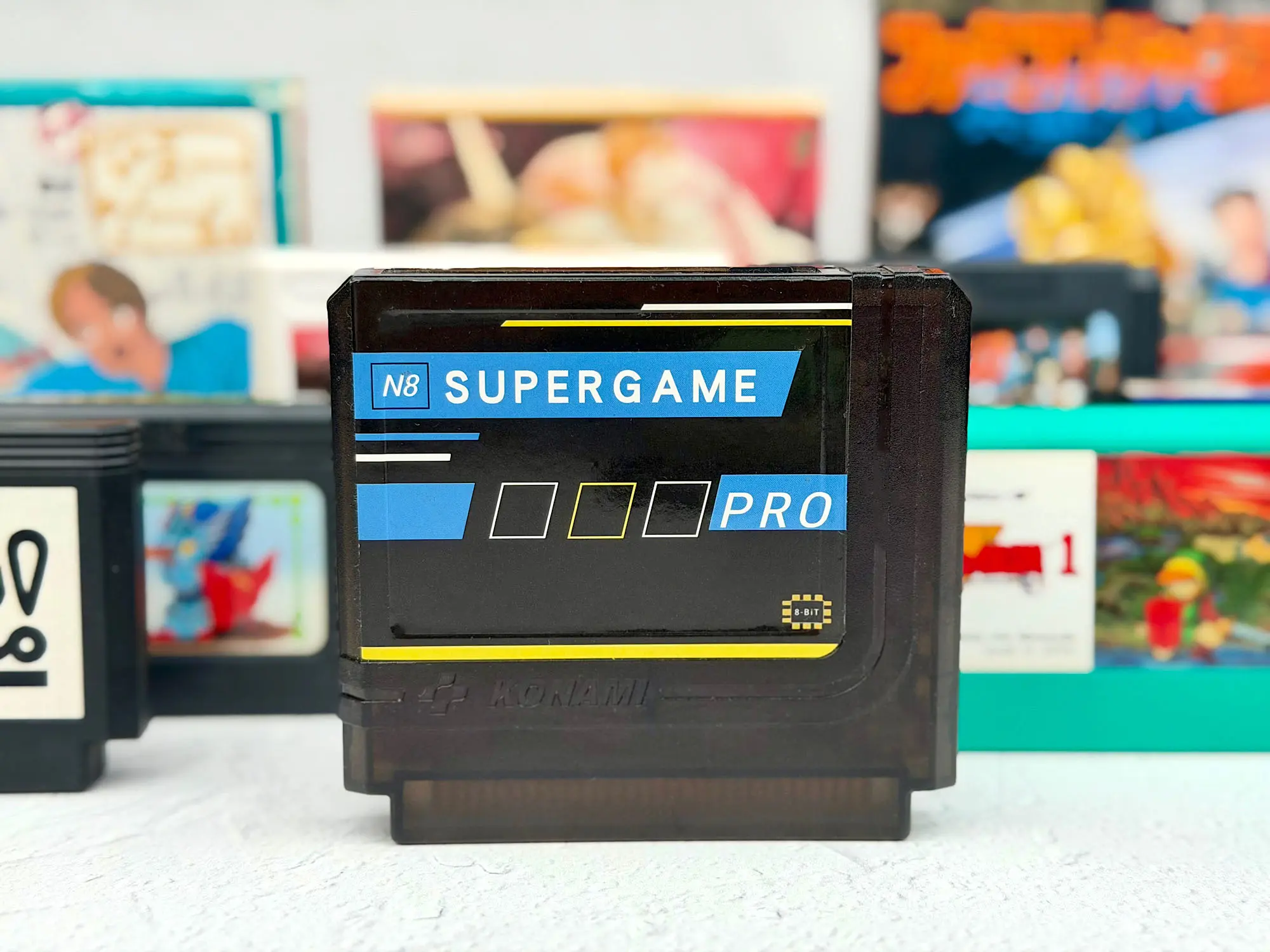
Overall, compared to the classic Famicom, nothing changes here: all the same cartridges work (licensed, pirate, and modern flash cartridges for Famicom). Just insert the cart — and you’re ready to play, like on the original.
Epilogue
If you ignore the plain design (which, honestly, doesn’t affect gameplay at all) and the missing second-controller microphone (which was used very rarely), the AV Famicom is easily the most comfortable and well-thought-out console in the entire Famicom family.
This is the option I can confidently recommend to anyone who doesn’t want to deal with mods, weird cables, or adapters. Even if you buy a so-called CIB set (boxed, but without the AV cable and power supply), everything you need is easy to find on AliExpress or in local shops.
And if you already have a Super Famicom or a Nintendo 64, you can simply use their cable and power supply and start playing right away. The AV Famicom is the truly “no-hassle” Famicom — great both for a collection and for actual gaming.