Table of Contents
Game Boy Micro Review
Friends, there’s a new article on the site: EZ-Flash Air Review: Features, Limitations, and Comparison with Other Models.
ChisLink - a revolution in the GBA world.
Friends, AliExpress now has:
Cool metal labels for Game Boy Advance consoles. Important: the OMEGA series will no longer be produced — it is being replaced in the lineup by the EZ-Flash Air.
Cool eXtremeRate cases for GBA SP.
Friends, help me buy (if you have) various old stuff: Help me buy.
In 2005, Nintendo released a new console, the Game Boy Micro. The console turned out to be so controversial that even the former head of Nintendo of America, Reggie Fils-Aimé, said that its concept was simply unviable.
This is also reflected in the console's sales. As of March 31, 2007, the console sold two and a half million units. Just for comparison, all consoles in the Game Boy Advance family (including the GBM) sold 81 million units, which clearly indicates that the Game Boy Micro was a complete failure.
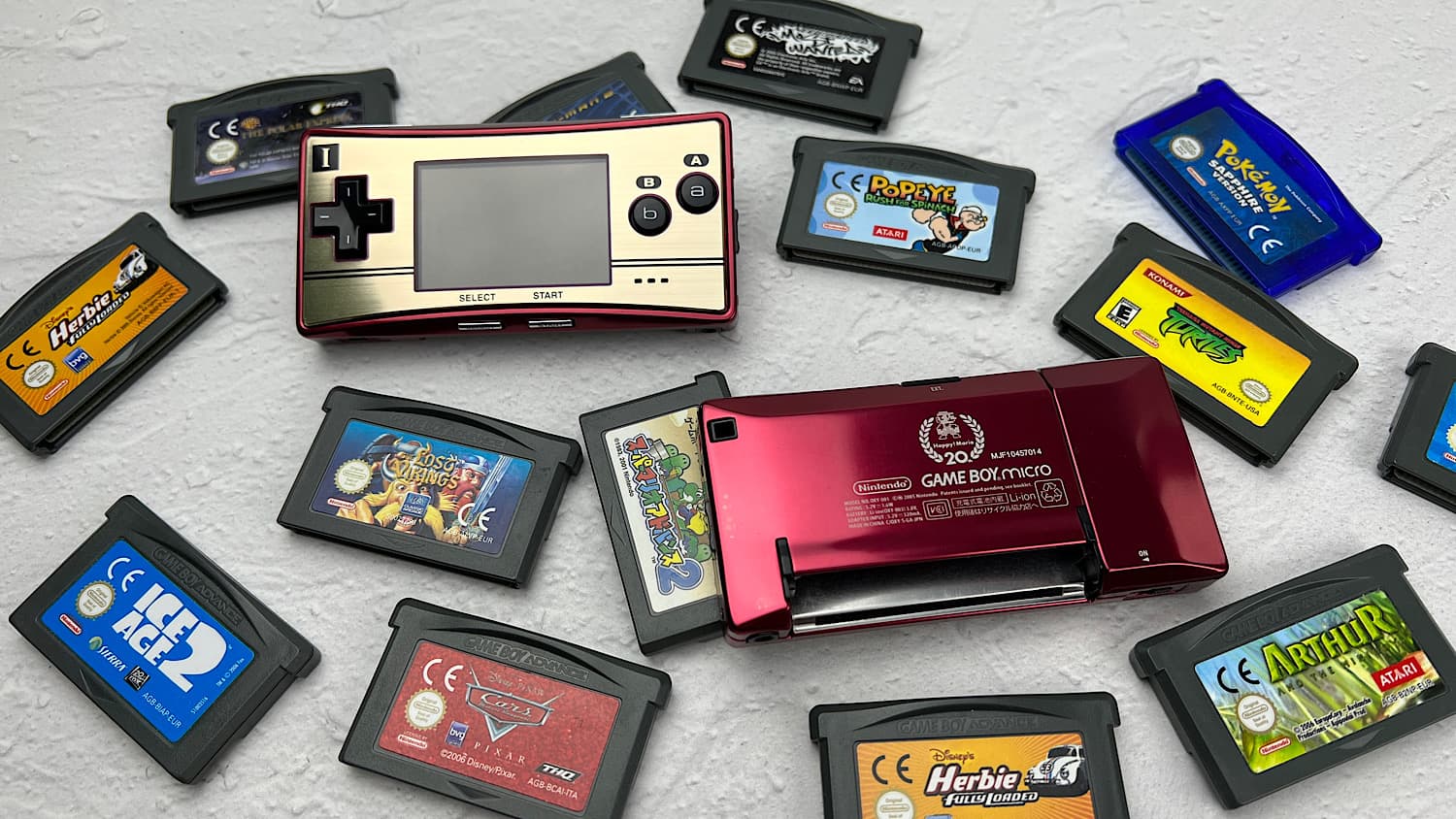
There is a lot of analysis online as to why this happened. In my opinion, this console was simply released at the wrong time.
Releasing such a console during the grand battle between the DS and PSP, and then immediately starting to sell its direct competitor in the form of the Game Boy Advance SP AGS-101 (they appeared on sale with a one-day difference) – this was a doomed plan from the start. And that's exactly what happened. But was this console really that bad? Let's try to figure it out.
Console Package
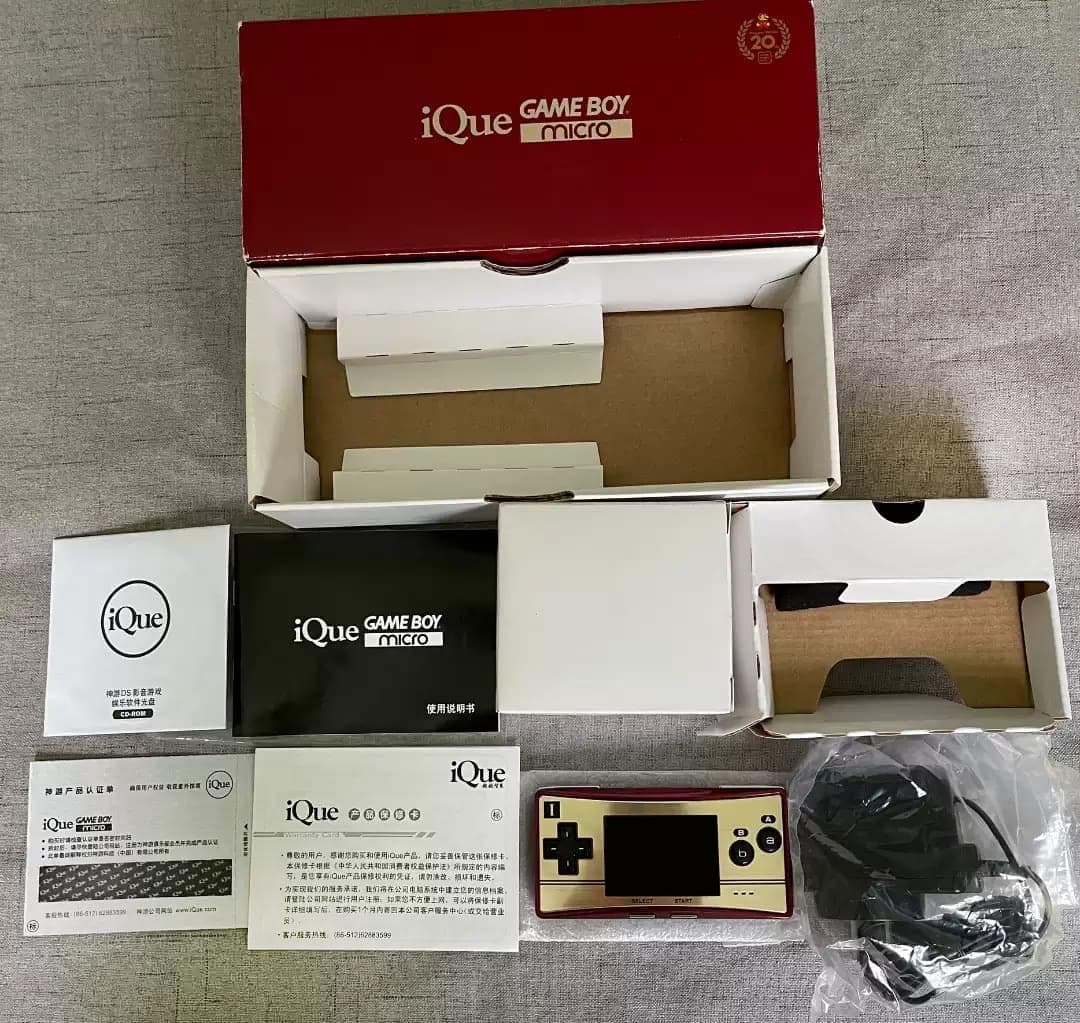
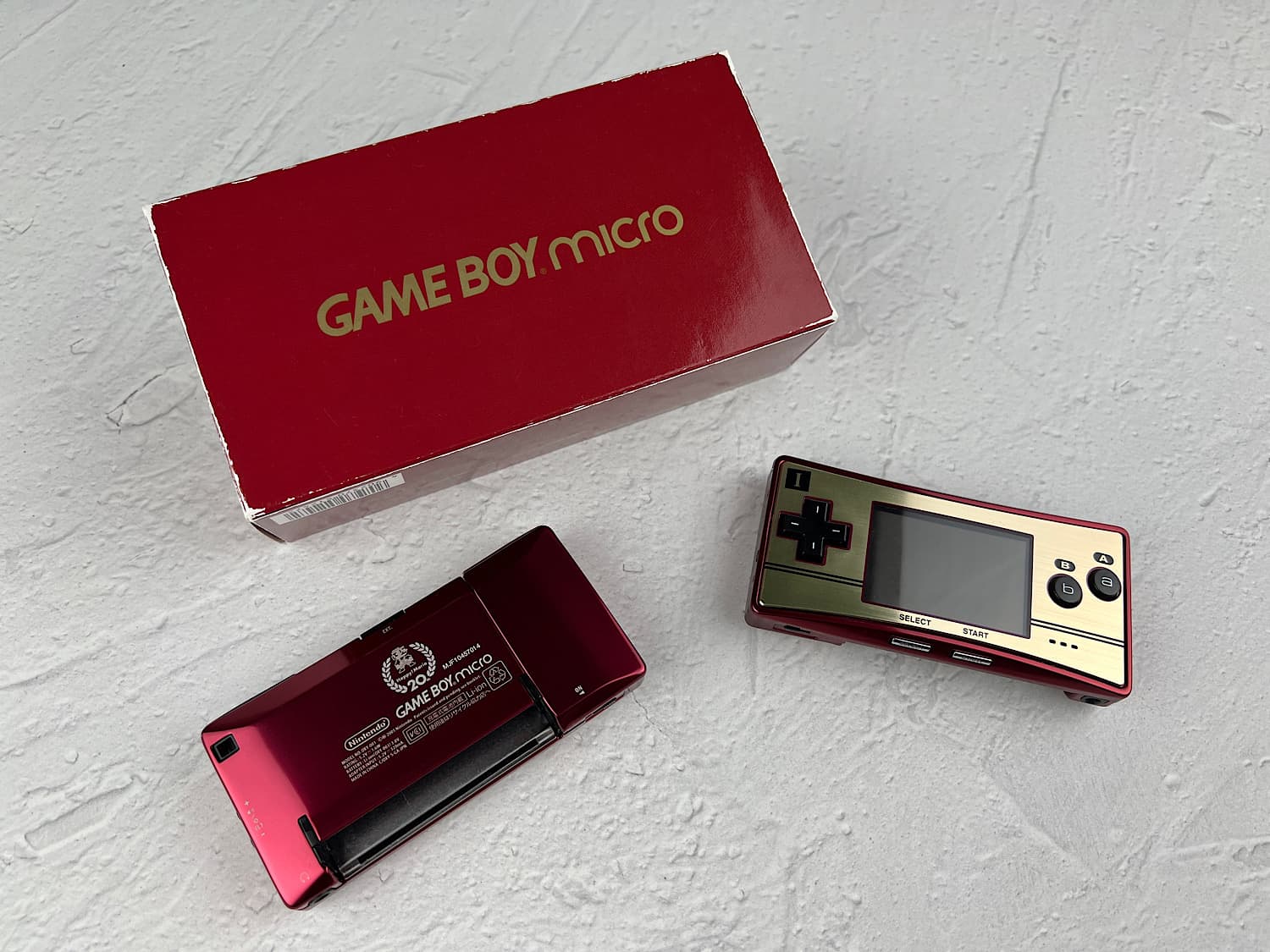
It so happened that I bought the limited edition console released in honor of Mario's 20th anniversary. Except for the fabric pouch, the packages were no different.
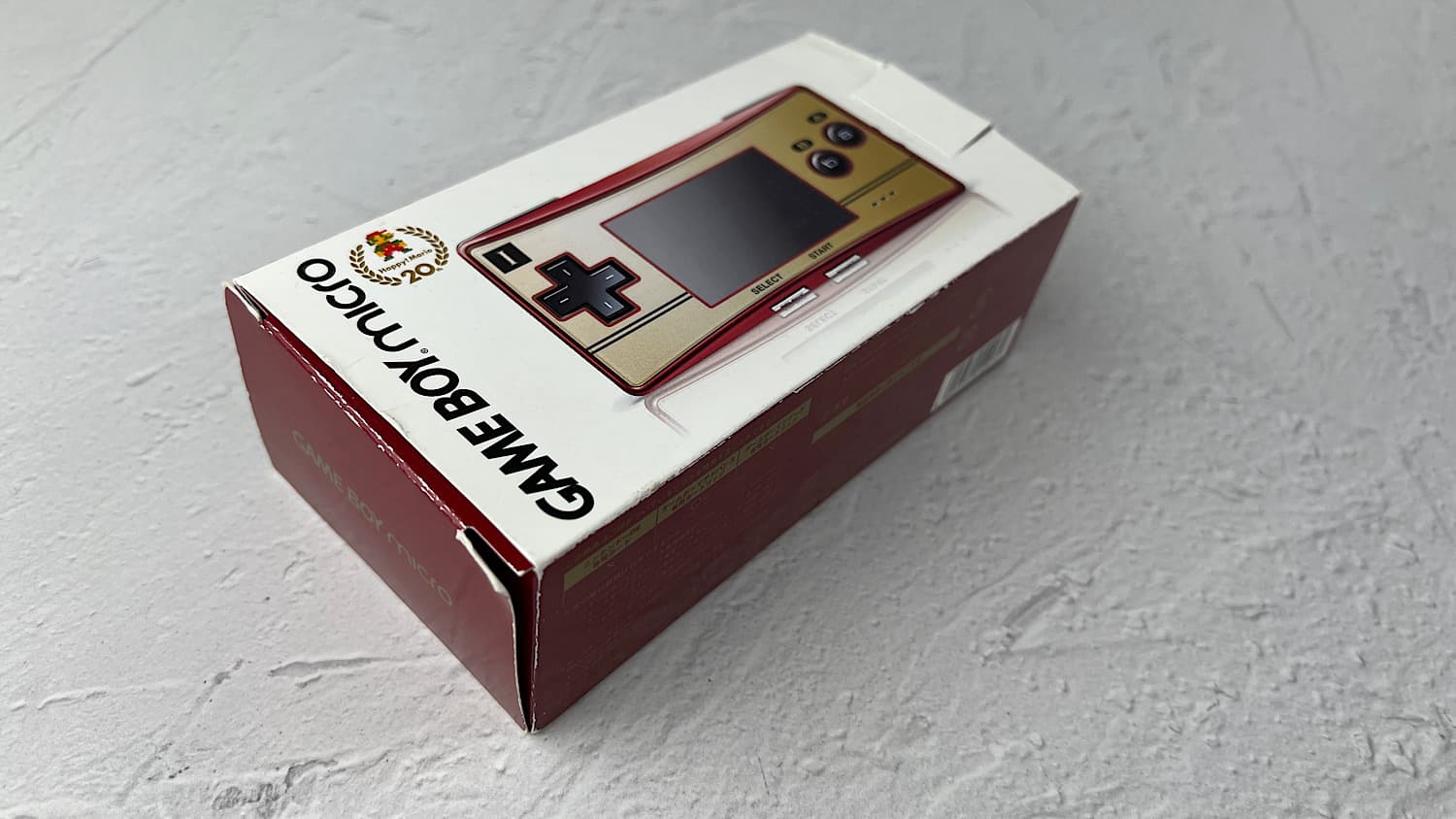
The console came in a very beautiful box.
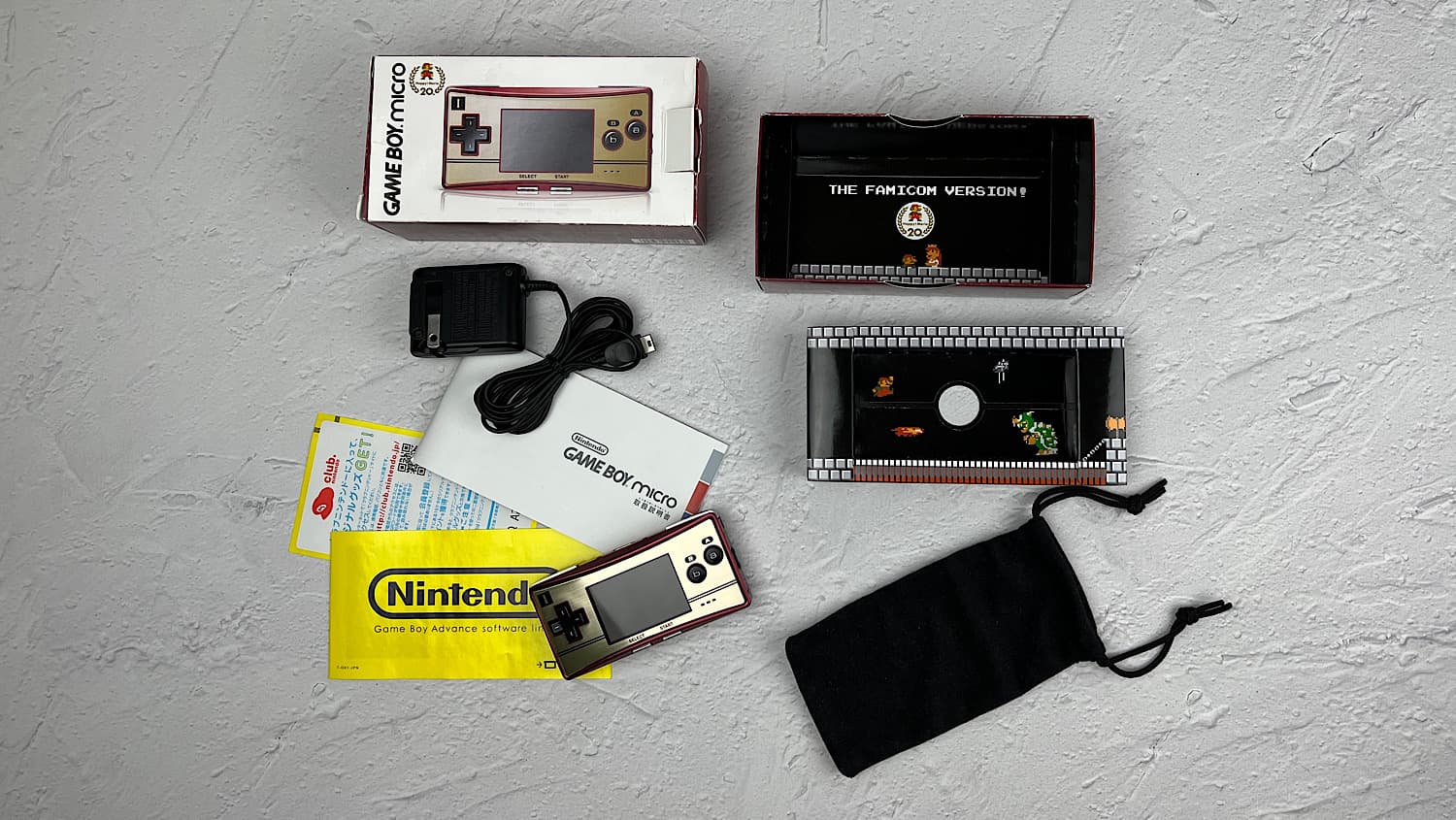
The package included:
1. The console itself;
2. A fabric pouch;
3. Instructions and other paperwork;
4. Charger;
5. A cool Mario-themed box.
Console Dimensions
For some people, the size of the Game Boy Micro is its biggest drawback. You simply cannot imagine how small it is.
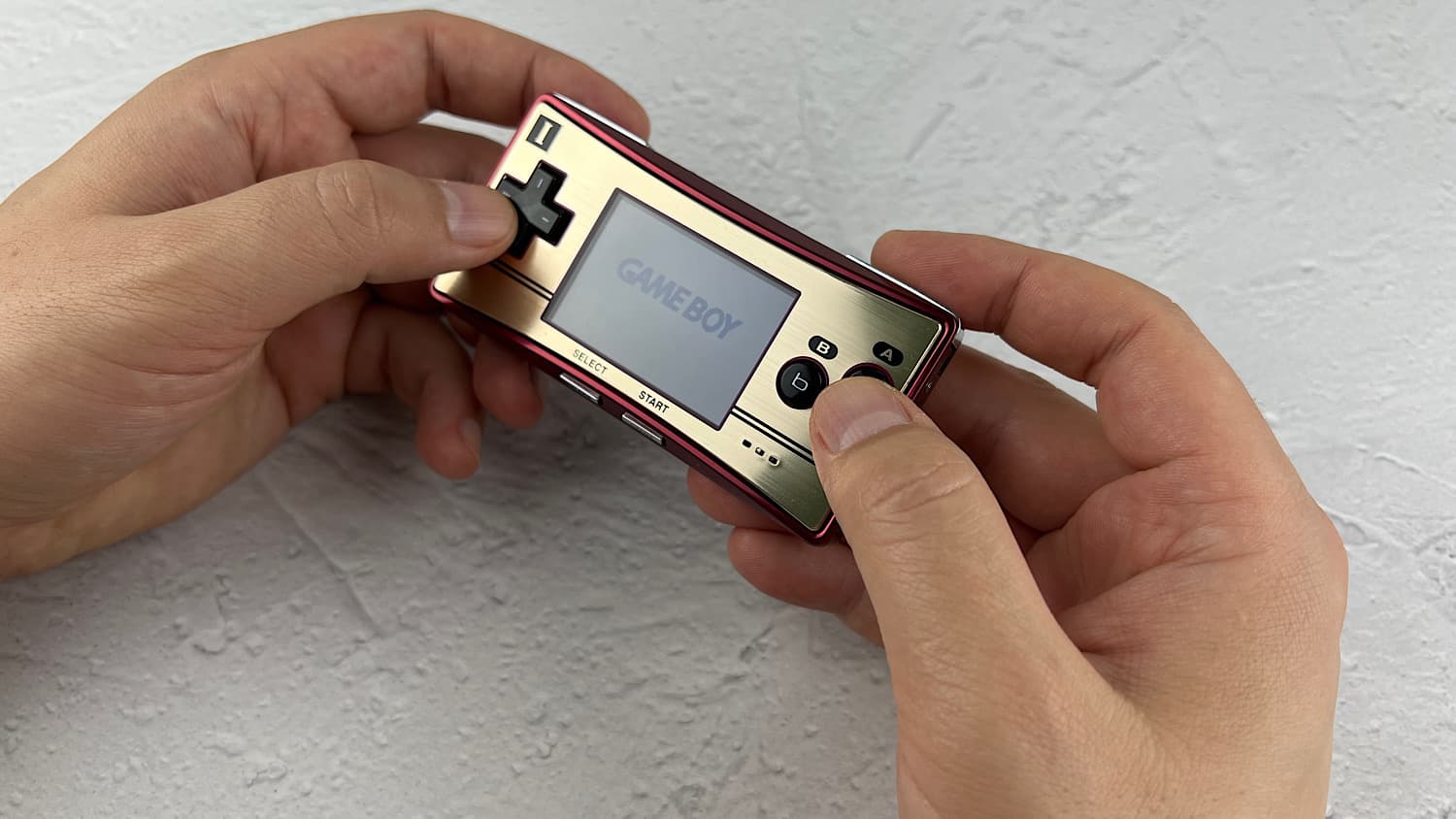
Just look, the console is slightly larger than its cartridge.
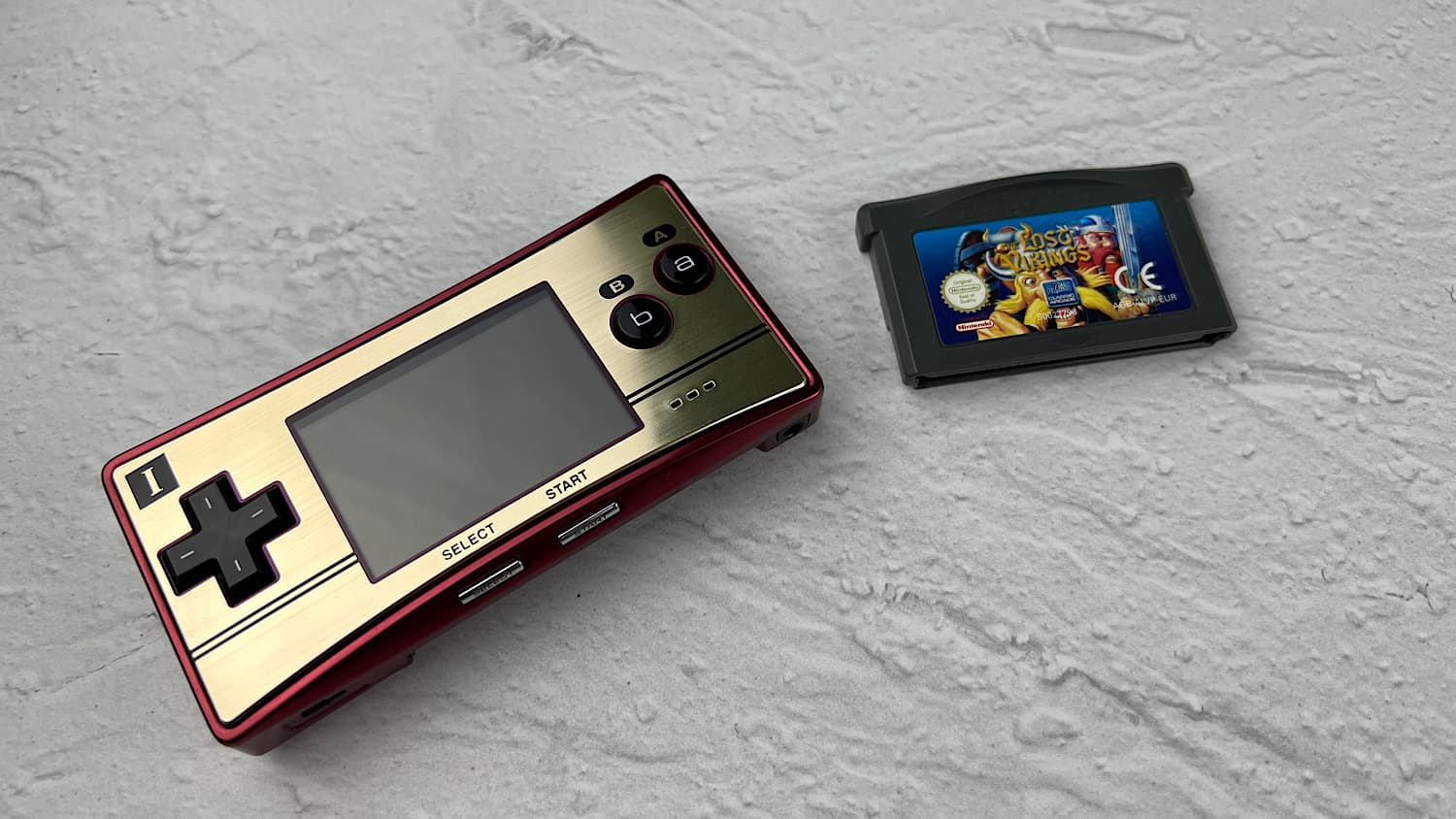
Width: 101 mm
Height: 50 mm
Thickness: 17.2 mm
The thickness of the Game Boy Micro is comparable to that of a matchbox.
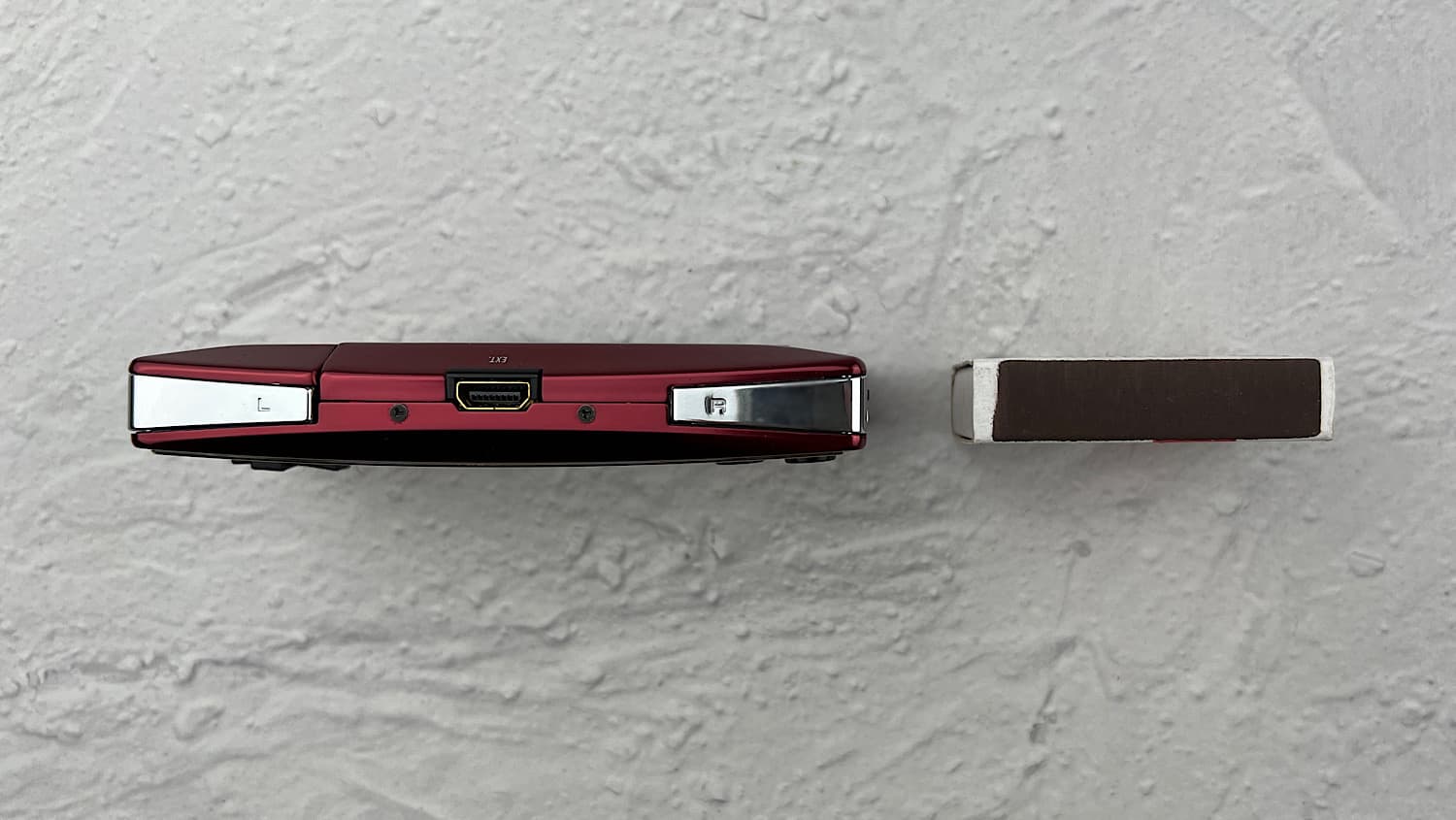
But it's not just the thickness that's comparable. The screen size is even smaller than the matchbox.
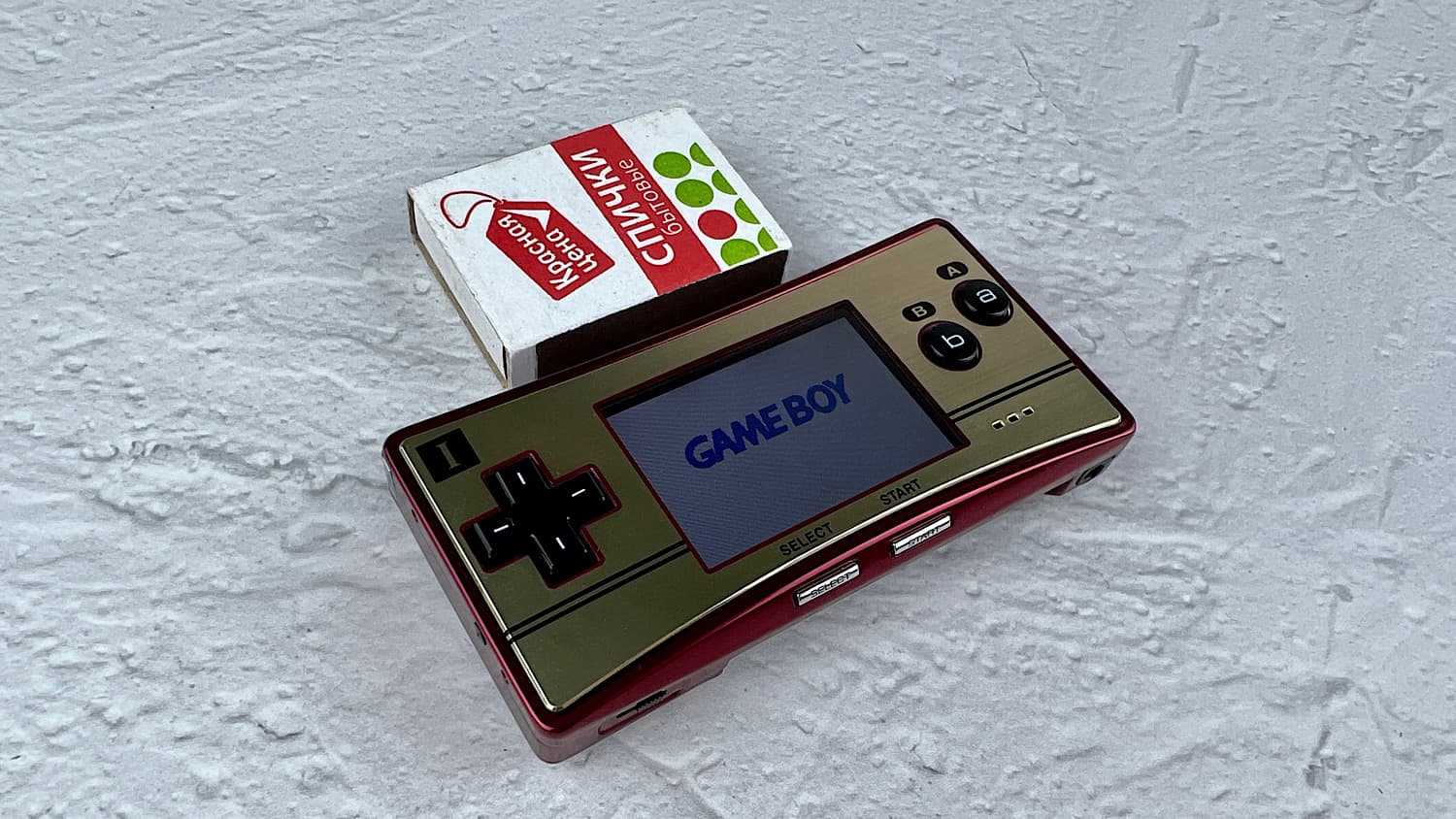
Overall, the small screen is the biggest complaint about the console. Compare the screen sizes of all the Game Boy Advance family consoles.
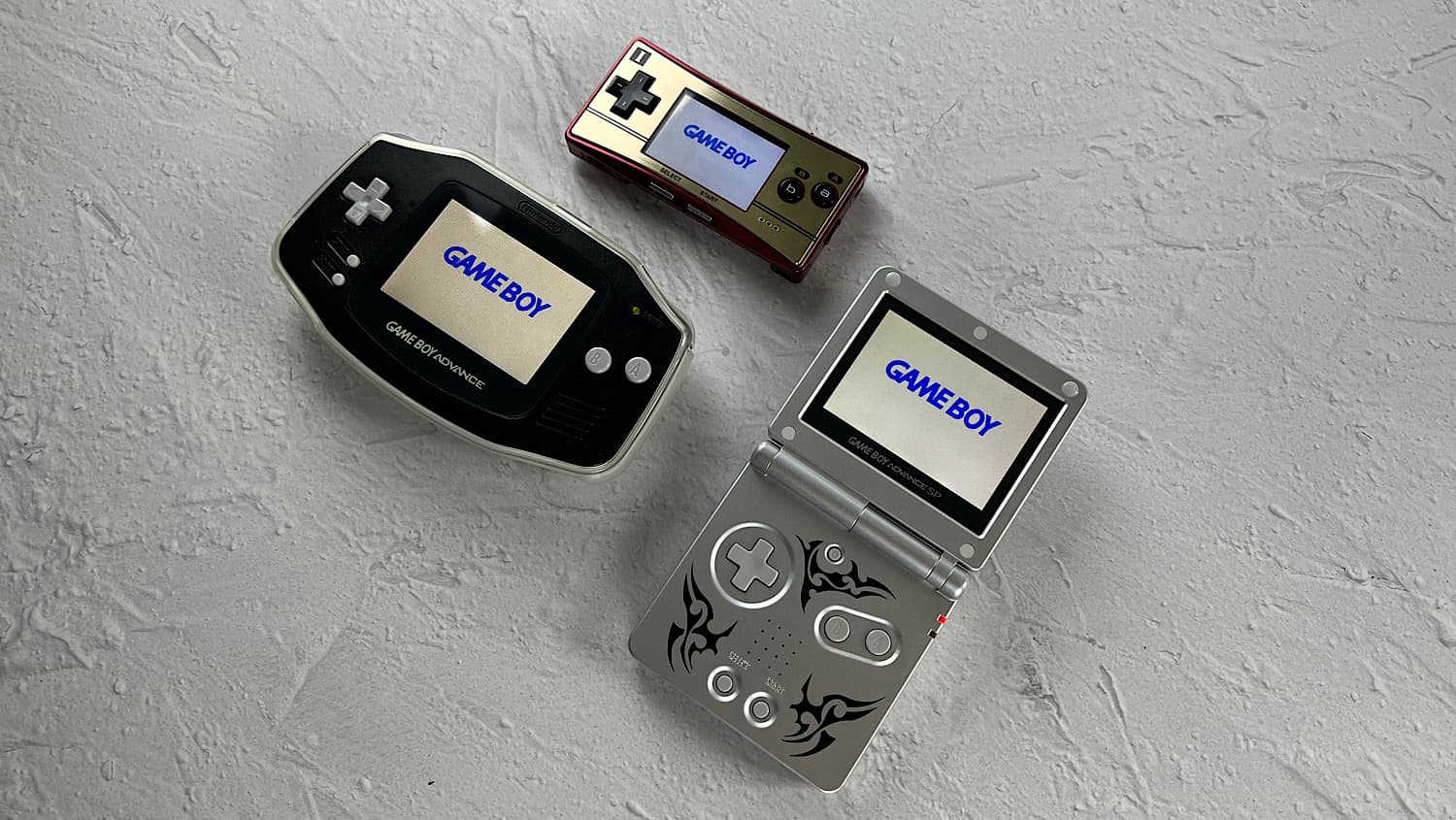
GBM screen size: 51 mm, while the screen size of other GBA consoles is 74 mm.
Although such dimensions are not only a drawback but also an advantage of the console. The Game Boy Micro is the only Nintendo console that can be carried in a jeans pocket. It weighs only 80 grams. If you have excellent eyesight and travel a lot, this will be the best option for you.
Usage
The first impression of the console is excellent. The console's body is made of aluminum, and it feels very pleasant to the touch. The console itself feels very premium, which, by the way, it is. In 2022, for a standard version of the Game Boy Micro (with only a charger included), you will pay from 10 to 15 thousand rubles.
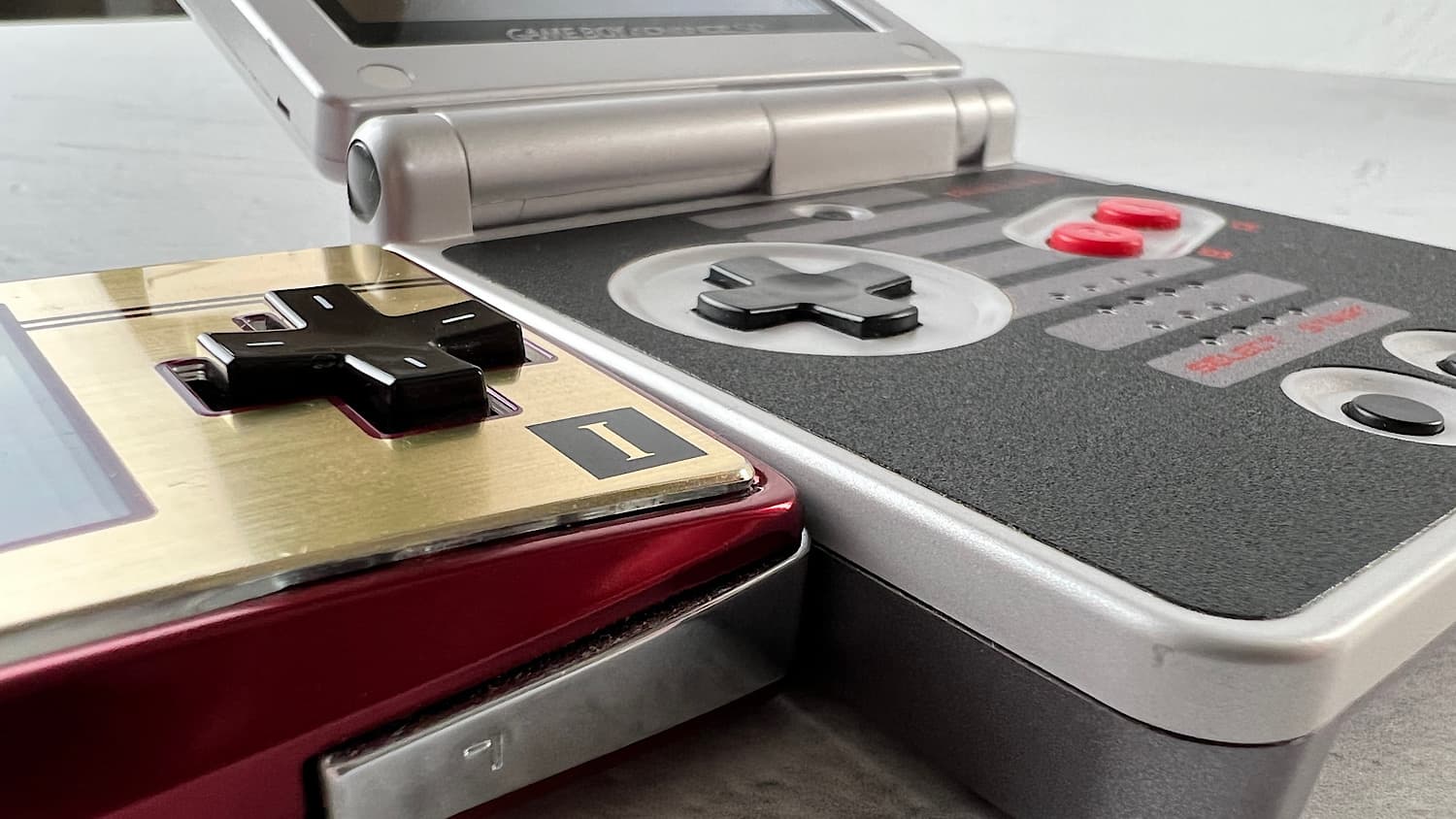
The buttons on the console are easy to press and feel very nice. Overall, they can be compared to the buttons on the classic Game Boy Advance. Moreover, like the GBA, the buttons on this console are just contact pads and are activated by pressing a conductive rubber pad. Many people don't like that the Game Boy Advance SP's D-pad is recessed. The GBM doesn't have this problem.
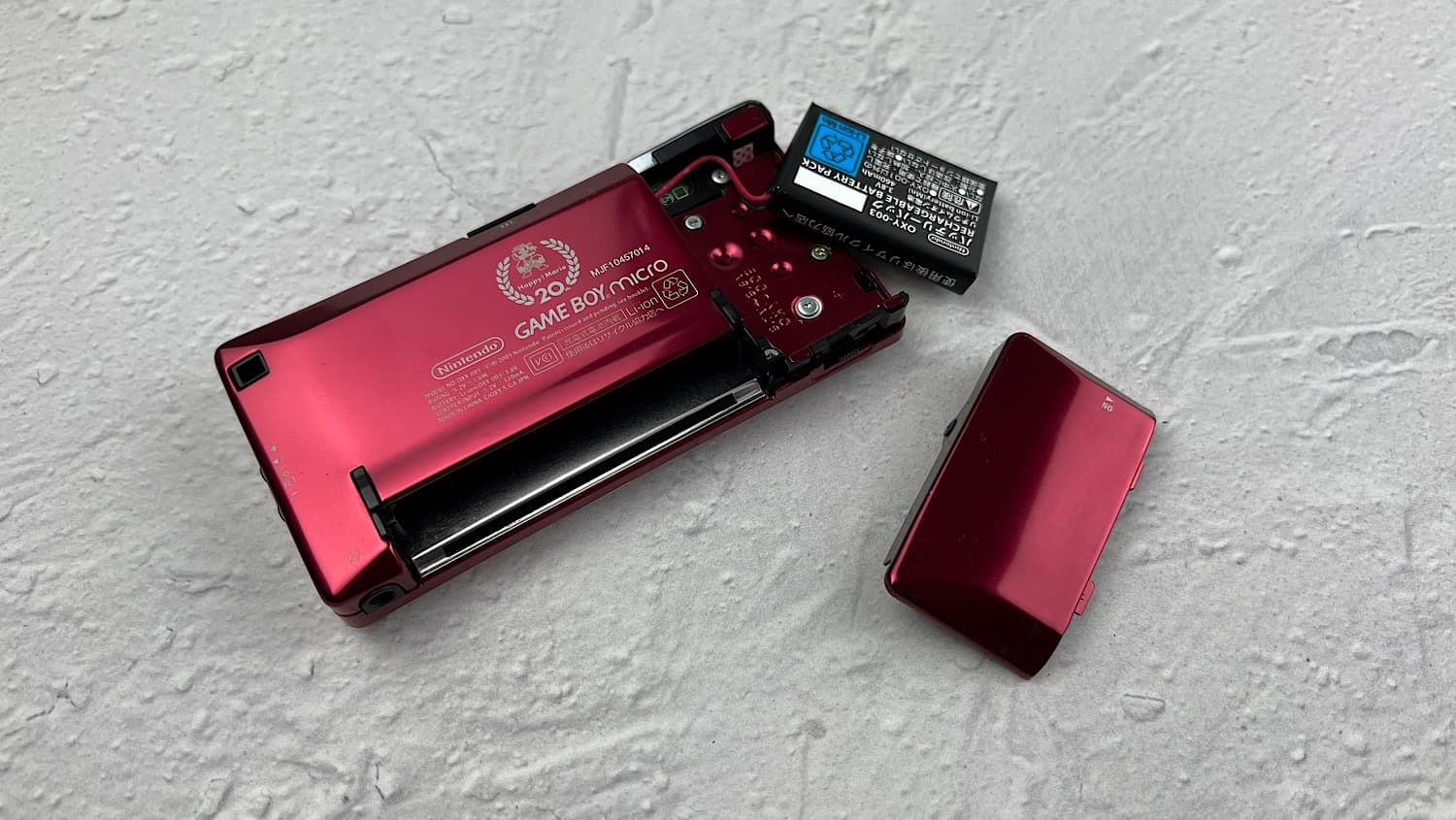
The Game Boy Micro runs on a 460 mAh battery.
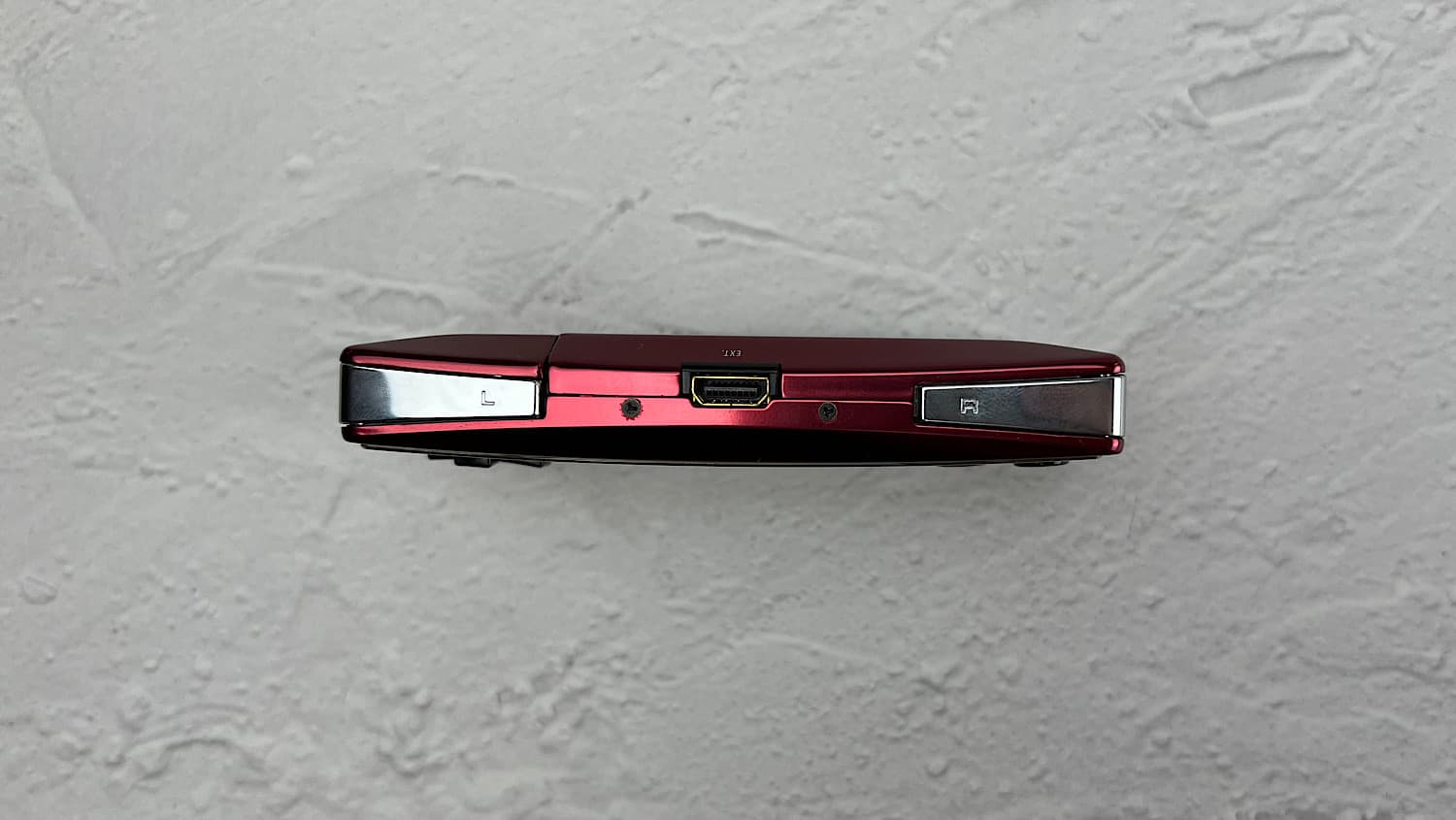
On the top of the console, there is: a combined port for charging and expansions, and the L and R buttons.
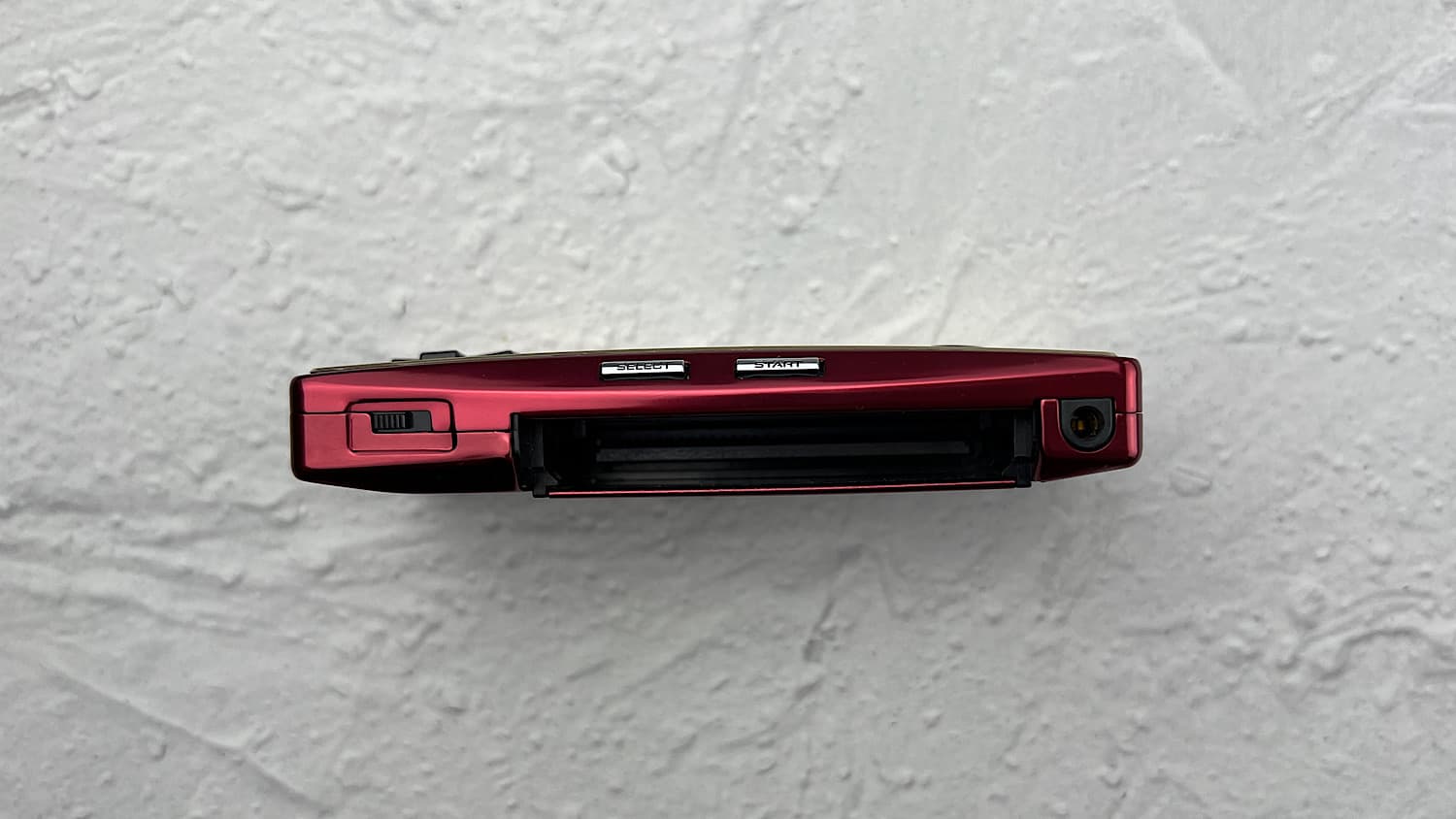
On the bottom of the console, there is a cartridge slot, a power button, Start and Select buttons, and a headphone jack.
There is nothing on the left side of the console.
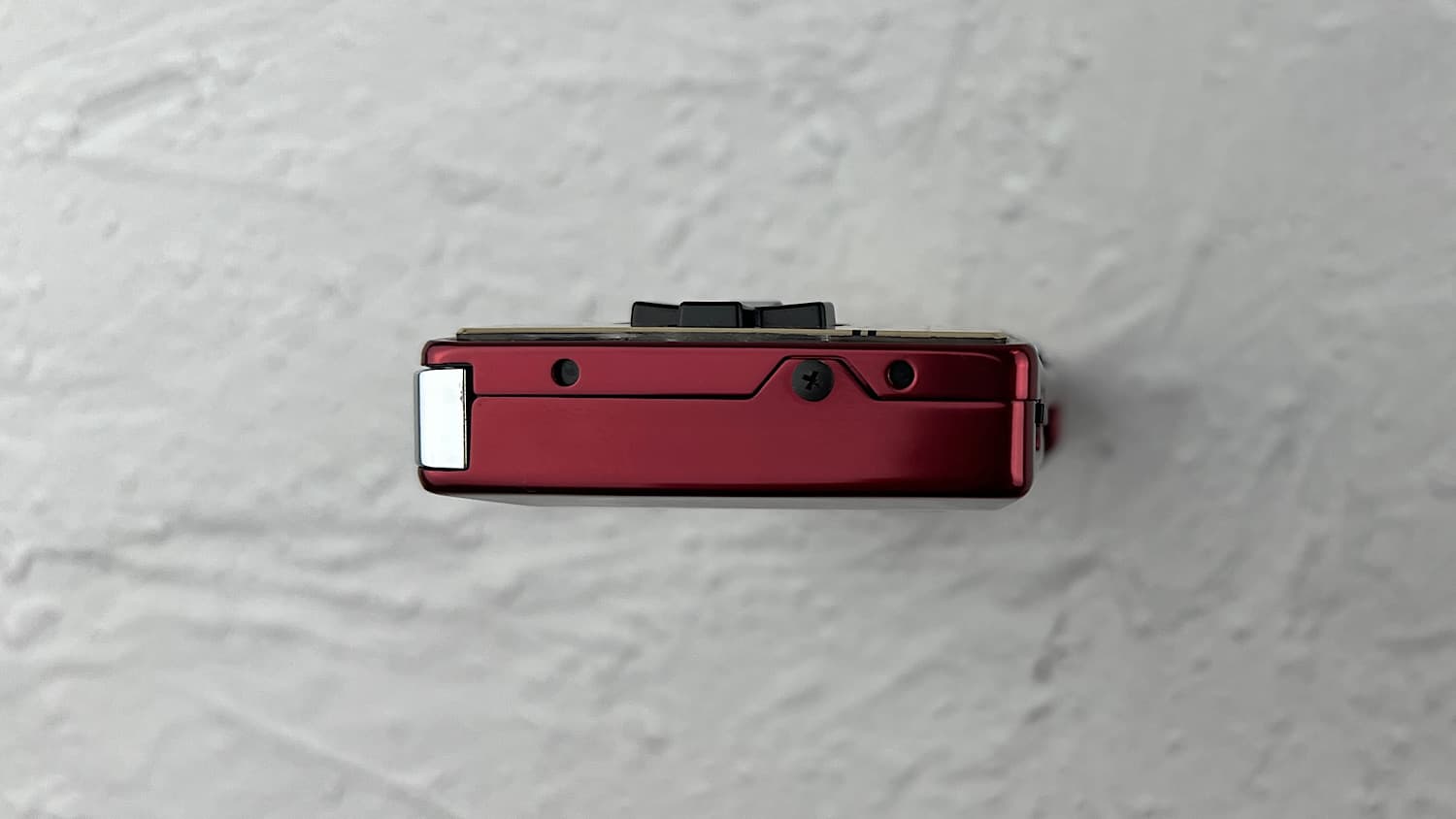
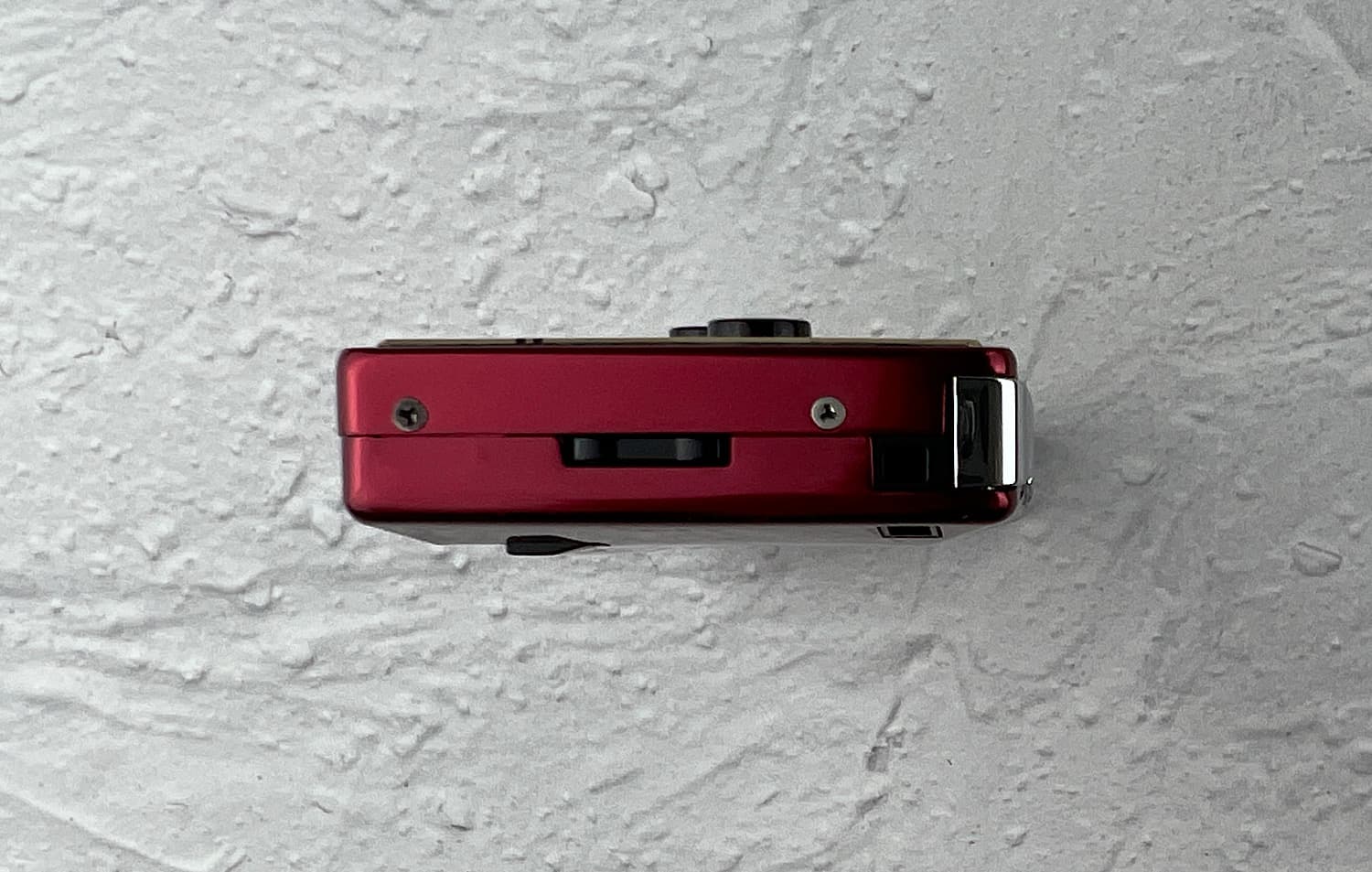
On the right edge, there is a volume switch. This switch also adjusts the brightness of the console: if you hold down the L button and press it, the brightness will increase or decrease. In addition, there is also a hole for a strap.
Pros and Cons of the Console
I've mentioned this before, but the size of the console is its biggest drawback. If you have poor eyesight and large hands, this console is definitely not for you.
The size of the Game Boy Micro also affected the battery capacity. I tested several GBM consoles, and on average, they lasted three hours. But these are three hours of continuous use (a program from the AGS Testing Cartridge was running), and with the use of an EZ Flash Omega flash cartridge, which itself consumes much more power than a regular cartridge.
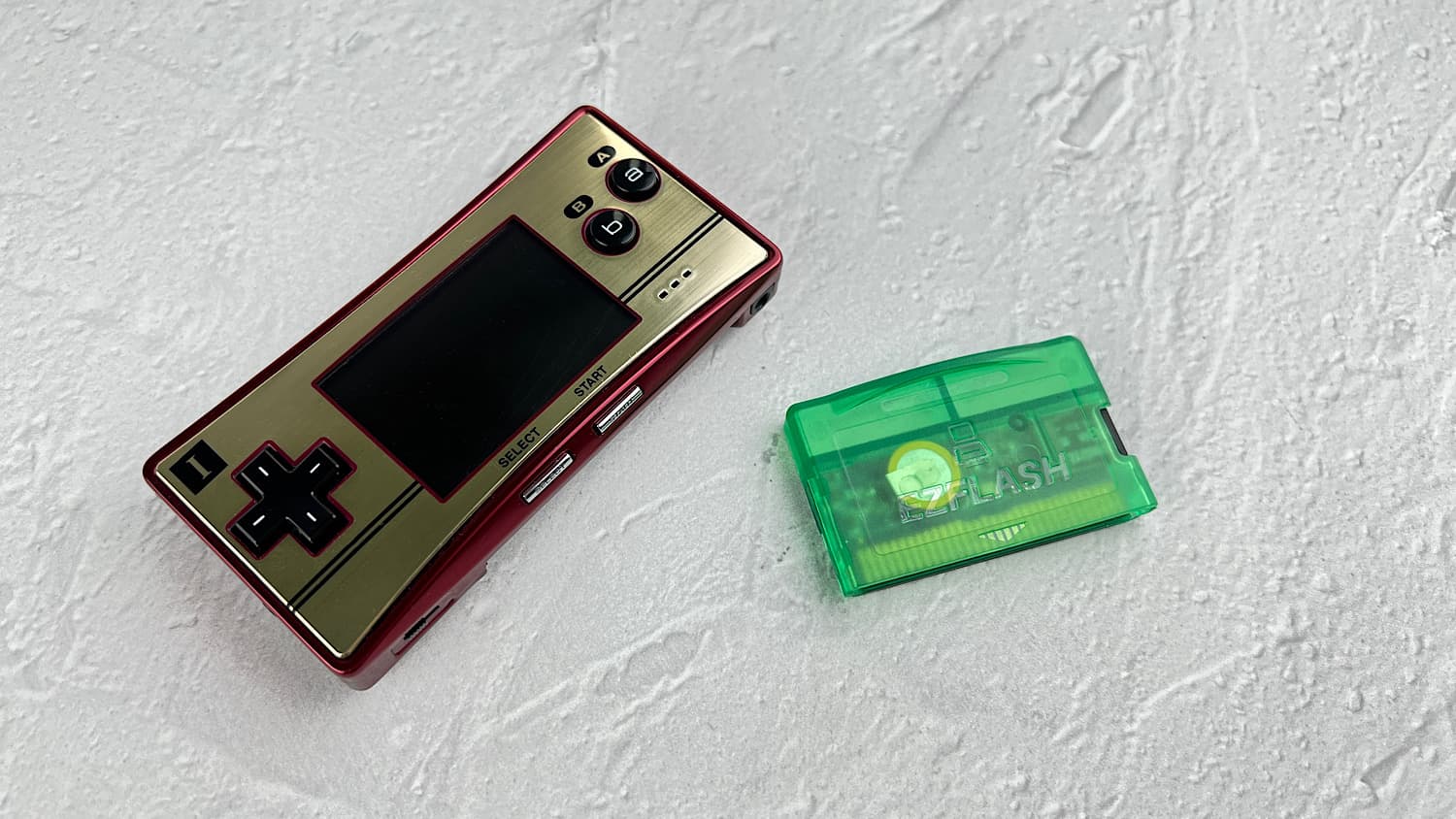
Another drawback is the change in the expansion port and combining it with the charging port. Because of this, the Game Boy Micro has a unique charger, and all accessories that connected to the GBA and GBA SP expansion ports are not compatible with this console.
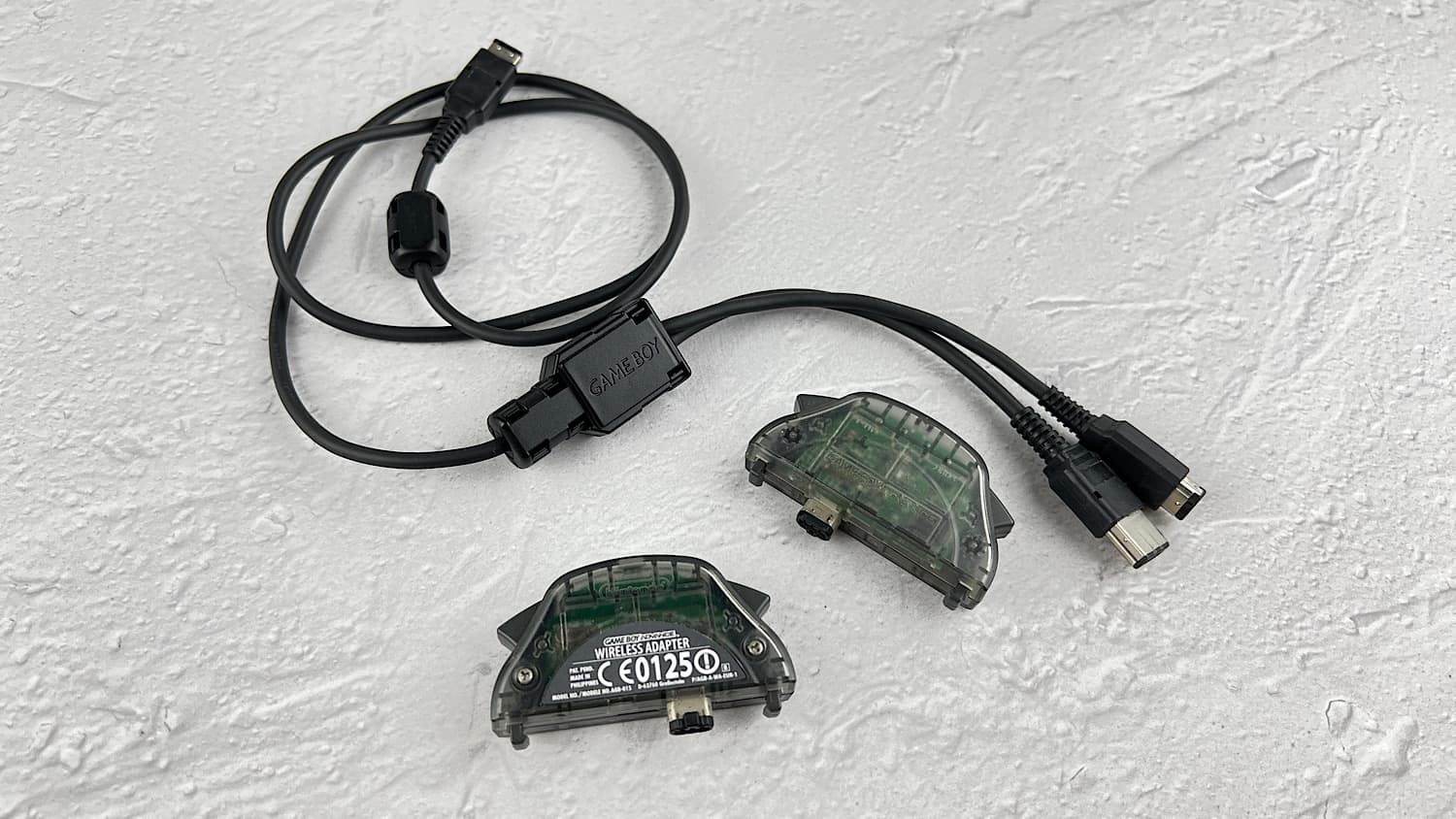
These accessories are not compatible with the Game Boy Micro.
Another significant drawback of this console is the lack of backward compatibility with Game Boy and Game Boy Color games. That is, the Game Boy Micro can only run Game Boy Advance cartridges.
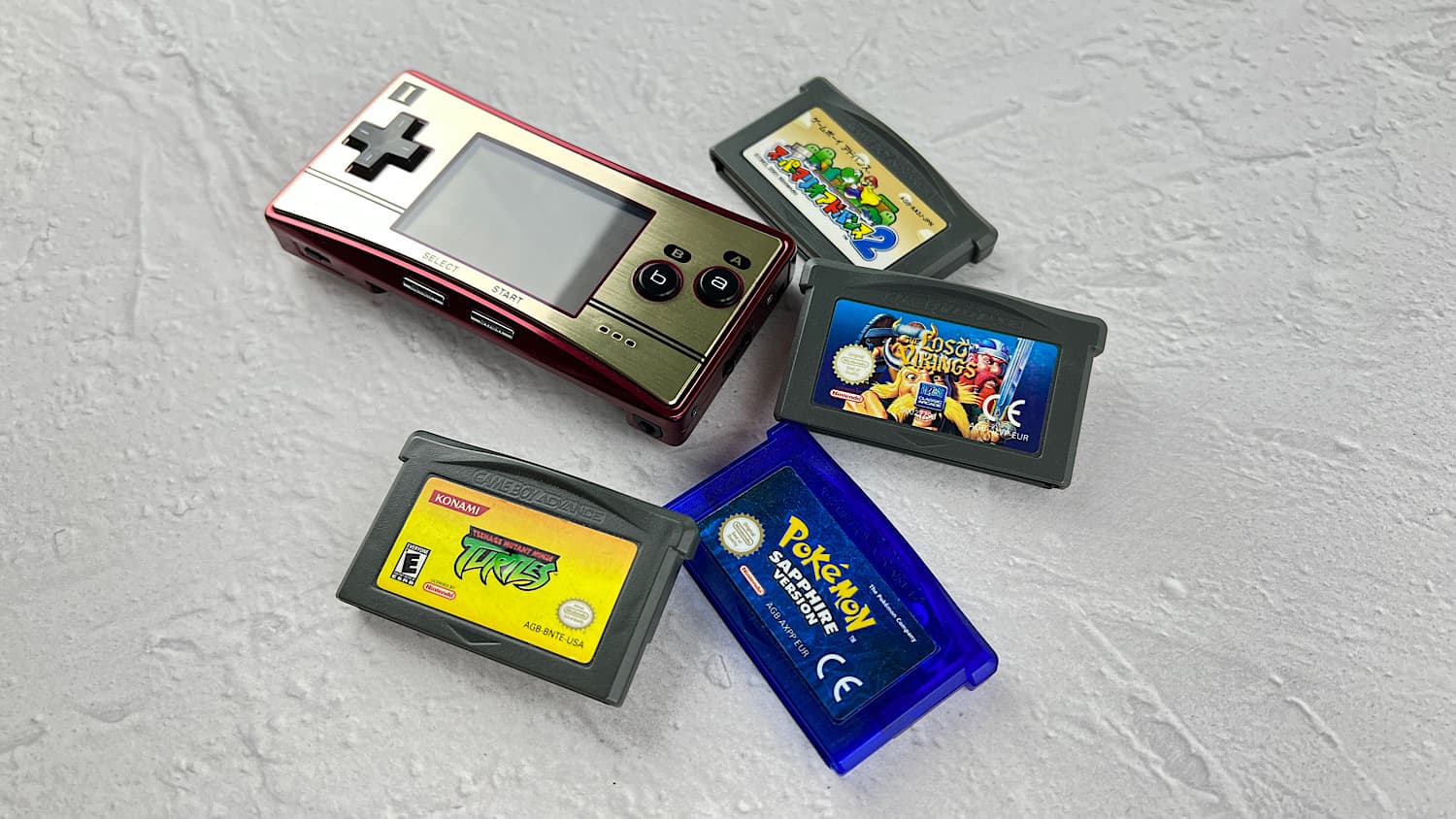
Now let's talk about the pros of the console.
The biggest advantage of the console, oddly enough, is its size. The console is incredibly small and can be carried in your pockets. It weighs very little. And in general, if you have to struggle with where to put a Nintendo 3DS XL, you won't have such problems with the Game Boy Micro.
Just compare the Nintendo 3DS XL and the Game Boy Micro.
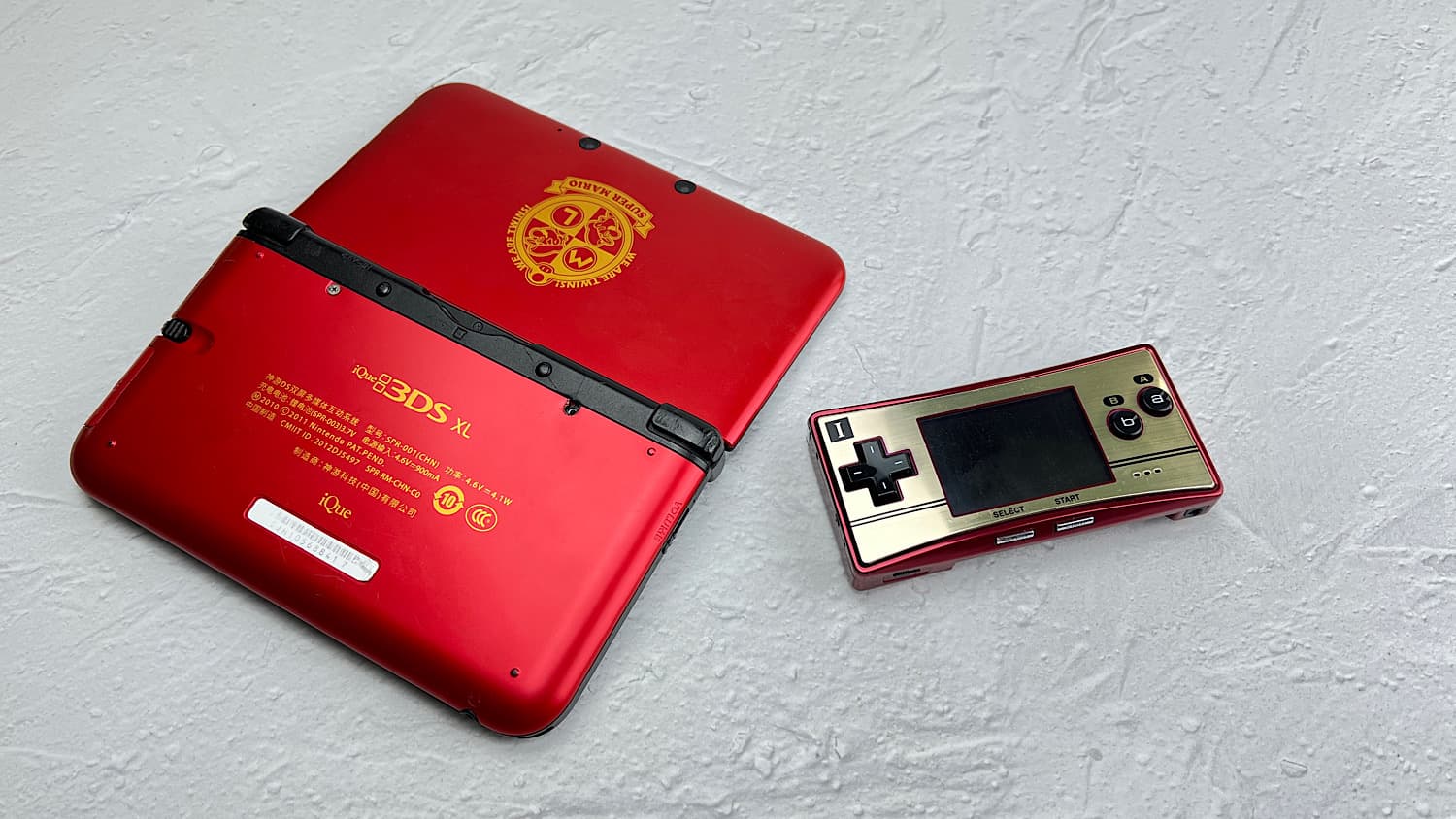
The second advantage is the headphone jack. The Game Boy Advance SP didn't have space for this jack, but the Micro, which is half the size, does. And the sound quality was slightly improved. Playing with headphones on the Game Boy Advance SP is simply unbearable due to the poor sound quality.
Another undeniable advantage is the materials of the console. It feels very nice to hold.
Also worth noting is the screen, which has as many as 5 backlight modes!
iQue
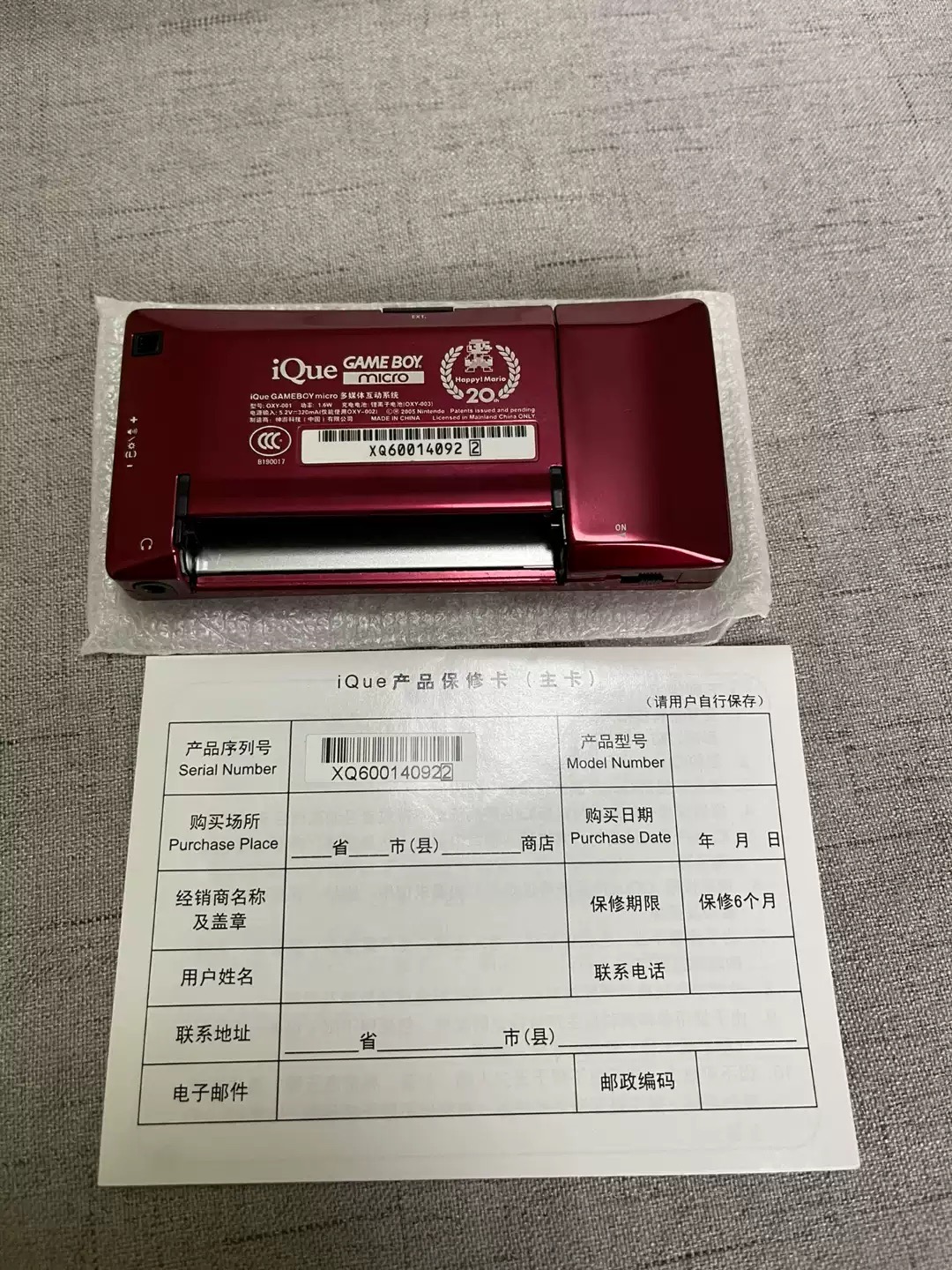
As with all Game Boy Advance family consoles, the company iQue released its version of the Game Boy Micro.
The difference between the Nintendo Game Boy Micro and the iQue Game Boy Micro is only in the text on the back of the console.
Epilogue
Perhaps the biggest question that has always surrounded the Game Boy Micro is whether it's worth buying?
The main problem here is that for the ten thousand rubles you spend on it, you could buy a Game Boy Advance SP AGS-101 and a good flash cartridge. At the same time, by buying the Game Boy Micro, you are getting a device that is functionally worse and costs twice as much. But if you love miniature devices and have excellent eyesight, I recommend trying this console. After all, if you don't like it, you can always resell it, as the demand for it is very high.