Table of Contents
Nintendo DSi Review
Friends, there’s a new article on the site: EZ-Flash Air Review: Features, Limitations, and Comparison with Other Models.
ChisLink - a revolution in the GBA world.
Friends, AliExpress now has:
Cool metal labels for Game Boy Advance consoles. Important: the OMEGA series will no longer be produced — it is being replaced in the lineup by the EZ-Flash Air.
Cool eXtremeRate cases for GBA SP.
Friends, help me buy (if you have) various old stuff: Help me buy.
On November 1, 2008, Nintendo released the Nintendo DSi console.
Despite the fact that dry statistics indicate that the Nintendo DSi sold in smaller quantities than older versions of the consoles: 28 million (NDSi) versus 113 million (NDS + NDS Lite), the total sales figure of 28 million units is undoubtedly a success.
In my opinion, the Nintendo DSi is a very controversial console. If you were not interested in the console during its release year, you might even think that the Nintendo DSi is worse than the Nintendo DS Lite. But is that really the case? Let's try to figure it out.
The Nintendo DSi is the third console in the Nintendo DS family line.
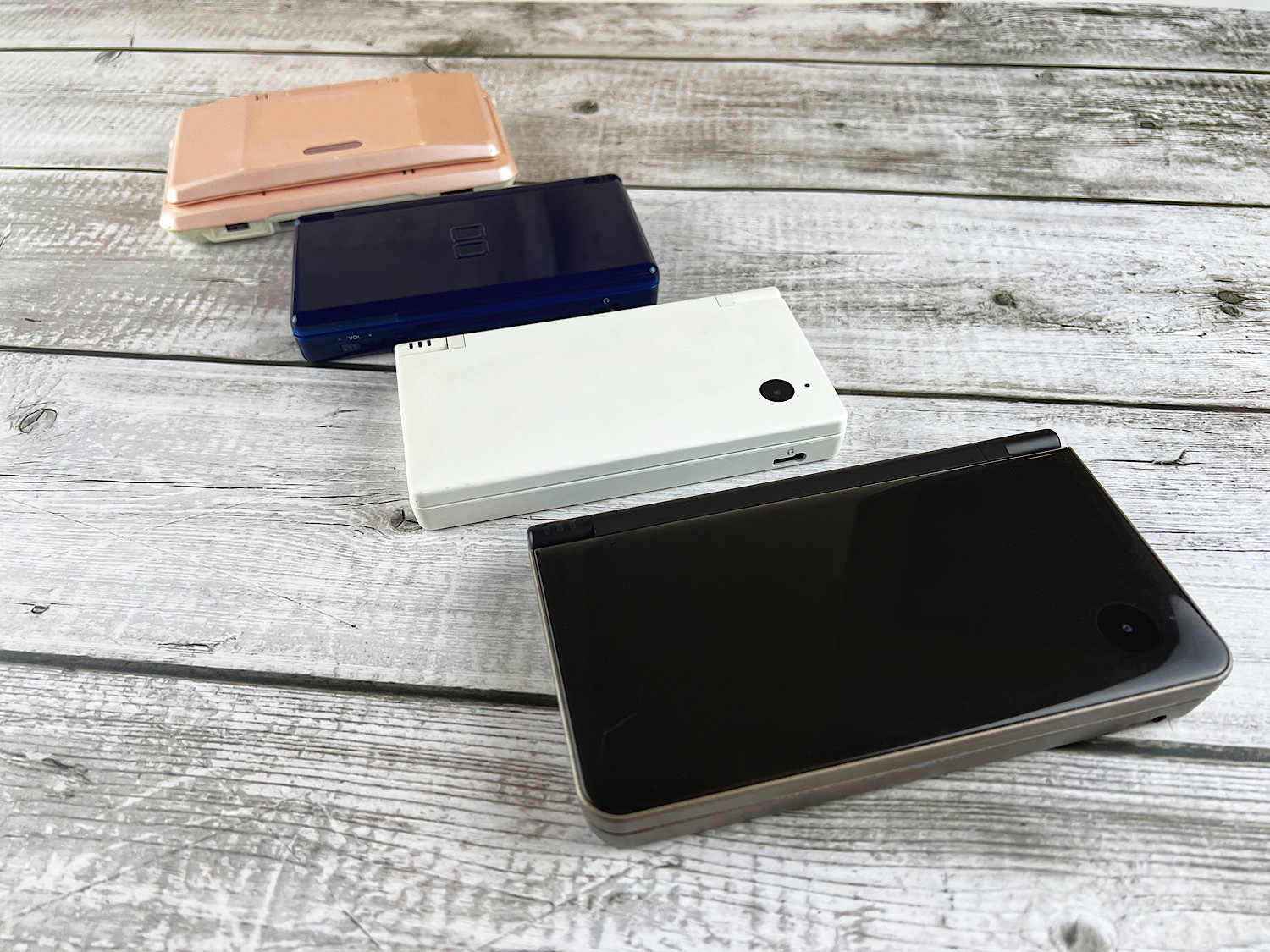
Nintendo DSi - third from the top.
And while the transition from the Nintendo DS to the Nintendo DS Lite is quite understandable: improved screens and portability, the transition from the Nintendo DS Lite to the Nintendo DSi raises many questions.
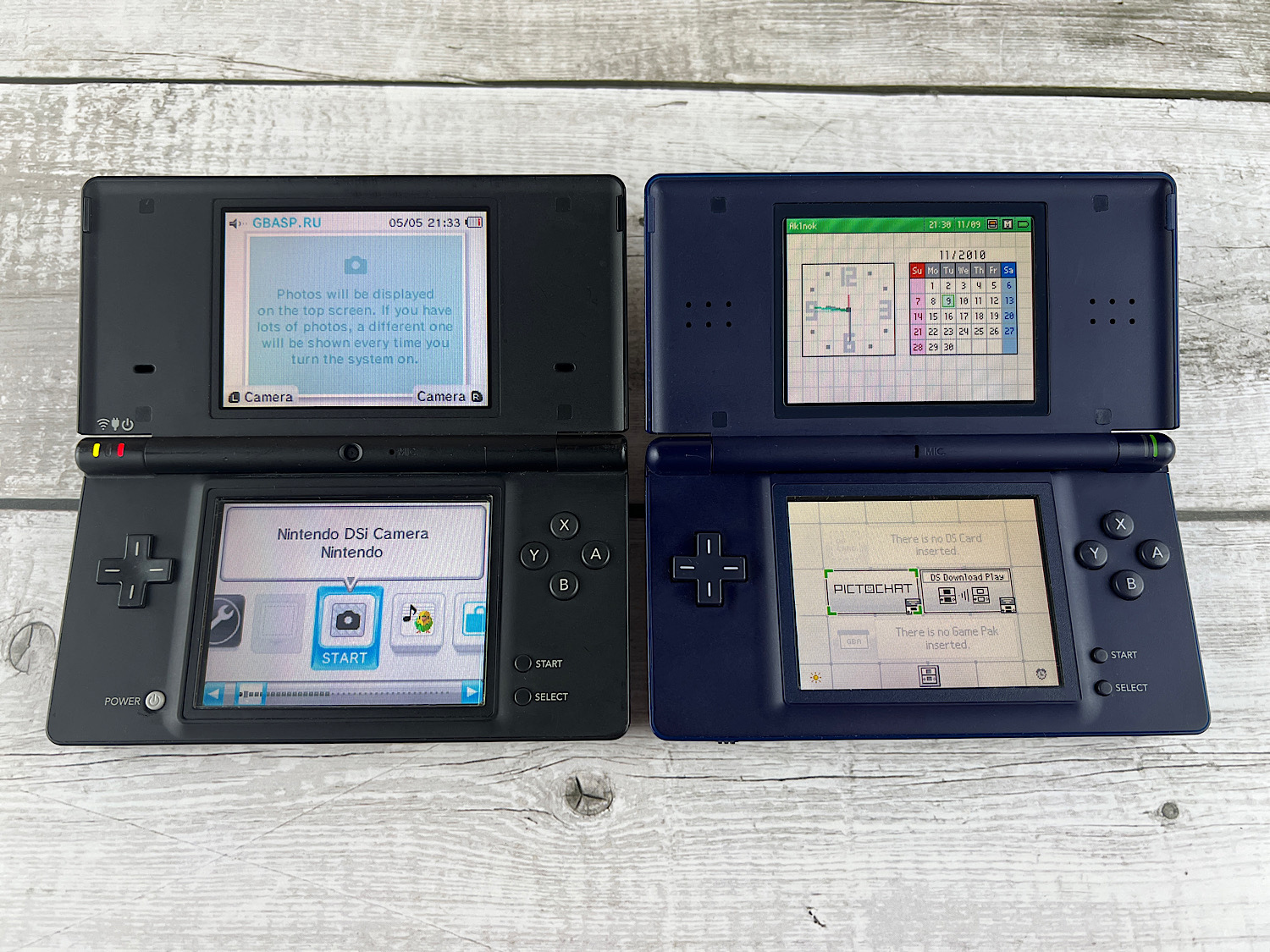
Find three differences.
At first glance, it seems that the only change was the removal of the Game Boy Advance cartridge slot. But the changes are much deeper than they seem.
Let's start to figure it out step by step.
Console Package
The Nintendo DSi comes in a beautiful light box.
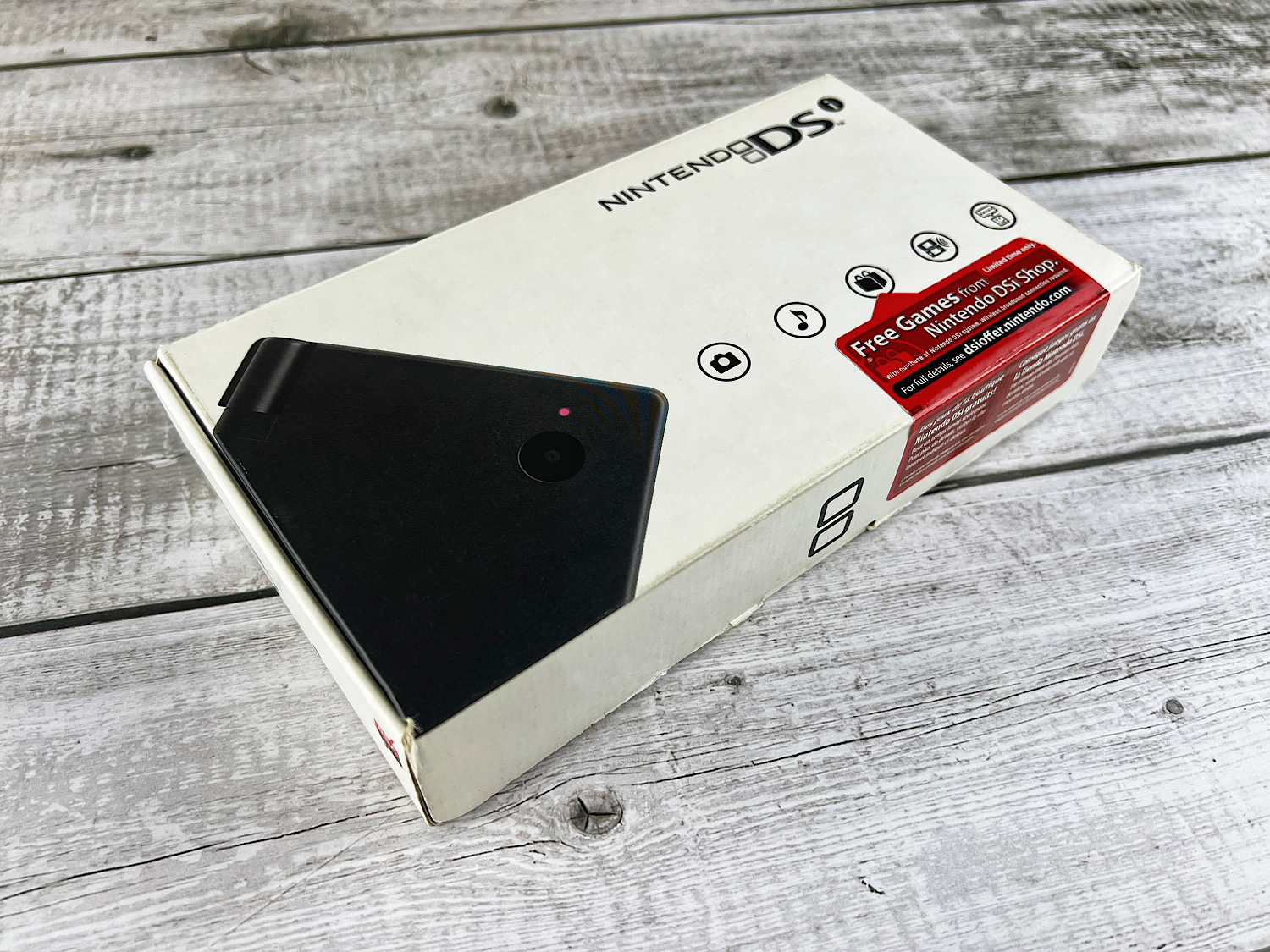
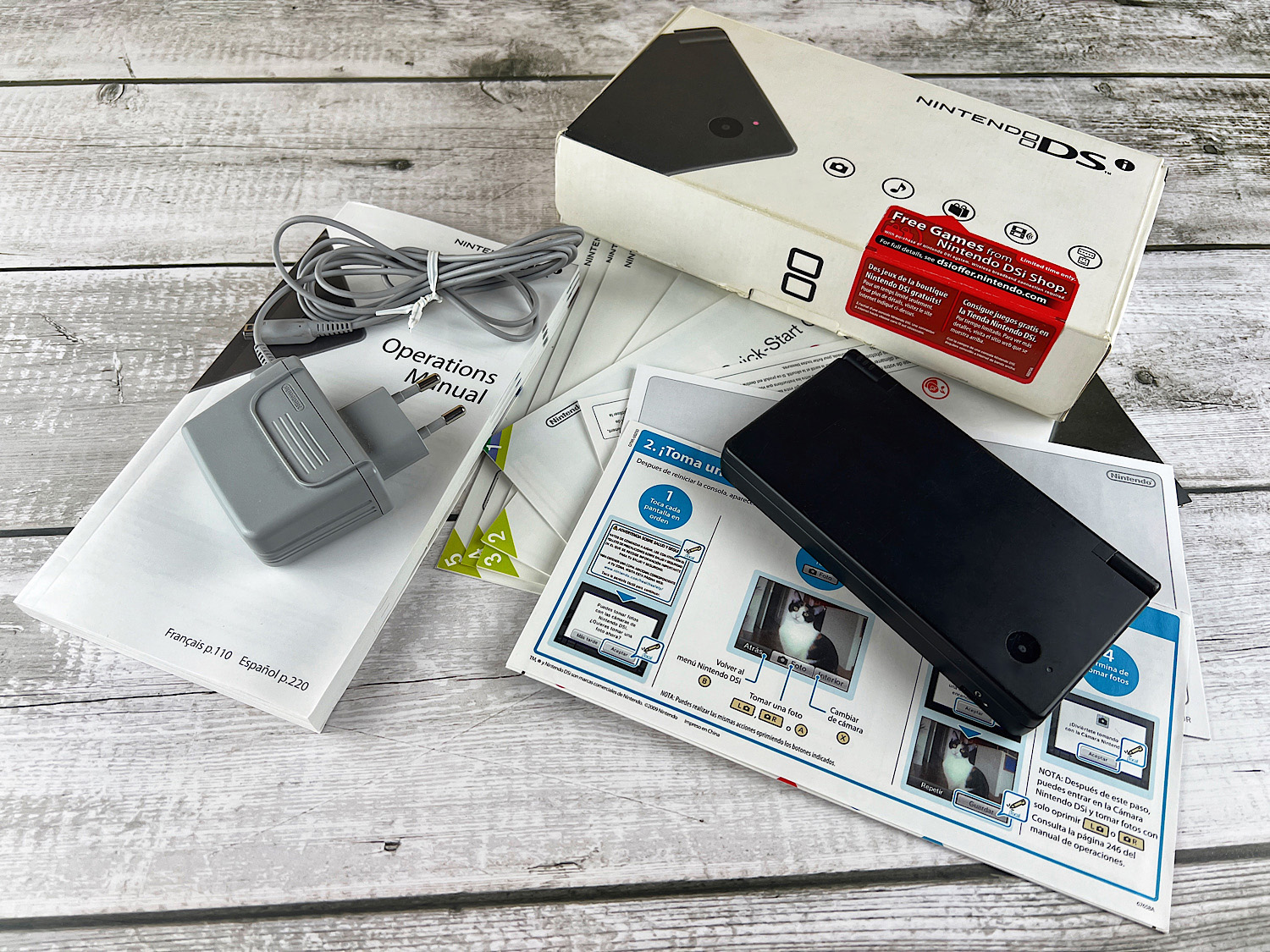
Inside you will find:
1. Console;
2. Additional stylus;
3. Charger;
4. A bunch of instructions and paperwork.
Console Dimensions
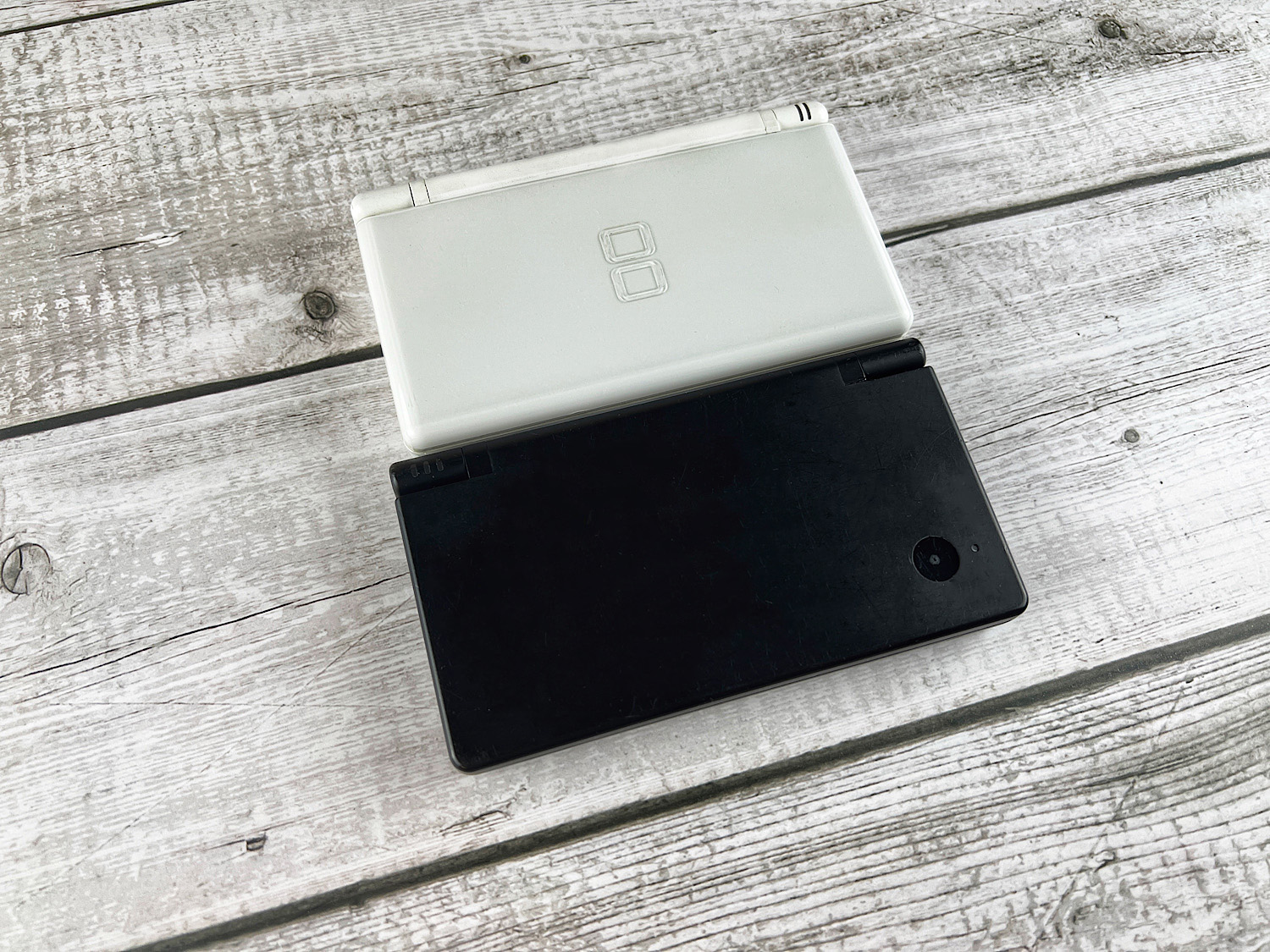
Dimensions of the Nintendo DSi console.
Length: 137 mm
Width: 74.9 mm
Thickness: 18.9 mm
Dimensions of the Nintendo DS Lite console.
Length: 133 mm
Width: 73.9 mm
Thickness: 21.5 mm
An extremely interesting story unfolded. By removing the slot for Game Boy Advance cartridges, the console itself... increased in size. The only thing that decreased was the thickness of the console (by 2.6 mm).
This happened because the Nintendo DSi was supposed to have two ports for Nintendo DS games (and then it would have been EVEN larger in size). To reduce the size of the console, the second port was removed. And since everything else had already been developed and approved (for example, larger screens), it was not possible to make the console smaller than the DS Lite.
Read more about the development process of the Nintendo DSi console in the article: «History of the Nintendo DSi».
NDS Lite and NDSi Conceptual Changes.
Let's start with the four main changes.
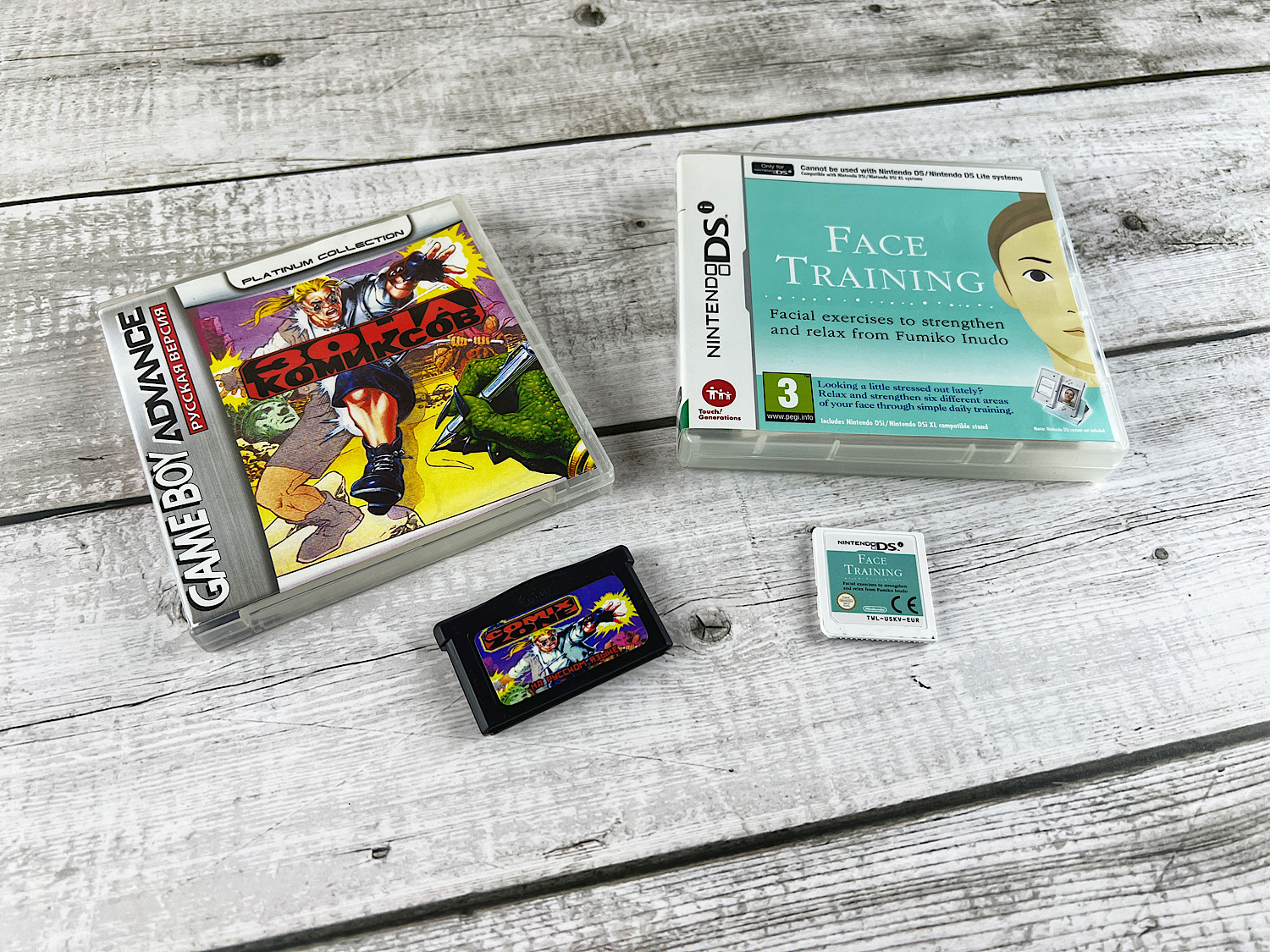
First, the Nintendo DSi removed the slot for Game Boy Advance games and added support for NDSi games.
Second, the Nintendo DSi introduced a slot for an SD memory card.
Third, the console became more powerful (the processor is twice as powerful - 133 MHz, four times more RAM - 16 megabytes).
Fourth, the console introduced an online game store, DSiWare.
These four changes were supposed to change the concept of the device.
Regarding Game Boy Advance cartridges and games.
I am not a fan of playing Game Boy Advance games on Nintendo DS consoles because I don't like that half of the console and the X and Y buttons are practically unused.
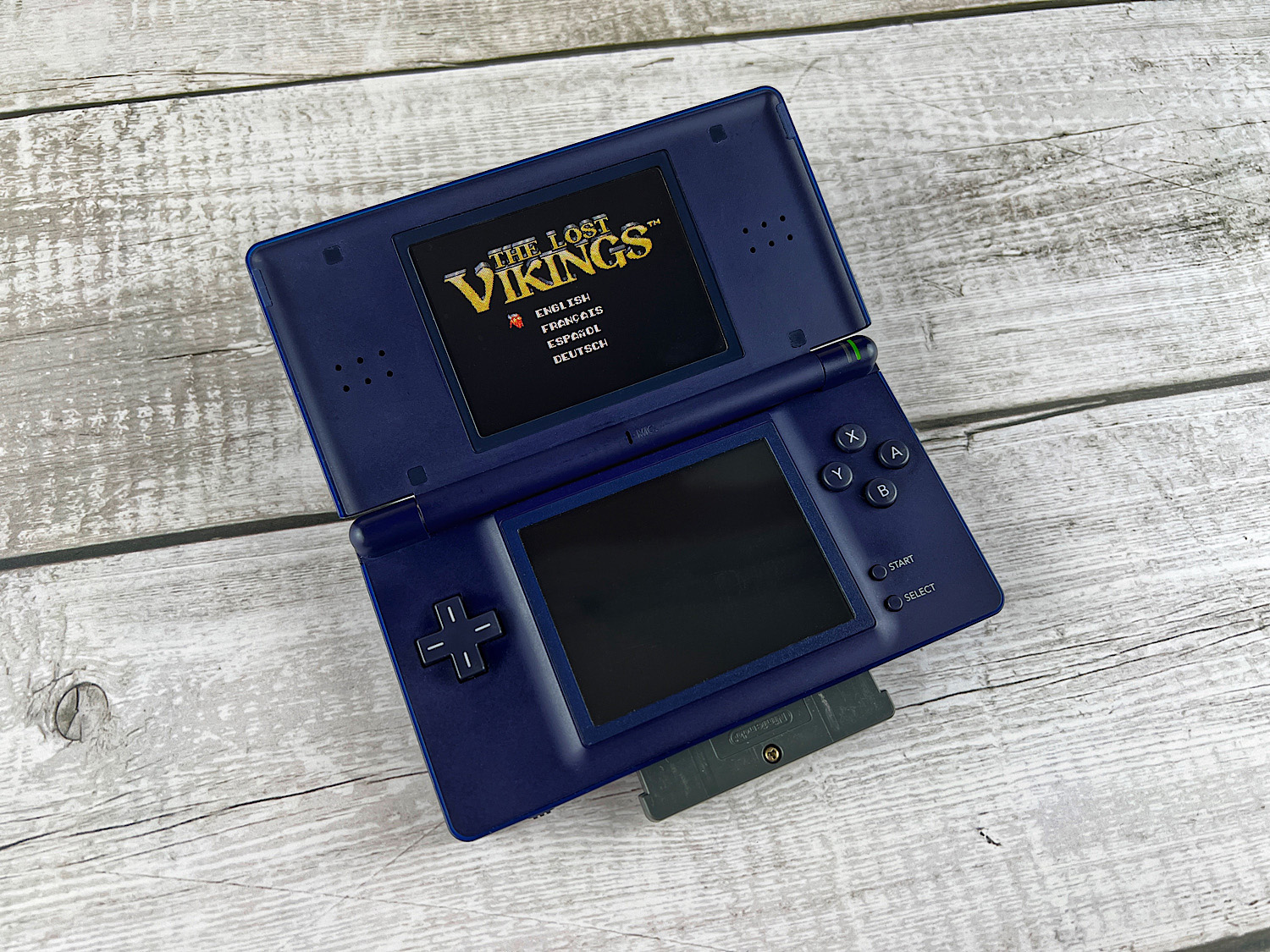
It is important to understand that there are technical programs for the Nintendo DS that allow you to rewrite GBA cartridges or do other interesting things with them. Additionally, there are Nintendo DS games that use the GBA slot. For example, the game Guitar Hero, where a special controller is inserted into the GBA slot.
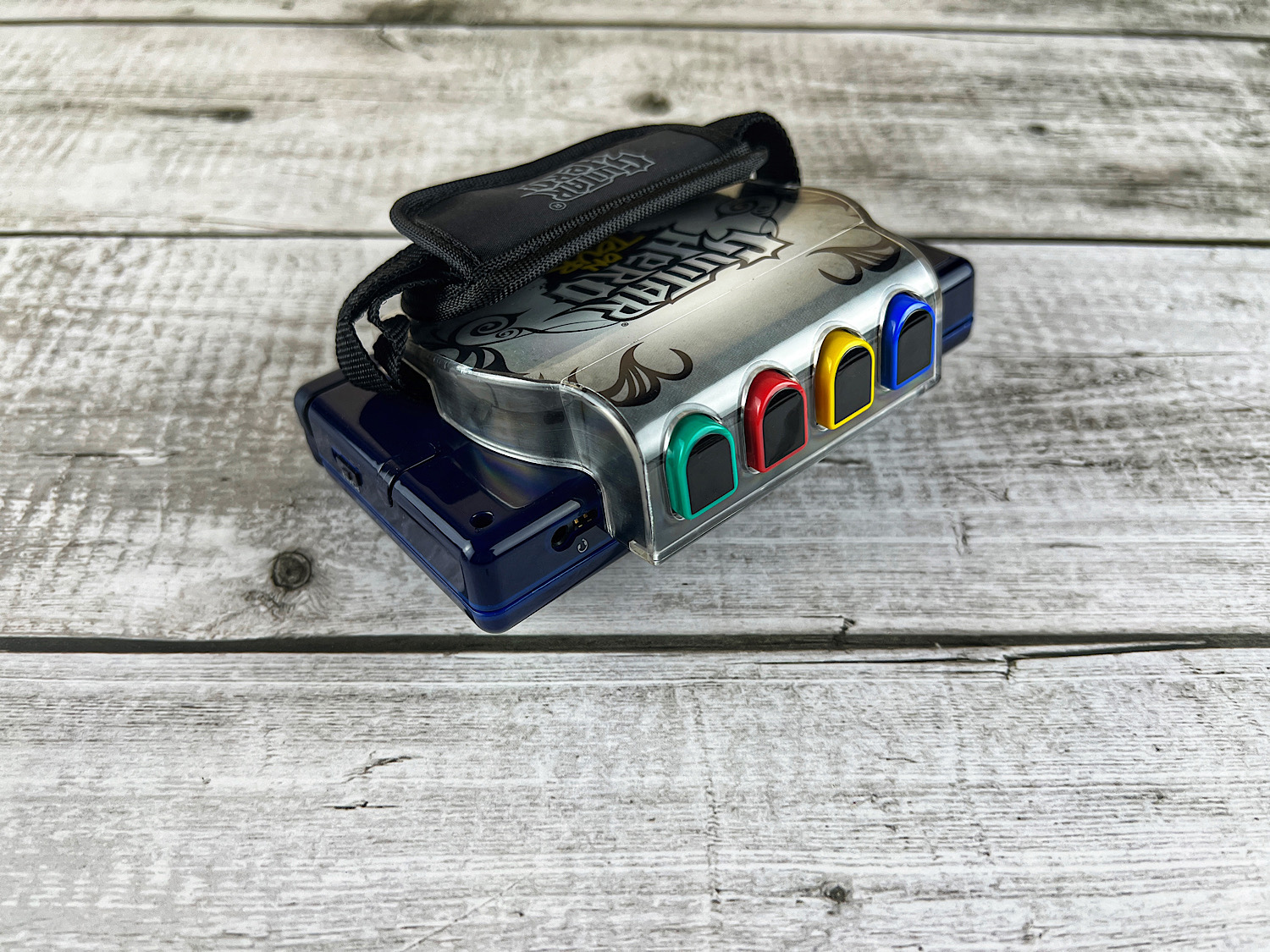
So even without Game Boy Advance games, the port for GBA cartridges is an extremely interesting thing that we were deprived of.
You might think: "Okay, we were deprived of Game Boy Advance games, but surely the increased power of the console, the presence of an SD card, and the online store gave us many new and improved games."
Unfortunately, that's not the case at all.
Here we need to understand the backstory of the console's development (which we discuss in the article: «History of the Nintendo DSi»).
First, the SD card slot appeared simply because Shigeru Miyamoto wanted it. That's it! He just wanted it! However, later the developers realized that a memory card was essential. After all, the Nintendo DSi added a camera and the ability to listen to music, so where would all this be stored?
Second, the processor power and the amount of RAM are used ONLY in Nintendo DSi games and, for example, the browser.
Third, not a single popular game was released in the Nintendo DSi format. If you pay attention, after November 1, 2008, many games were released (for example, Pokemon Black and others), but not a single popular game was sold in the DSiWare store. Because initially, this store was intended to sell cheap programs and games that no one would buy on a cartridge.
So what do we end up with? We were deprived of Game Boy Advance cartridges, and in return, we got a game store that has not worked since 2017. We also got an improved processor that is only used in cheap games (where in the top 15 BEST games according to ign.com is the solitaire game Klondike).
Here you might get the impression that this console is definitely not worth buying. But it also has its advantages:
1. Improved network functions. If the Nintendo DS Lite only supports the WEP protocol (which has long been unused), the Nintendo DSi supports the WPA2 protocol, which is used almost everywhere. So any programs and games with an internet connection are easier to use on the Nintendo DSi.
2. Improved sound. It is louder and of better quality. The volume control is now electronic, not a slider.
3. Increased screen size (though only by 4 mm) and added an additional brightness level (now there are 5).
4. Reduced weight by 4 grams.
5. The power button, when pressed once, reboots the console, and if held down, it turns it off.
Usage
The Nintendo DSi is made of much more pleasant plastic than previous consoles. The plastic is matte, and holding this console is more comfortable than the NDS Lite, where the plastic was glossy.
The buttons on the console are not so straightforward. On the one hand, they are positioned exactly the same as on the NDS Lite.
On the other hand, the Nintendo DS Lite buttons are two contact pads where the press is made by rubber pads (that is, you press a conductive rubber pad, and it clamps two contacts, like on the Game Boy Advance). These buttons seem more loose and have more play (plus they stick out higher than on the NDSi). Because of this, diagonal presses on the D-pad and regular presses are slightly easier to make.
If you take the Nintendo DSi, the buttons there are different (they are actual buttons, like on the Game Boy Advance SP, where there are also rubber pads, but they do not clamp contacts, but press the button itself). They are slightly harder to press, but you can feel the click of the press. They do not stick out as high from the console, and the press travel is shorter.
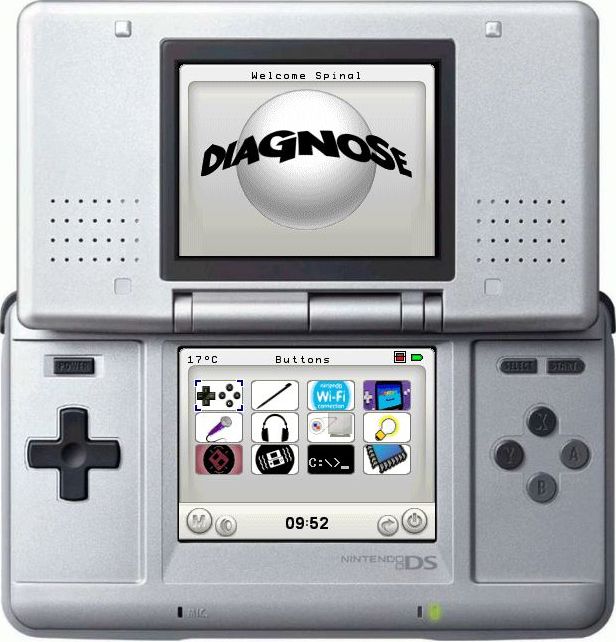
Unfortunately, I cannot say clearly which option is better. Reviews on the internet are diametrically opposed, and personally, I prefer the Nintendo DS Lite. However, I say this because I spent 15 minutes testing both consoles simultaneously in a special program where you can see how the consoles respond to button presses. And according to my feelings, the DS Lite handles diagonal presses slightly better. However, its buttons still feel loose.
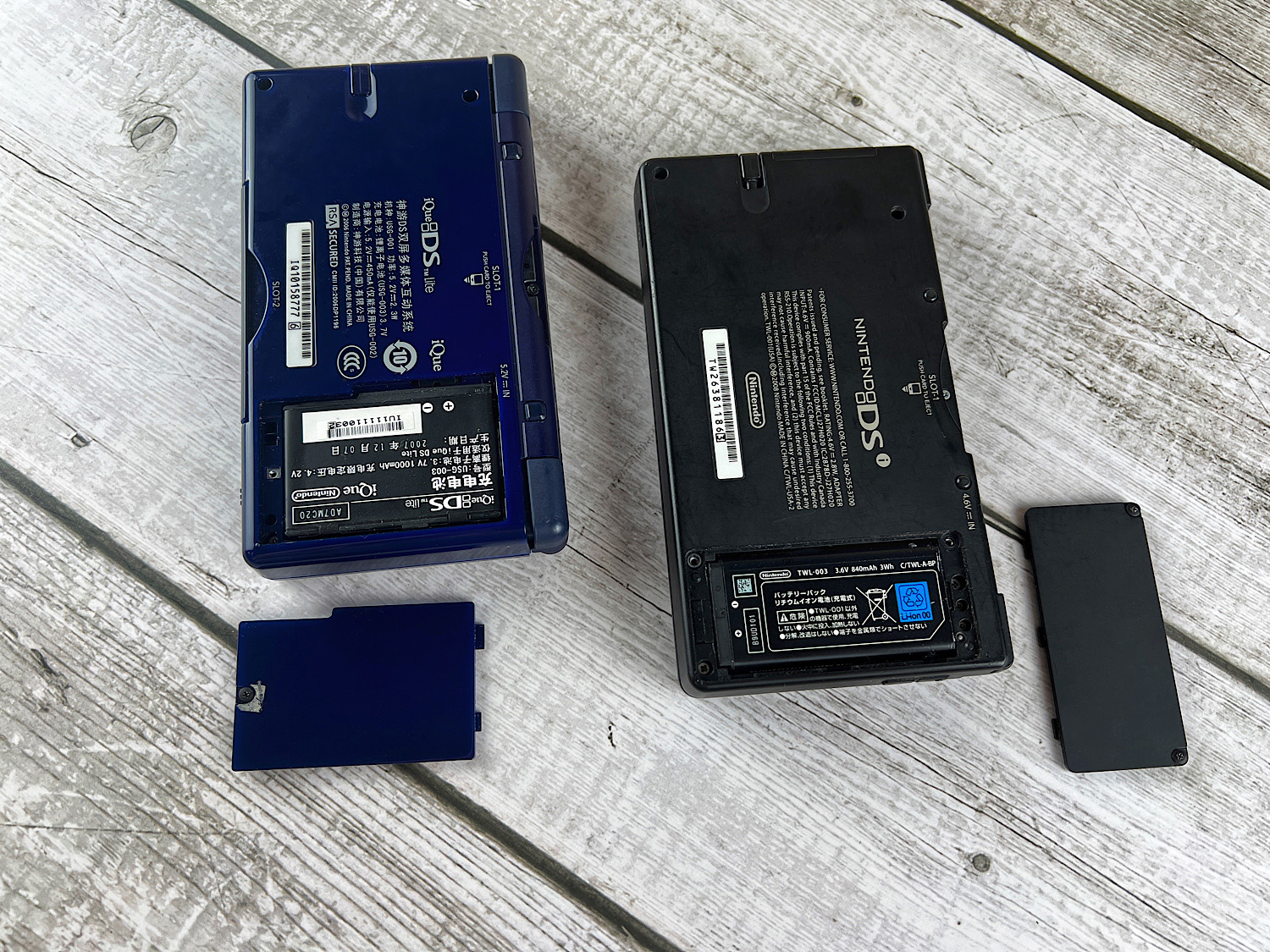
The Nintendo DSi runs on an 840 mAh battery. And this is the worst result among all consoles. Even the Nintendo DS has 850 mAh, and the Nintendo DS Lite has a whopping 1000 mAh.
On the top of the console, there is a charging port, L and R buttons, a cartridge slot, and holes to hang the console on a strap. Interestingly, you no longer need to turn off the console if you want to change the game cartridge. The Nintendo DSi recognizes cartridge changes on the fly.
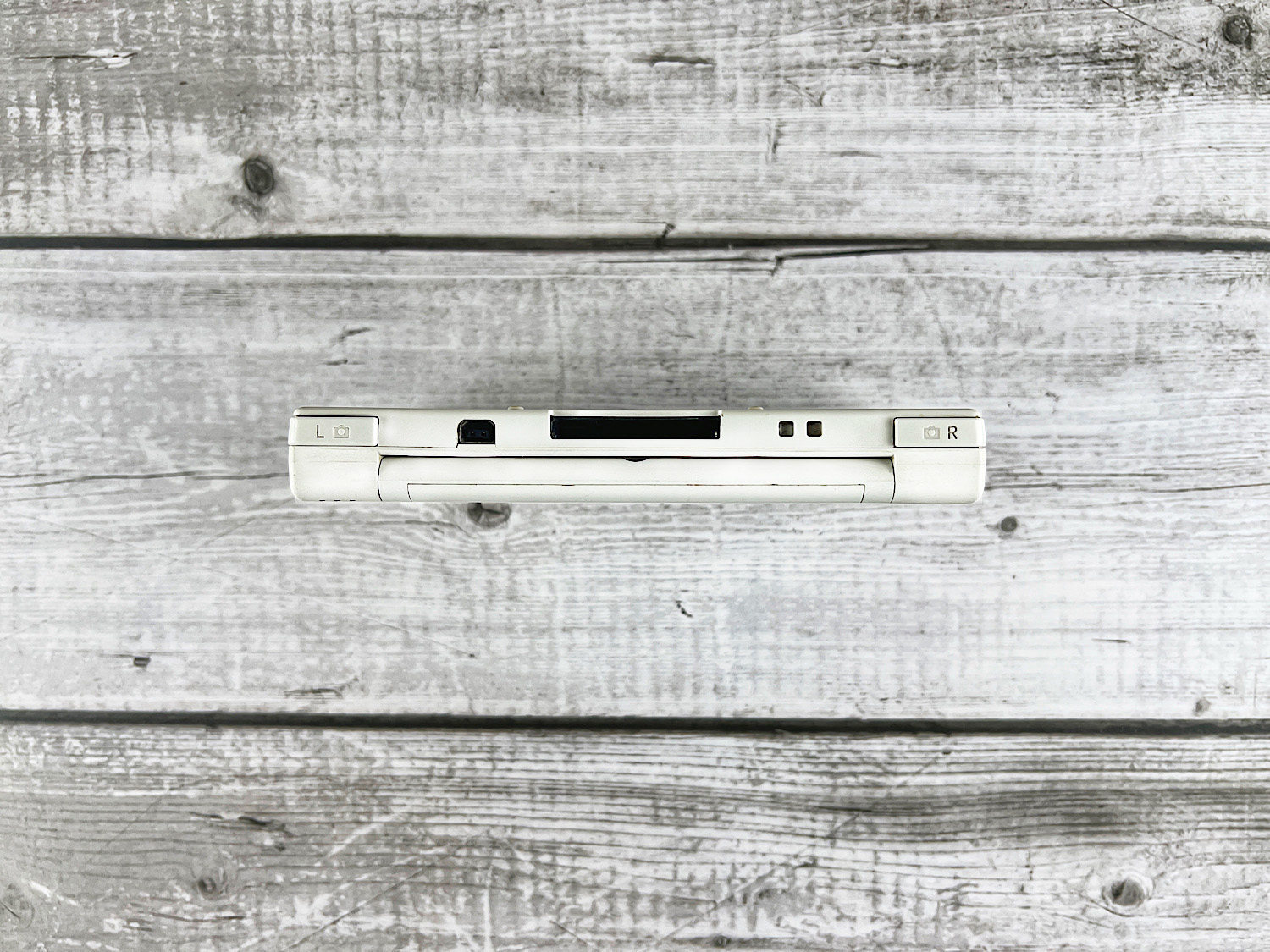
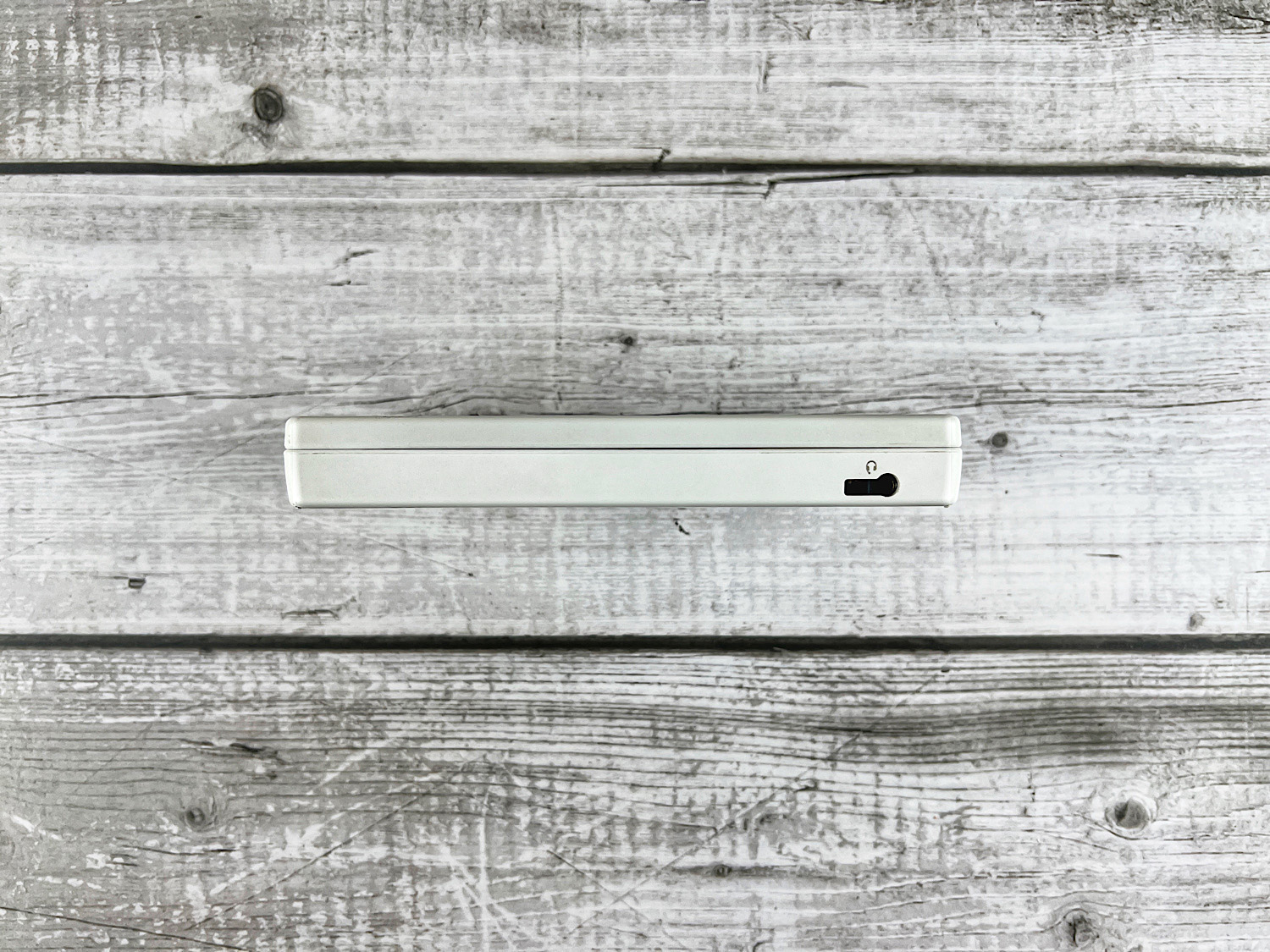
On the bottom, there is only a headphone jack.
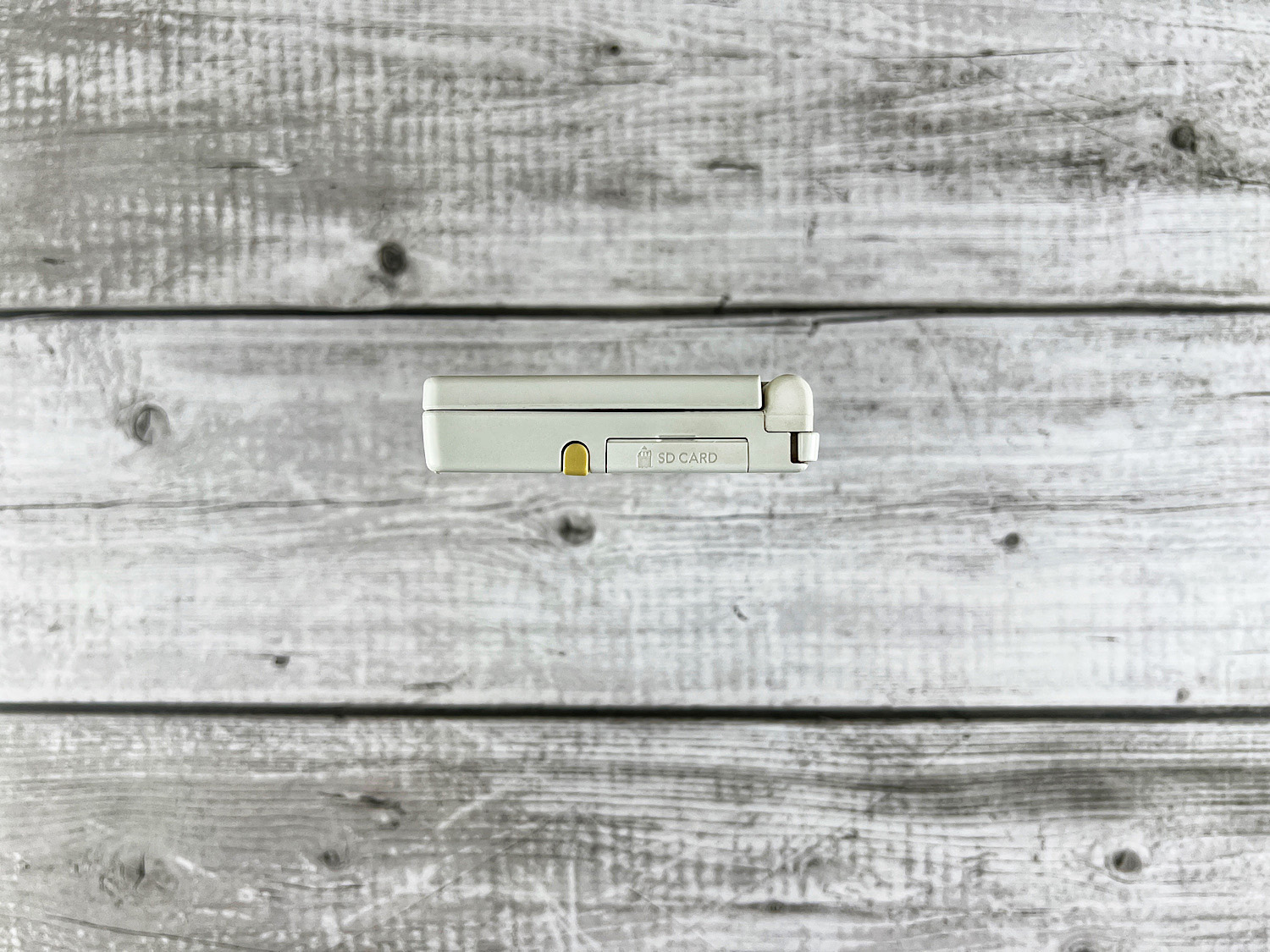
On the right side, there is a compartment for the stylus (it is 4.5 mm longer than in the DS Lite) and a slot for an SD memory card. Memory cards (SDHC) up to 32 gigabytes are supported. Additionally, you can use Mini SD and Micro SD memory cards (with an SD adapter).
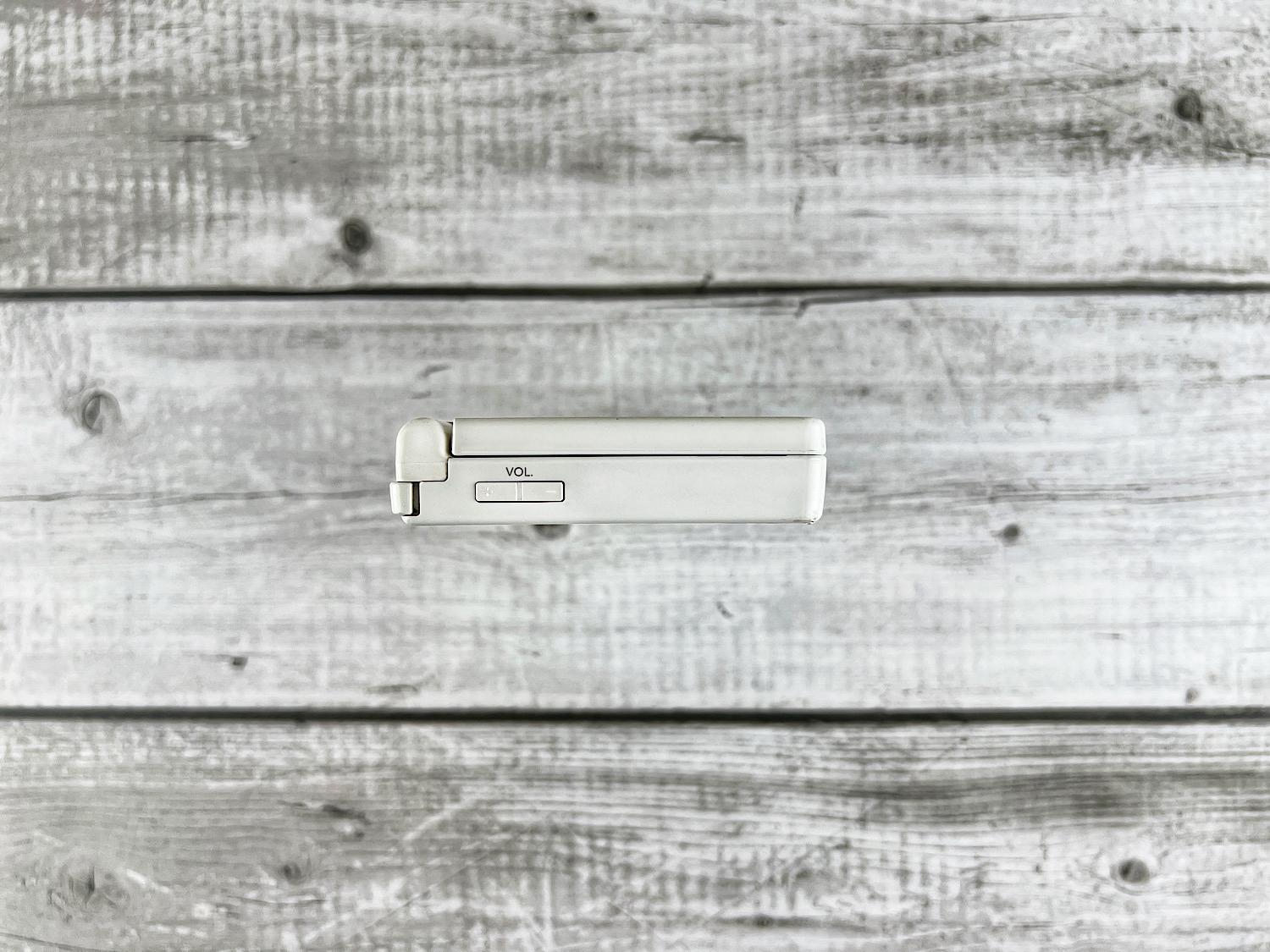
On the left side, there are volume buttons. By the way, the buttons themselves adjust the sound slightly better. The slider on the Nintendo DS Lite does not allow for such fine volume adjustment.
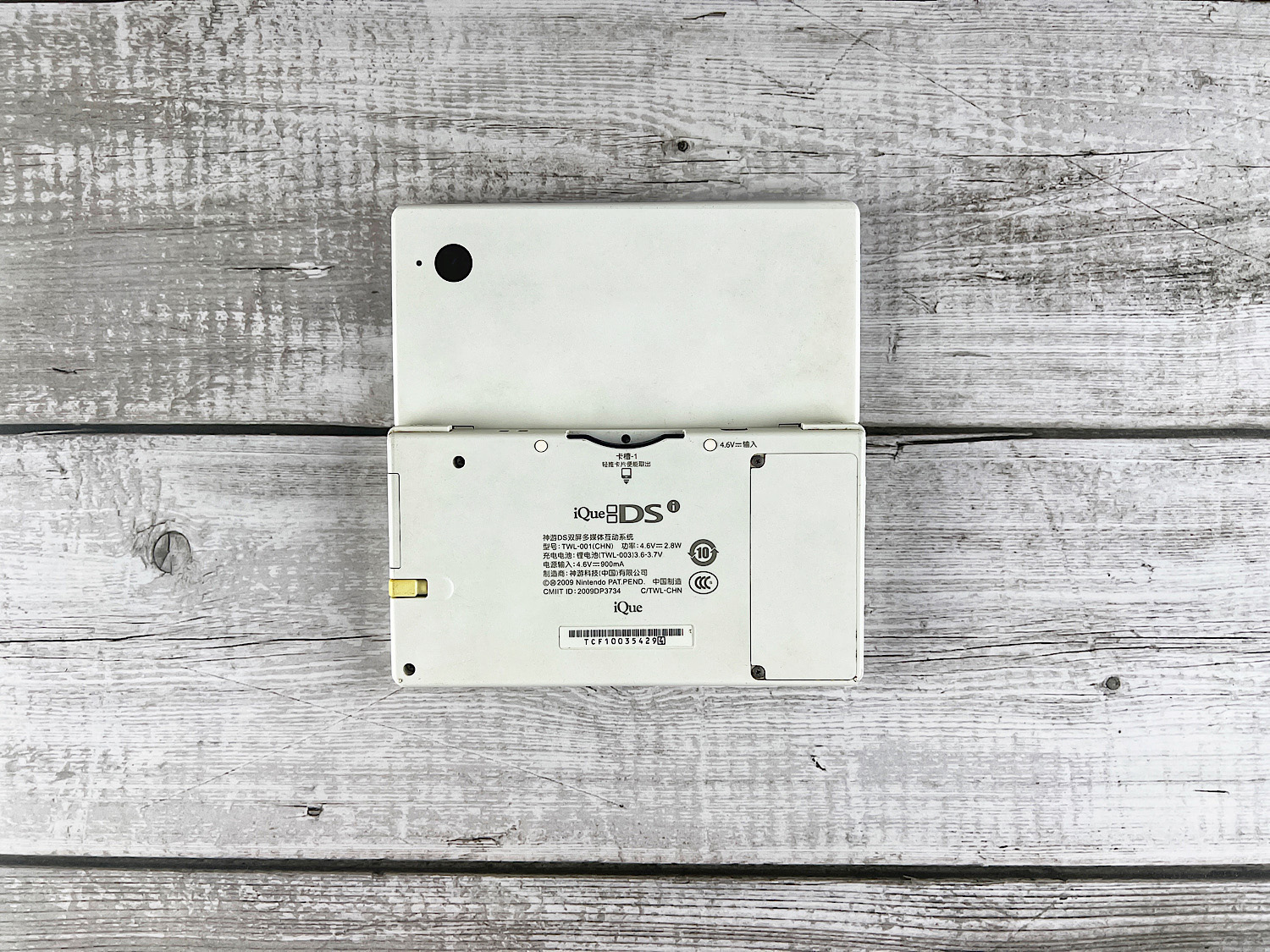
On the back, on the lower part, there is a battery slot, the console's serial number, and mandatory legal text. And on the upper part - a camera and a mini-light (I don't really understand what it's for).
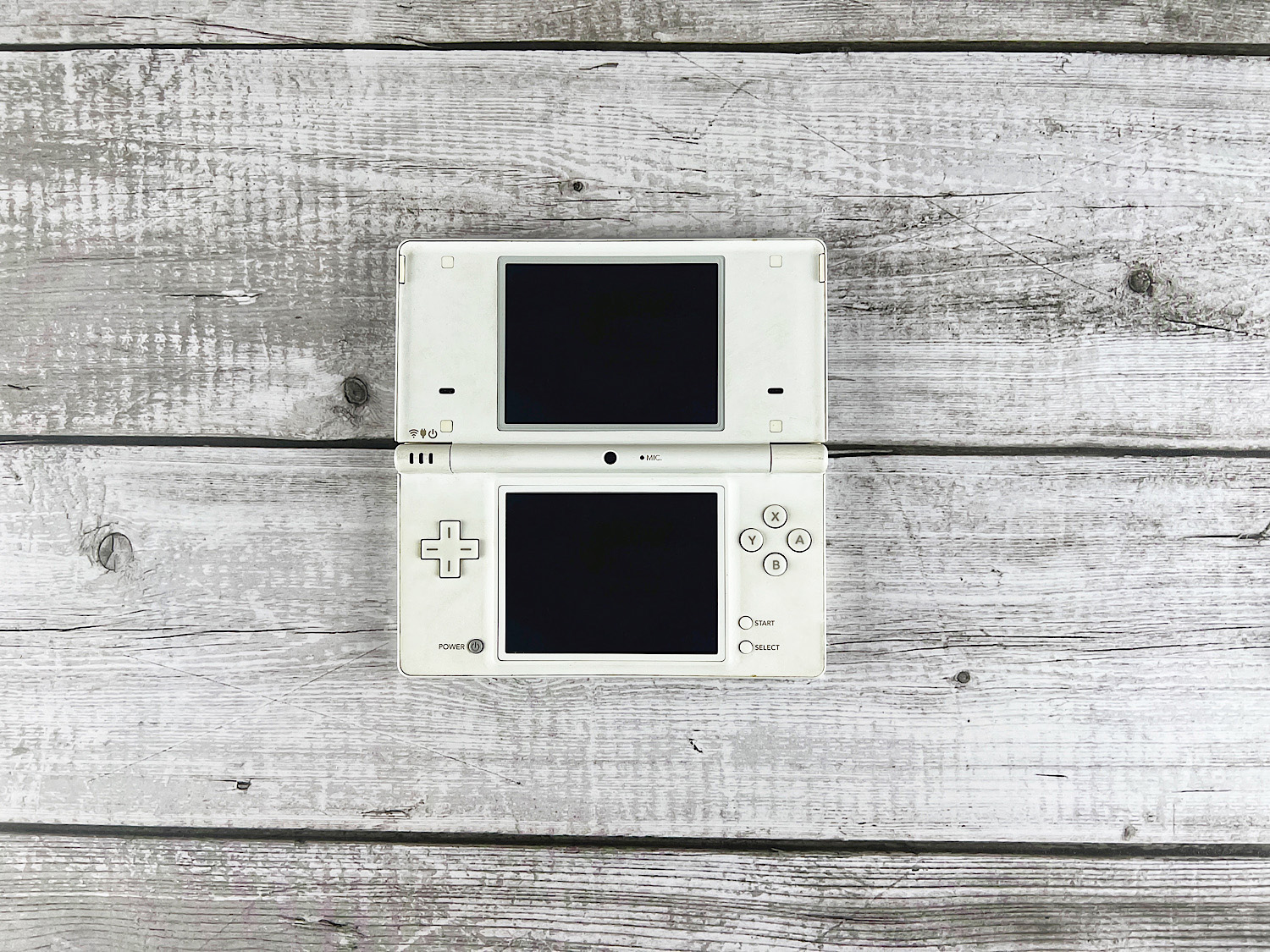
On the front, on the lower part, a power button has been added. Right in the center - a selfie camera. On the left - indicators for console operation, charging, and wi-fi. On the upper part of the console, only the speaker holes have changed.
How to Play on the Console?
Since the Nintendo DSi removed the ability to insert Game Boy Advance games and added the DSiWare game store, it would be good to understand how to launch all this on the console.
Conditionally, all DS games can be divided into three categories:
Nintendo DS games - they launch without problems on both NDS and NDSi consoles.
Nintendo DSi Enhanced games - they launch on both NDS and NDSi, but on NDSi consoles, additional features appear.
Nintendo DSi Exclusive games - they only launch on NDSi consoles.
I have three original cartridges:
Nintendo DS - Pokemon Diamond
Nintendo DSi Enhanced - Pokemon White
Nintendo DSi Exclusive - Face Training
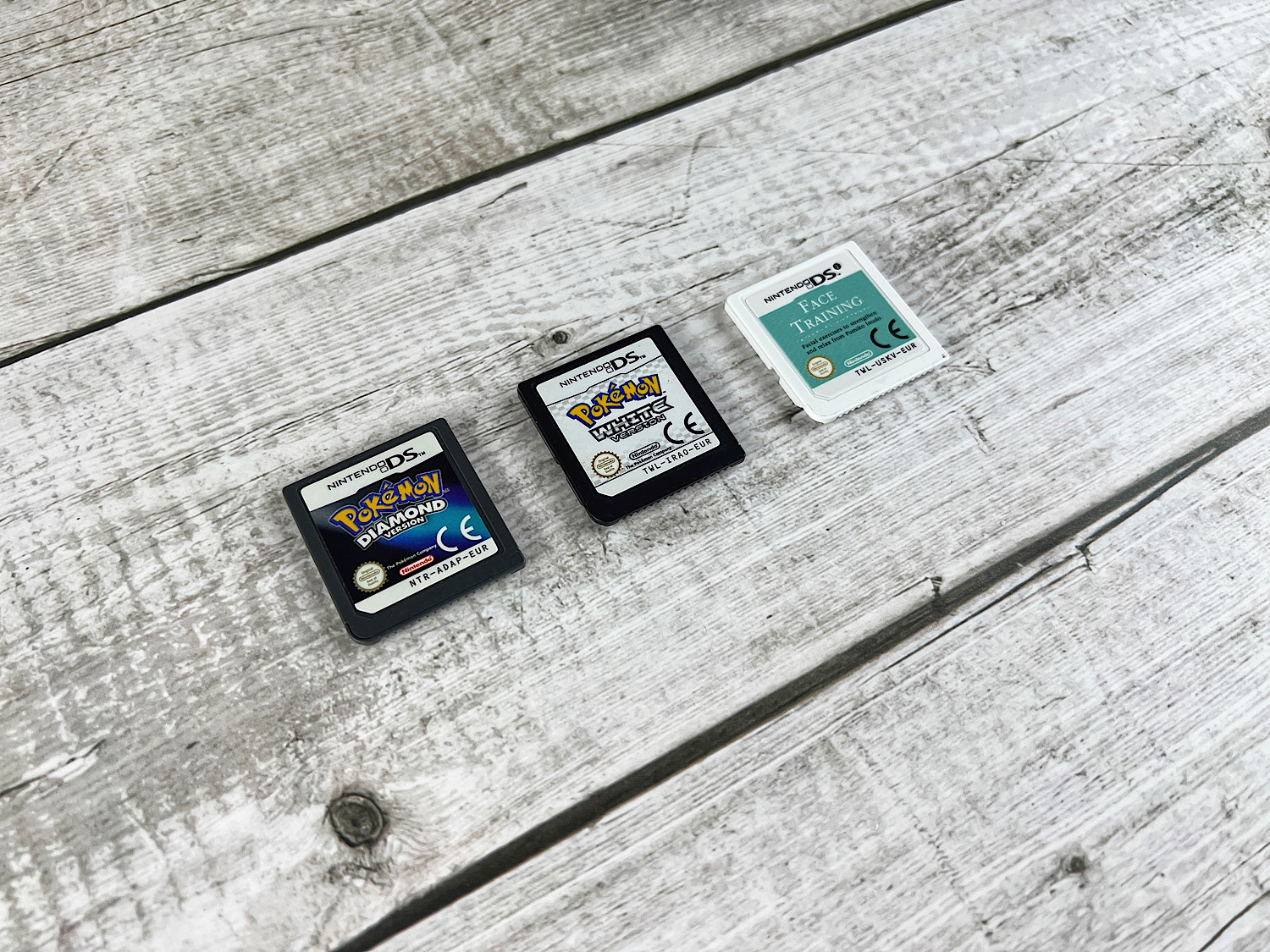
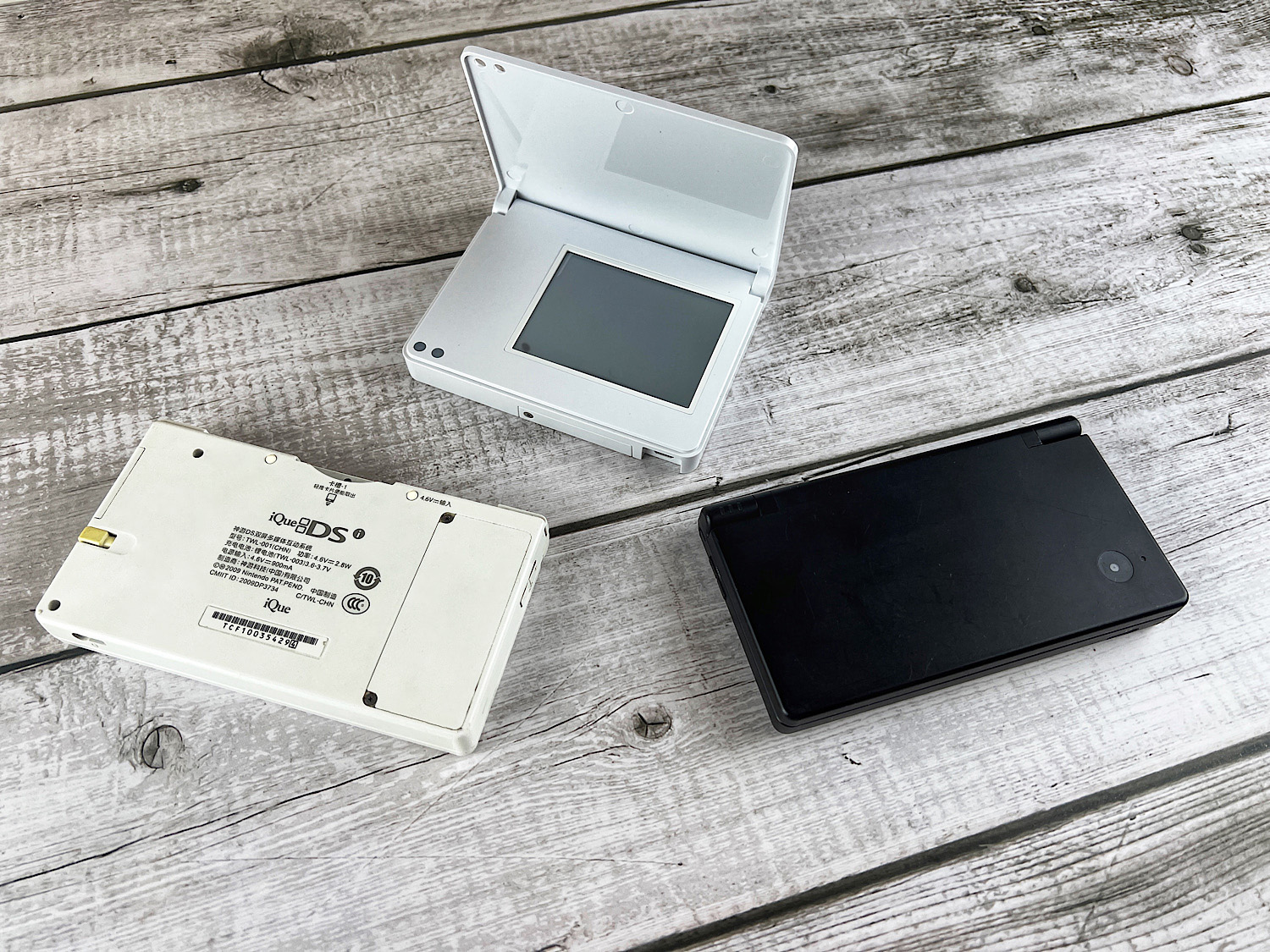
First, let's figure out the regional lock. To check the lock, we will take a Japanese Nintendo DSi console (not hacked) and an iQue DSi (also not hacked) and three cartridges (all European region).
Pure Nintendo DS games (in my case, Pokemon Diamond) launched on both tested consoles without problems. The Nintendo DSi Enhanced game (Pokemon White) did not launch on the iQue DSi but launched on the Japanese Nintendo DSi. The Nintendo DSi Exclusive game (Face Training) did not launch on either the iQue DSi or the Nintendo DSi.

Now let's talk about the DSiWare store. Many games were sold there that were not sold on cartridges. In fact, the purpose of this store was to sell applications that no one would buy on a cartridge. However, this does not mean that there were only bad games and programs. There were also some interesting things, such as the Flip Note program or the puzzle game Mario vs. Donkey Kong: Minis March Again. This means that you, like me, might want to play them. And here you will face a small disappointment: on March 31, 2017, the DSiWare store was closed. And there is no longer any legal way to download DSi games.
So, without hacking the console, your options are extremely limited.
Of course, I will not tell you how to hack the console. But let's see what such a hack gives. About two or three years ago, I bought an American Nintendo DSi console. It was already hacked. I tried to launch three European games on it. And they all launched. You could play them.
The most interesting feature of a hacked Nintendo DSi is the ability to launch games from the DSiWare store. It should be noted that flash cartridges (for example, R4) cannot launch DSi games (despite the fact that they also have the .nds extension).
However, there is a problem here: launching DSi games is not very convenient. The game icons do not appear in the original menu. But! If you install Unlaunch, then install hiyaCWF on top of it, and set it to automatically launch into hiyaCWF, you can use the TMFH program in Unlaunch, and the program icons will appear in hiyaCWF. I understand that this sounds complicated, but I will try to show it in a video review that will be released later.
iQue DSi
Separately, I would like to note that there is also the iQue DSi console. This is a completely original console released for the Chinese market.
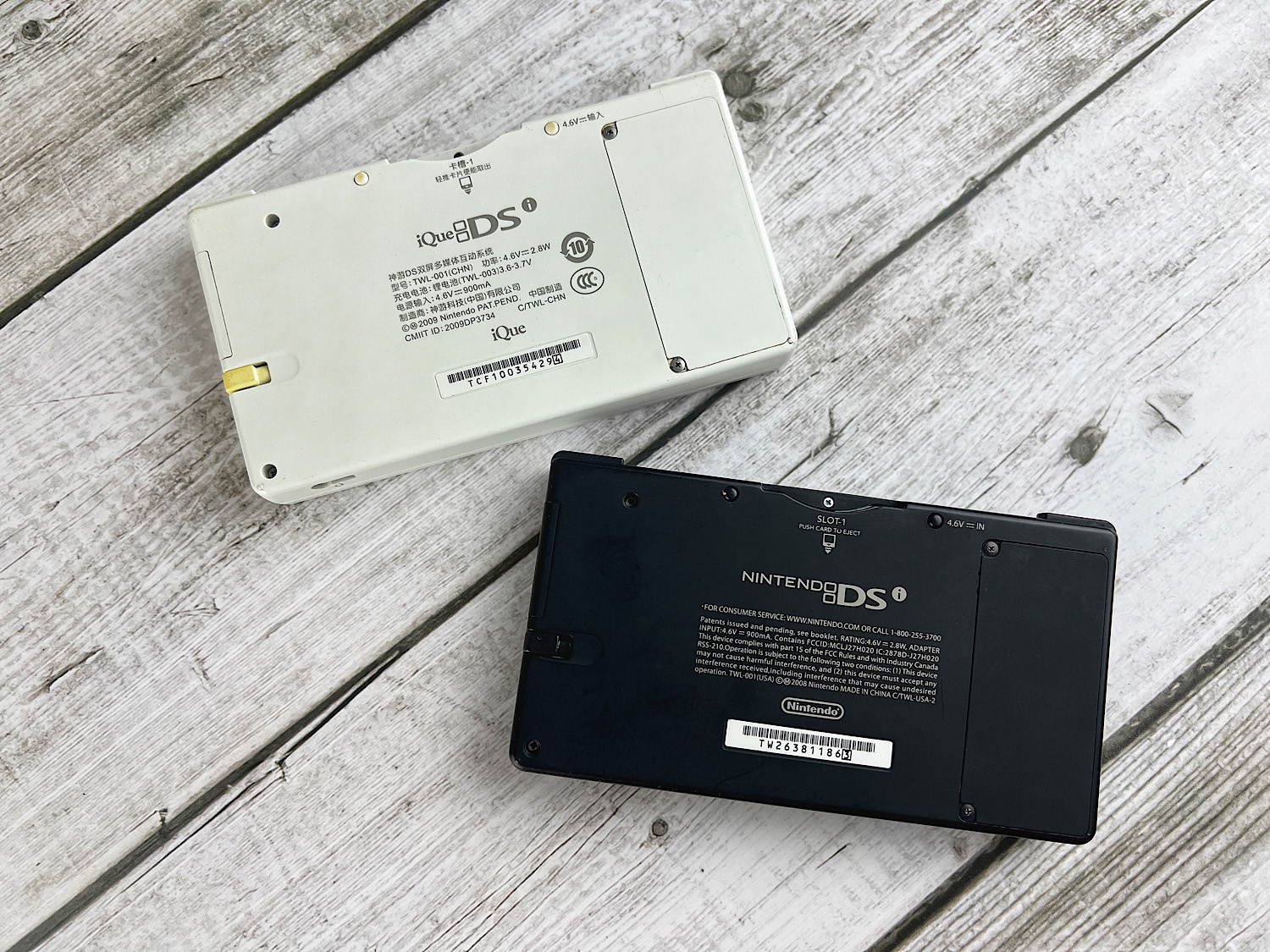
Unfortunately, it does not have English, which means it can only be used for original DS games or after hacking.
Epilogue
I had a lot of fun figuring out the Nintendo DSi console. I have never been so wrong before. I couldn't even imagine that more than 1000 games were sold in the DSiWare store.
The idea behind the Nintendo DSi, in my opinion, was initially bad. But still, I happily spent half an hour transforming my photos and playing with voice changing.
One thing bothers me: there is a Nintendo DSi XL console with good and vibrant IPS screens.
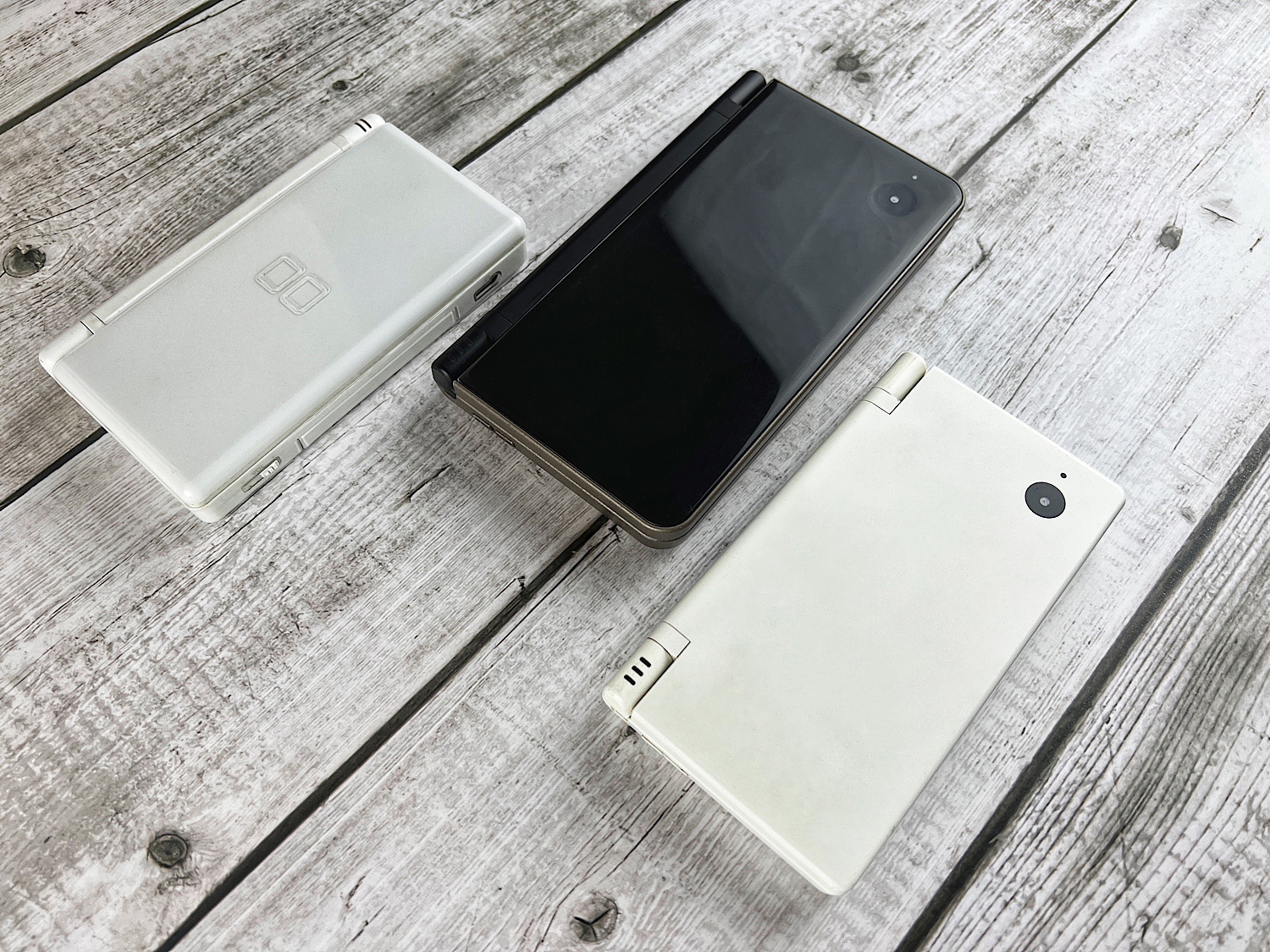
And it turns out that if the choice between the Nitendo DS Lite and the Nintendo DSi is not obvious, then adding the Nintendo DSi XL to the equation makes the Nintendo DSi pale in comparison.