Nintendo DS Firmware
Try your hand at the quiz: how well do you know the history of Nintendo handheld hacking?
Friends, SuperChis flash cartridges for GBA are now available on AliExpress
.And the best flash cartridge for Nintendo DS — DSPico
Cool eXtremeRate cases for GBA SP.
Friends, help me buy (if you have) various old stuff: Help me buy.
Nintendo DS firmware is the program stored on the flash memory chip inside every Nintendo DS.
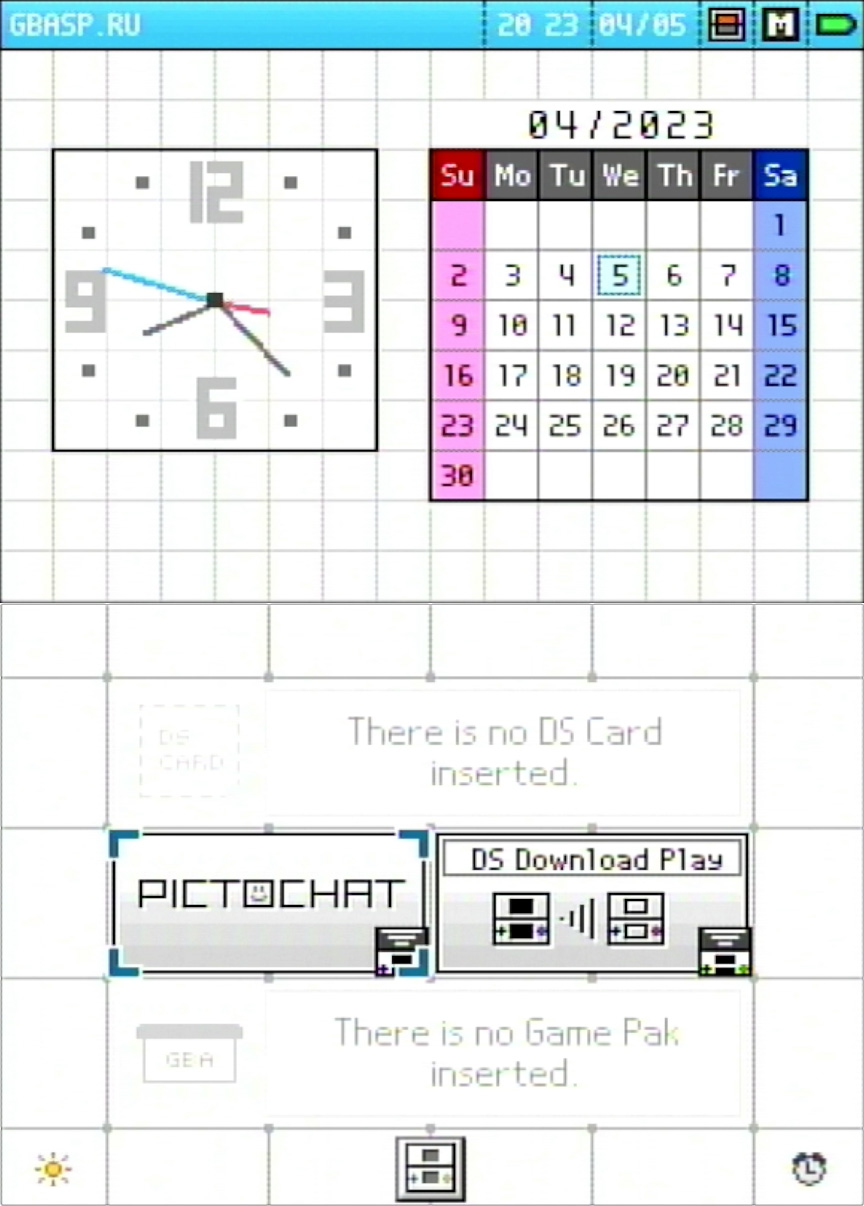
In practice, when you turn on the console, this firmware is what loads: the interactive shell where you can choose a game, open PictoChat, change settings, or launch the console's built-in functions.

Usually, when people talk about firmware, they mean either an official system update or modifying the system in some way. For example, so the console can run homebrew programs, bypass certain restrictions, or work without extra devices.
With the Nintendo DS, though, things are not that straightforward.
Unlike the DSi and 3DS, the original Nintendo DS does not have a memory card slot. So even after reflashing it, you still do not get a console that can launch games from an SD card on its own. You still need a flash cartridge to run software.
Today, that does not sound especially useful: there are plenty of flash cartridges for the Nintendo DS, they are inexpensive, and most users simply have no reason to flash the console itself.
But in 2005, the situation was very different.
Back then, full-fledged Slot-1 flash cartridges had not yet become commonplace. People used PassMe, WiFiMe, and other early protection-bypass methods to run homebrew and games. That gave Nintendo DS firmware modification a practical purpose: it removed the need to use an additional device every time.
Nintendo, of course, did not stand still either. In later Nintendo DS revisions, some of the loopholes used by early PassMe devices were closed. So different firmware versions really did matter.
Note.
Why flash a Nintendo DS / DS Lite?
Mainly to enable four brightness levels on the original Nintendo DS and remove the health warning screen on the Nintendo DS and Nintendo DS Lite. Read more about the firmware itself in the "FlashMe" article.
How can you check the firmware version exactly?
If you need to identify the firmware precisely, it is better not to rely only on the screen color in PictoChat. Make a firmware dump instead.
You can use the dsbf_dump.nds application for this. It runs through a flash cartridge and saves a BIOS and firmware dump to the memory card. After that, you can compare the firmware data against known tables: the build date, console type, and other header values.
This is also a good place to thank Rvtr. He did not just compile a table of known Nintendo DS firmwares; judging by his own posts, he also bought and dumped a large number of Wi-Fi boards from different Nintendo DS revisions.

Some of the firmware modules bought by Rvtr.
Thanks to work like that, today we can look not only at old color tables, but also at real firmware dumps.
Rvtr's site with the firmware list:
https://docs.randommeaninglesscharacters.com/dsfirmwares.html
If we are talking specifically about the classic worldwide Nintendo DS Fat, there were essentially five main official firmware versions:
v1 — World Phat — 2004/10/05 11:07
v2 — World Phat — 2004/11/26 09:51
v3 — World Phat — 2005/02/28 08:51
v4 — World Phat — 2005/06/06 14:48
v5 — World Phat — 2005/12/07 14:45
But visually, old discussions and tables often mention more "versions." Why did that happen?
Because for a long time the scene used not exact dumps, but a simplified PictoChat check. As a result, the common fan classification mixed several things together: real official DS Fat firmware versions, DS Lite firmware, regional versions, and even FlashMe.
So in practical terms, the regular worldwide DS Fat had five official firmware versions, but visually and according to the old scene classification, the picture looked more complicated.
How can you check the firmware version through PictoChat?
There is also an old way to check the firmware through PictoChat. MaHe described it in September 2005.
This method is historically interesting and can sometimes help you roughly understand which firmware is installed on a console. But it is not accurate. The screen color depends not only on the firmware itself, but also on perception, the condition of the display, the viewing angle, the camera, and even the exact console model.
Still, the test itself works like this:
1. Insert an original Nintendo DS cartridge into SLOT-1, or an original Game Boy Advance cartridge into SLOT-2.
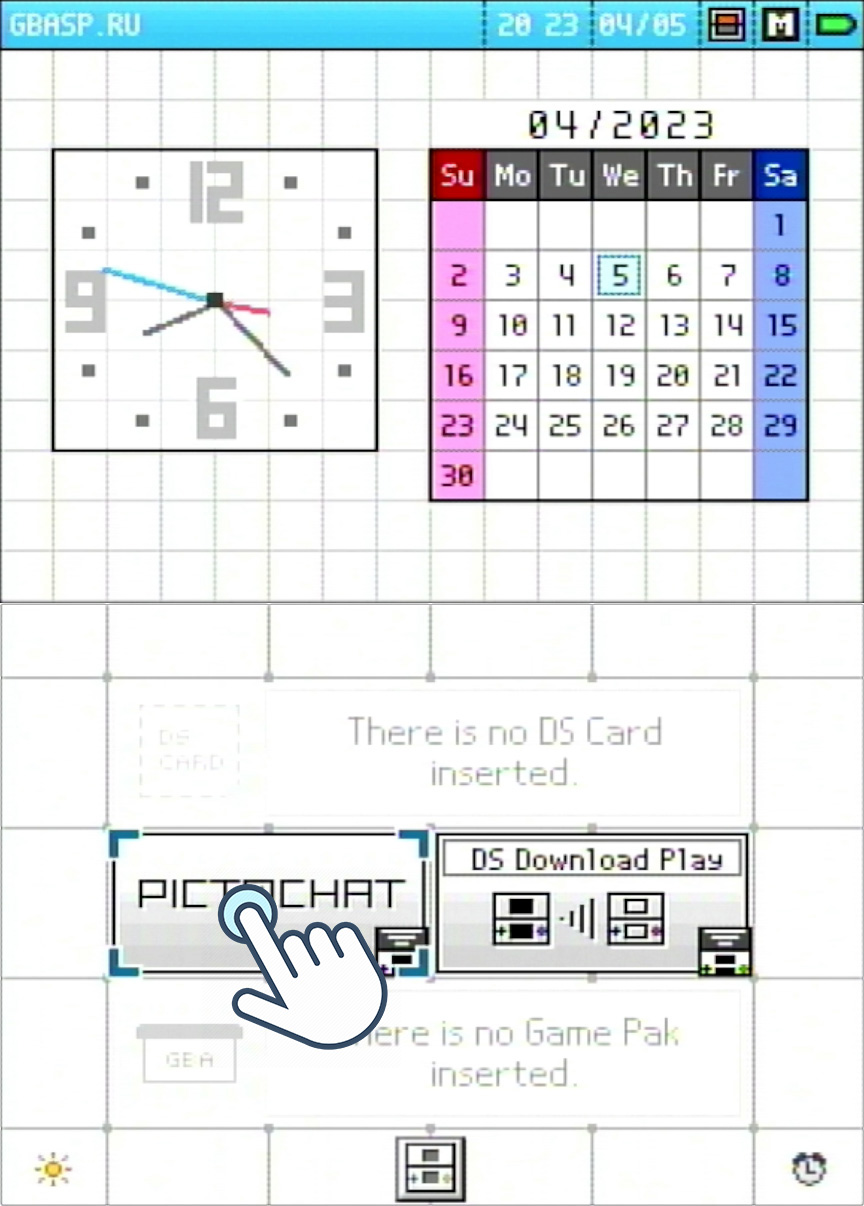
2. Turn on the Nintendo DS. If auto-start is enabled in the settings, hold Select + Start while turning it on.
3. Open PictoChat.

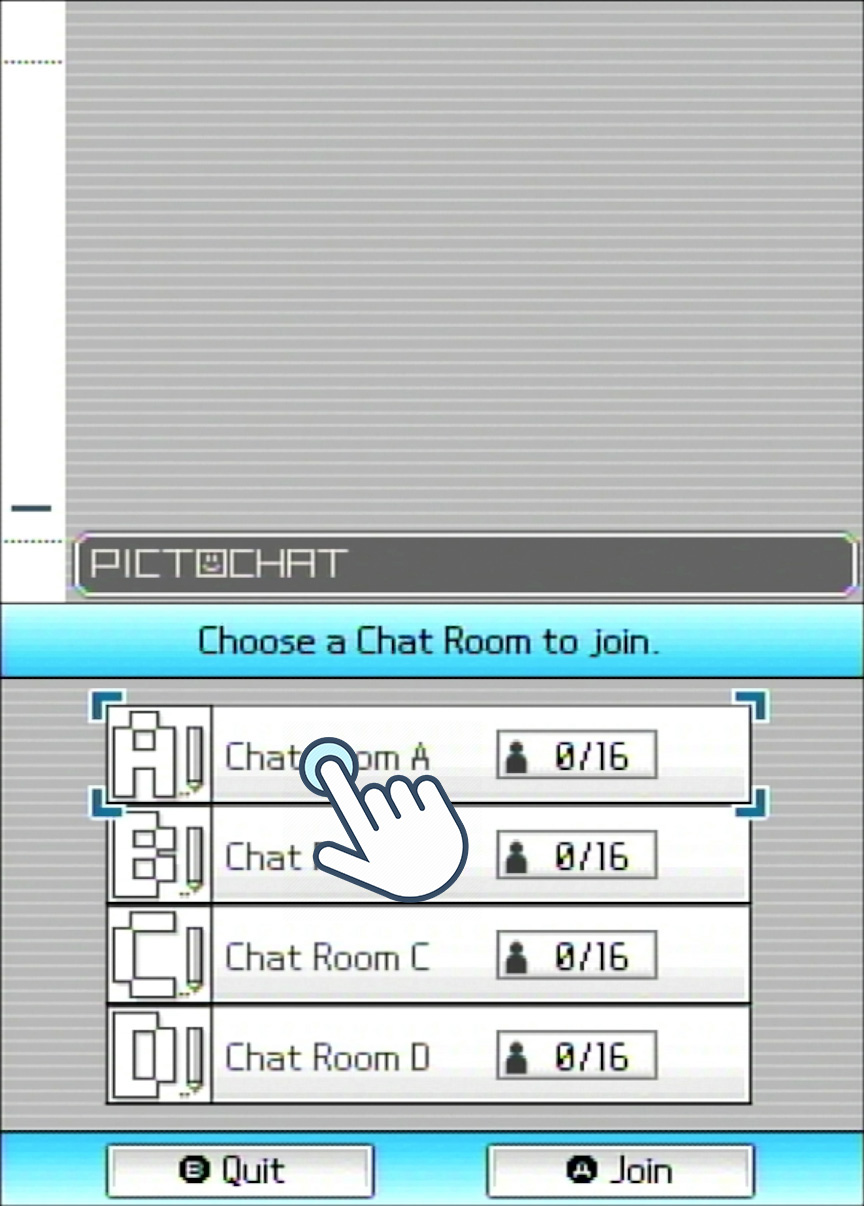
4. Enter any chat room.

You will end up in this menu:

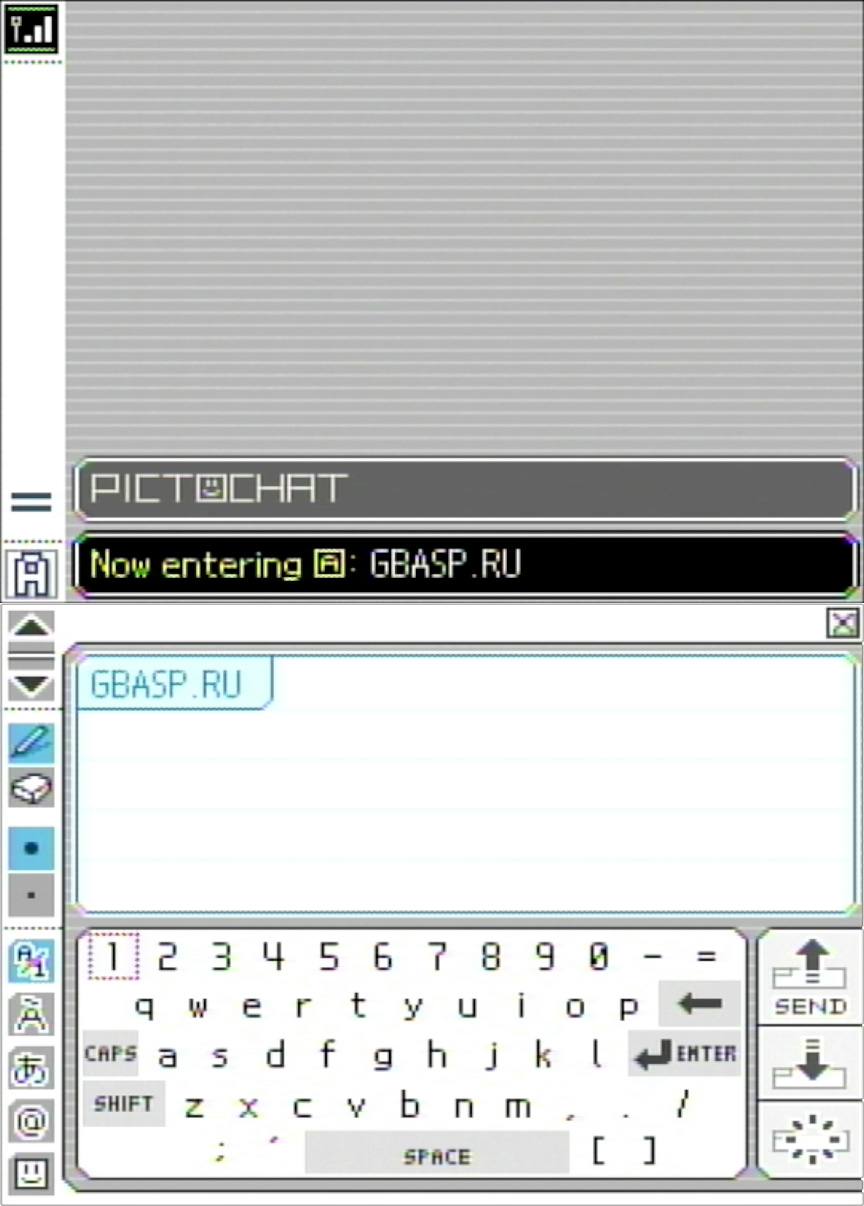
5. While you are in this menu, remove the cartridge from the Nintendo DS.
Do not worry: nothing will happen to either the cartridge or the console. After this, the screens will turn a certain color, or PictoChat will freeze.

In the old classification, the colors were usually described like this:
v1 — PictoChat freezes;
v2 — two gray-blue screens;
v3 — two dark green screens;
v4 — two golden-yellow screens;
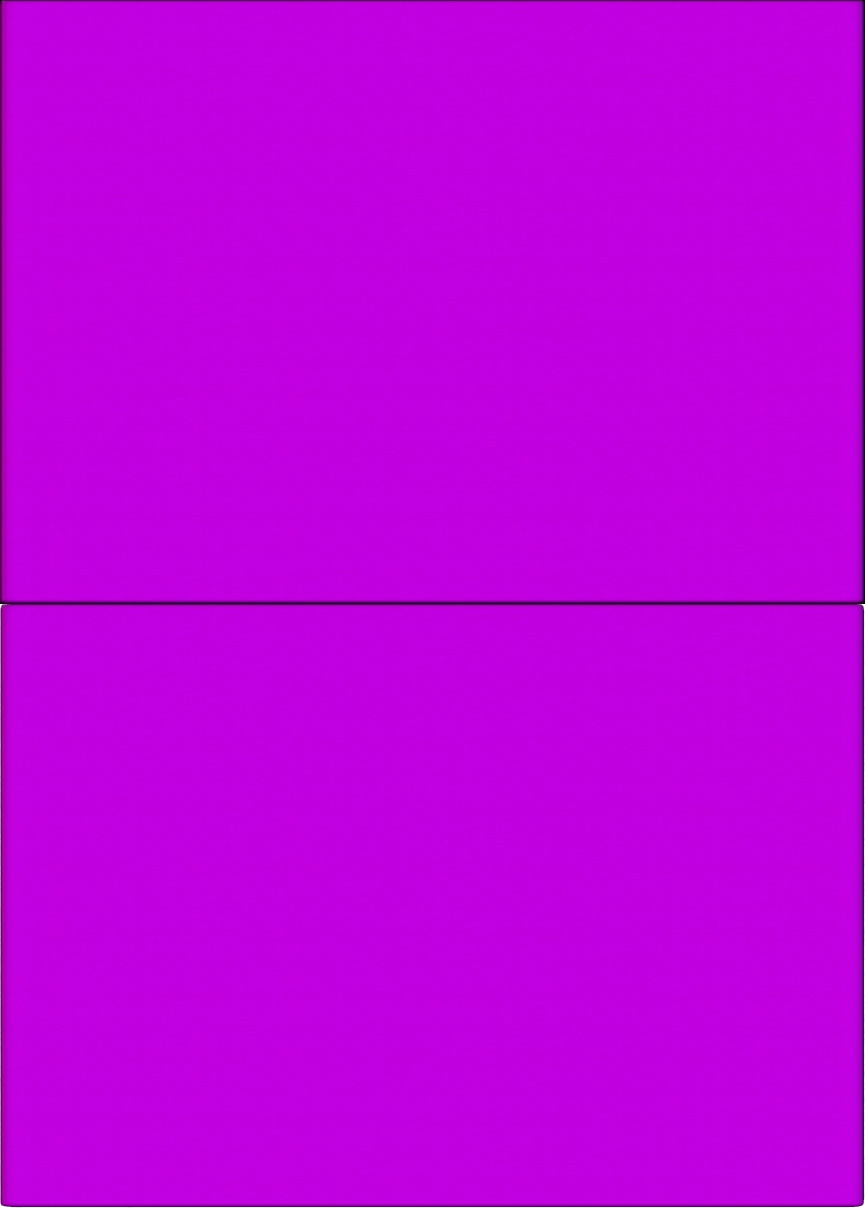
v5 — two purple / magenta screens;
v6 — two dark blue screens;
iQue — two dark green screens.
But this table should not be treated as exact.
Today, now that firmware dumps have survived and build dates are known, it has become clear that the old color classification is too rough. For example, different firmware versions can produce very similar visual results. Some entries in the old table also mix official firmware, regional versions, and FlashMe together.
The "dark blue" color is especially controversial.
Based on the available data, a separate official DS Fat firmware that could confidently be called "dark blue v6" most likely does not exist. But that does not mean the dark blue color should simply be removed from the old classification.
The problem is that v5 / Magenta firmware on a real Nintendo DS Fat screen does not always look like a bright purple color. On some consoles, it may appear dark violet or almost dark blue. This is especially true if the screen is old, dim, photographed at an angle, or seen through a camera.
And this is where an important nuance appears.
If you remove the dark blue option from the old table, a person may look at such a screen and decide that it is v2 / gray-blue, because visually the screen seems more blue than purple.
In other words, the old dark blue label may have appeared not because of some separate lost firmware, but because on some real screens late v5 / Magenta looks exactly that way.
This is also supported by Wokann's analysis on GBAtemp. He pointed to early discussions on gbadev.org where the "v6 / dark blue" idea appeared as the result of a visual PictoChat check, not as a confirmed dump of a separate DS Fat firmware.
The key example is Emil007's message from March 20, 2006. He wrote that he had sent his DS to Nintendo for repair, and that Nintendo staff told him they had upgraded the firmware. After that, the PictoChat test showed a dark blue color. The original photos are no longer available, but the context indicates that this was a DS Fat: Emil007 bought a gray Nintendo DS on the first day of the European launch, March 11, 2005, while the DS Lite was released in Europe only on June 23, 2006.
If you compare this with the known firmware build dates, the idea of a separate official "v6" for the DS Fat looks weak. The official v5 for World Phat was built on December 7, 2005, while v6 belongs to the DS Lite line. In theory, Phat and Lite firmware can be flashed onto the other model, but in practice this creates obvious brightness-control problems: a DS Fat with Lite firmware does not handle the backlight the same way, while a DS Lite with Phat firmware loses the four brightness levels and is left with broken or very limited brightness behavior. It is unlikely that official service staff would deliberately create that kind of user-facing problem during a normal repair.
So the simpler explanation is more likely: after repair, Emil007's console received the late official DS Fat firmware, meaning v5 / Magenta, and the semi-reflective DS Fat screen made that color look dark blue. This also fits other old posts. In April 2006, Diablohead described a similar dark blue shade on a Silver Mario Kart Bundle DS, but also noted that the blue and gray tones changed depending on the viewing angle. And in March 2006, kieran first thought his DS had shut down during the test, but later found that the real color was dark green: strong daylight had simply made the color almost impossible to see on the DS Fat screen.
Wokann later added another argument: F-writer data, from the official firmware flashing tool, also does not show any World Wide NTR firmware above Ver5.0. Inside F-writer, the worldwide DS Fat only has Ver4.0 and Ver5.0. The remaining data belongs to other systems: CHN / iQue NTR Ver1.0 and USG, meaning DS Lite.
This matters because F-writer booted from an NDS cartridge on a console that already had working firmware. In other words, it was most likely a service tool for updating and repairing existing consoles, not a factory method for writing firmware to an empty chip. In that scenario, the picture fits: older DS Fat units with Ver1.0–Ver3.0 could be updated to Ver4.0 or Ver5.0 to block PassMe and WiFiMe, but F-writer contains no World Wide DS Fat firmware above Ver5.0.
Simply put, the dark blue variant was most likely not a separate official DS Fat firmware after v5. It is just that late v5 / Magenta could sometimes look almost dark blue on a DS Fat screen.
So the PictoChat test is best treated as an approximate historical checking method. It does not show the exact firmware version; it only shows the visual result of a PictoChat crash.
Epilogue
The story of Nintendo DS firmware shows well how early scene methods can live on for decades.
When convenient dumpers and a complete firmware database were not available, checking through PictoChat was a reasonable way to at least roughly understand which version was installed on a console. The screen color gave a quick reference point, and for its time that was enough.
But the situation is different now. We have dumps, build dates, known firmware tables, and applications such as dsbf_dump.nds. So the old color classification should not be treated as exact.
At the same time, it is not worth throwing it out completely either. It matters as a historical checking method and helps explain why v1, v2, v5, and that controversial dark blue appear so often in old discussions.
To put it very briefly, the conclusion is this:
1. For the worldwide Nintendo DS Fat, there are essentially five main official firmware versions.
2. The old PictoChat check is only an approximate visual test.
3. If you need accuracy, use dsbf_dump.nds and compare the result with a firmware table.