Contents
Nintendo Entertainment System (NES) review
Friends, there’s a new article on the site: EZ-Flash Air Review: Features, Limitations, and Comparison with Other Models.
ChisLink - a revolution in the GBA world.
Friends, AliExpress now has:
Cool metal labels for Game Boy Advance consoles. Important: the OMEGA series will no longer be produced — it is being replaced in the lineup by the EZ-Flash Air.
Cool eXtremeRate cases for GBA SP.
Friends, help me buy (if you have) various old stuff: Help me buy.
In 1983, the Famicom shot to the top of the Japanese console market almost instantly. I’m not exaggerating when I say this: the Famicom — together with its countless clones — conquered all of Asia and most post-Soviet countries.
While Japanese kids were enjoying the bright, friendly-looking Famicom, Nintendo was already preparing a completely different version of its legendary console for the Western market — the Nintendo Entertainment System, or simply the NES. That’s the one that became “Nintendo” for millions of players in the US and Europe.
If the Famicom looked like a toy — colorful and childlike — the NES got a strict, almost “adult” design, like a VHS VCR. That wasn’t accidental: after the 1983 crash, the company didn’t want the system to be associated with cheap toys.
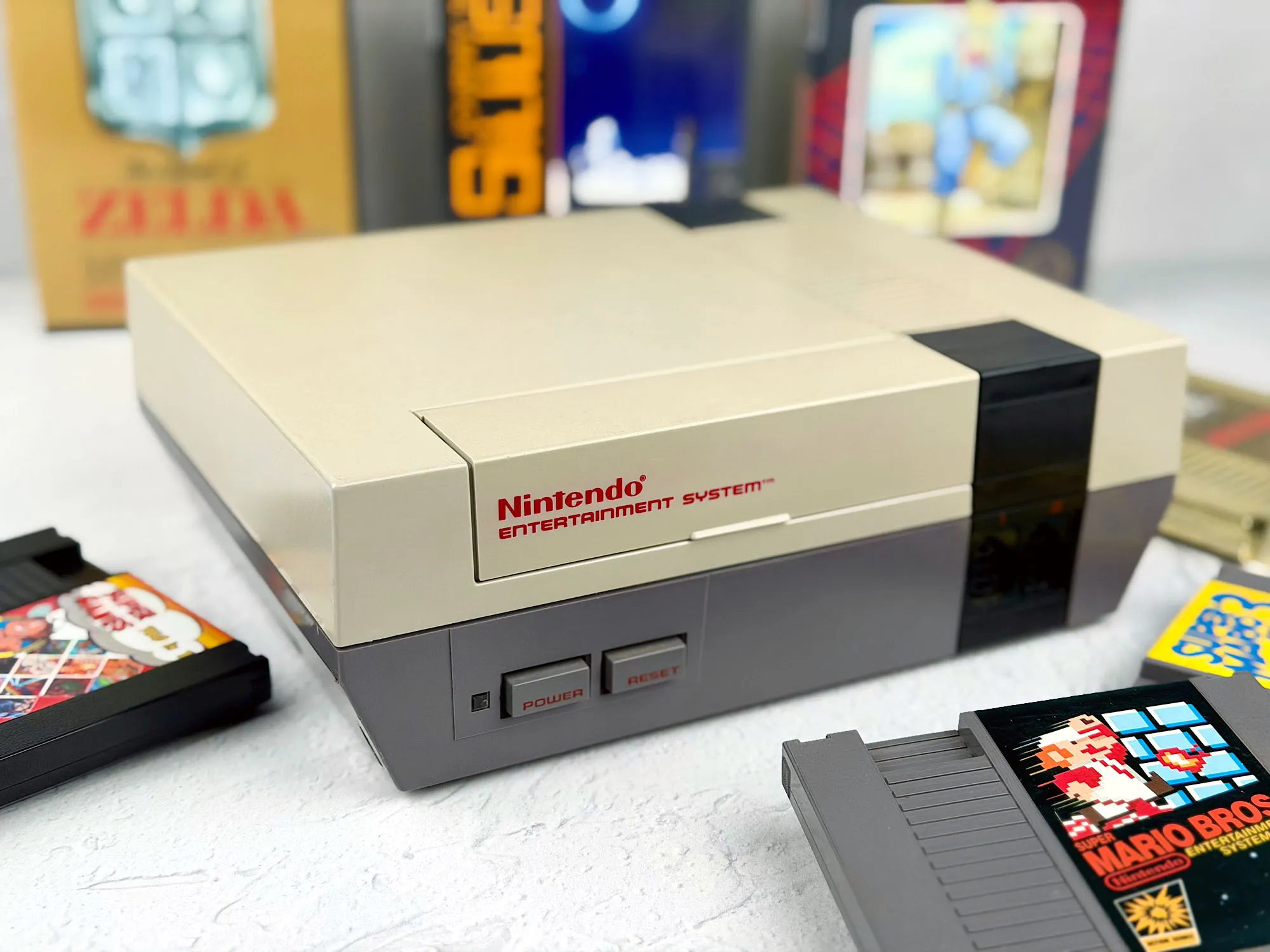
In this review, we’ll look at the American version of the legend and figure out how comfortable it is to play on the NES today.
But before we start, I want to say thanks again to Ruslan — the guy with the widest retro console collection. He shared the hardware once more, so now we’ve got a fresh (only 40 years later!) NES review. At this pace the site might really drift away from handhelds and turn into a museum of full-size consoles!
Where to buy an NES?
Today you can find an NES on eBay, in US and European thrift/second-hand shops, and also on Avito and other used marketplaces.
Quite often you’ll see refurbished consoles with cleaned cartridge connector pins (the eternal 72-pin problem), and sometimes even with a modernized video output.
Original complete sets with the box in good condition are rare and expensive. Much more often, it’s just the console with a power supply, an AV cable, and one controller.
Before you buy, pay attention to the condition of the cartridge connector, whether the Reset button works properly (it often gets sticky), and whether there’s an original or compatible power supply.
What’s in the box
The Nintendo Entertainment System was sold in a stylish, memorable box:
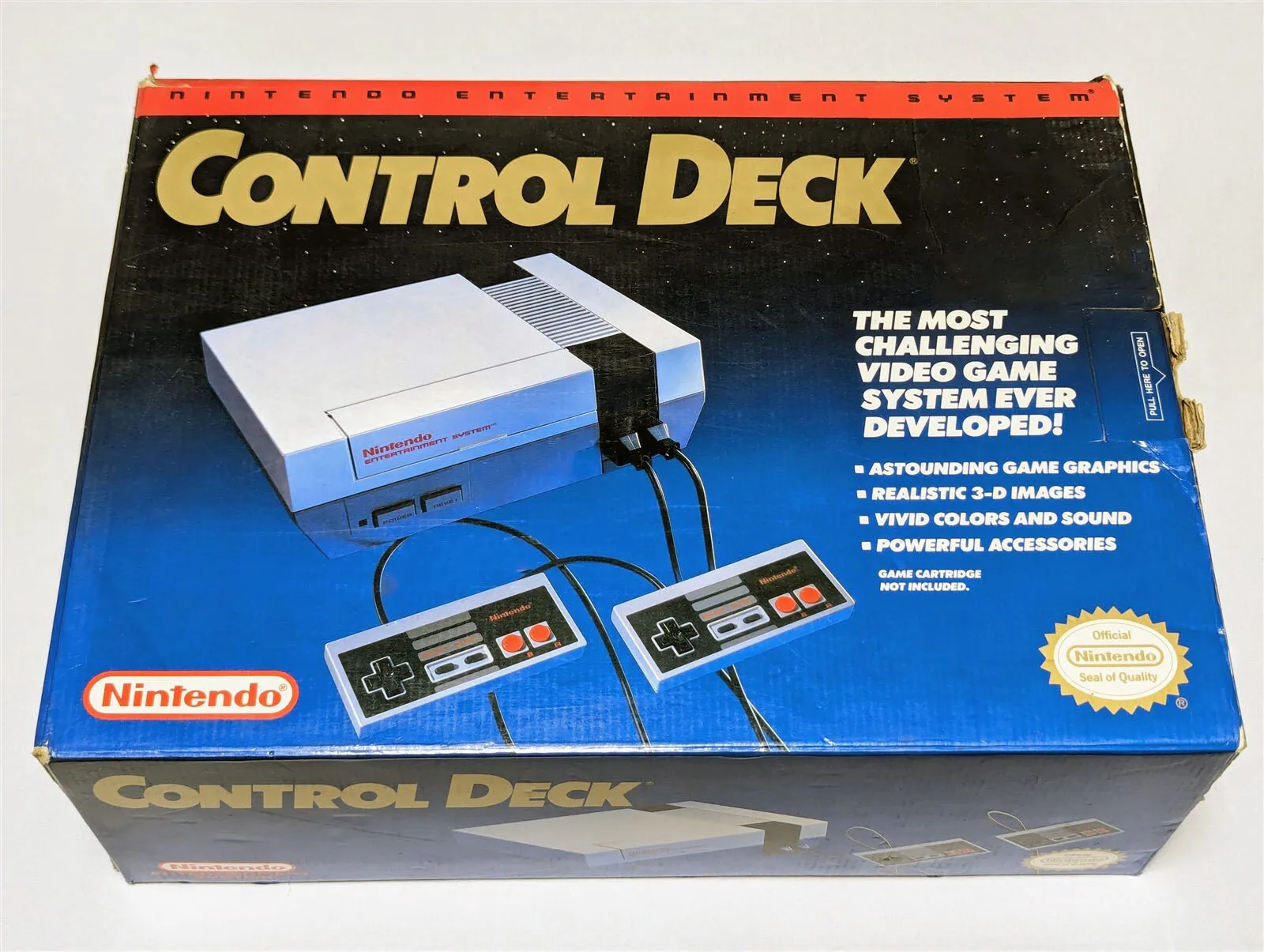

The NES bundle was noticeably richer than the Japanese Famicom’s. Not surprising: in the two years between the releases, Nintendo listened to players and decided to make the set as complete as possible.
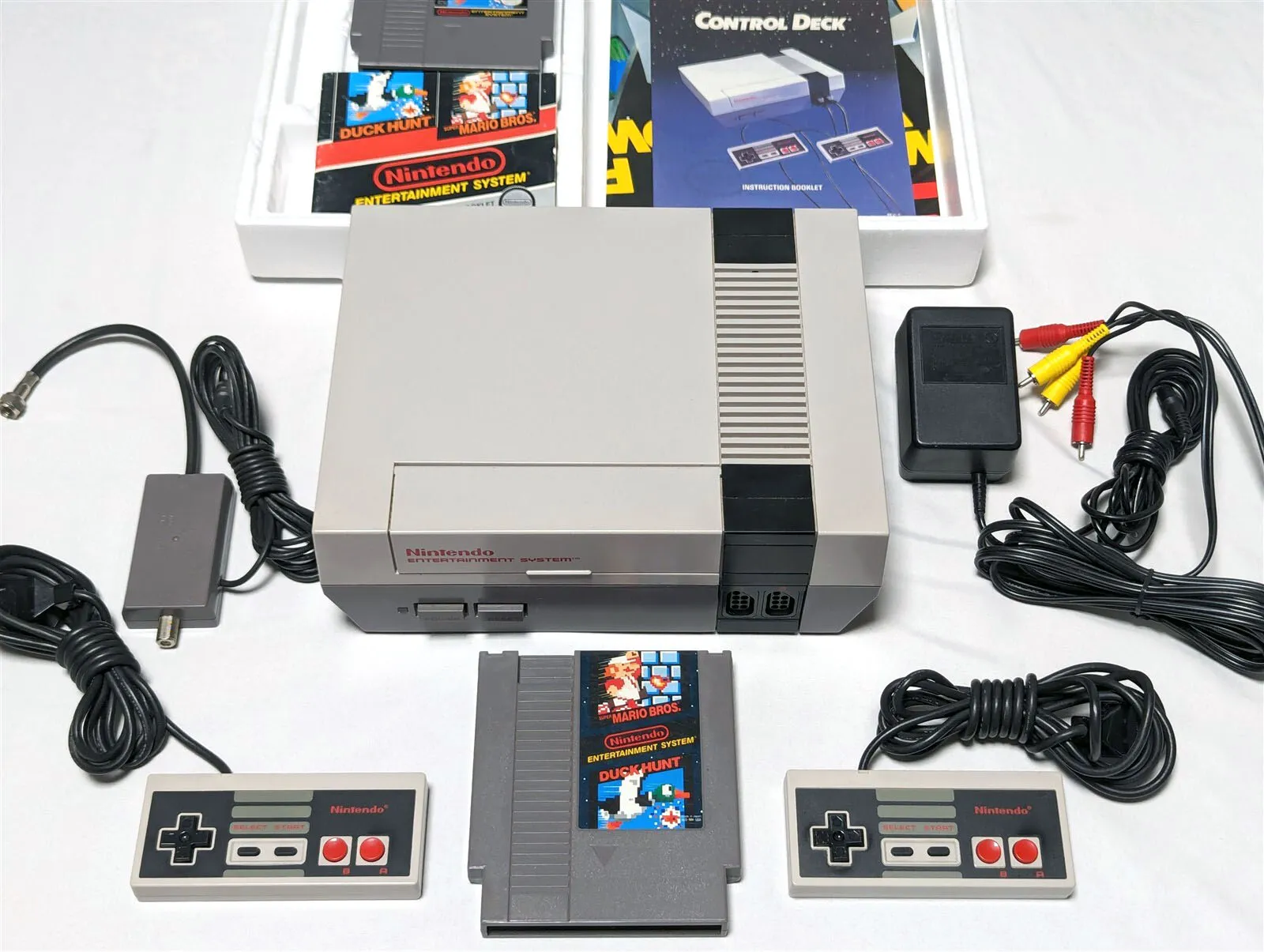
The standard package included everything you needed to set it up and start playing:
1. NES console;
2. Two controllers;
3. Power supply;
4. Antenna splitter/switch (gray) — lets you quickly switch the TV between broadcast and games;
5. 75Ω/300Ω converter — for connecting to older American TVs without a standard coax connector;
6. 300Ω/75Ω converter;
7. AV cable;
8. Manuals and other documentation.
With this bundle, the NES could be connected both to older TVs with an antenna input and to newer sets with a standard AV input.
Let’s take a closer look at the NES.
The console
NES design is classic 80s minimalism and practicality.
A gray rectangular case, a dark-gray front panel, and almost no labels. It looked more like serious home electronics than a children’s toy.
The NES is noticeably larger than the Famicom:
Length: 250 mm
Width: 200 mm
Height: 85 mm
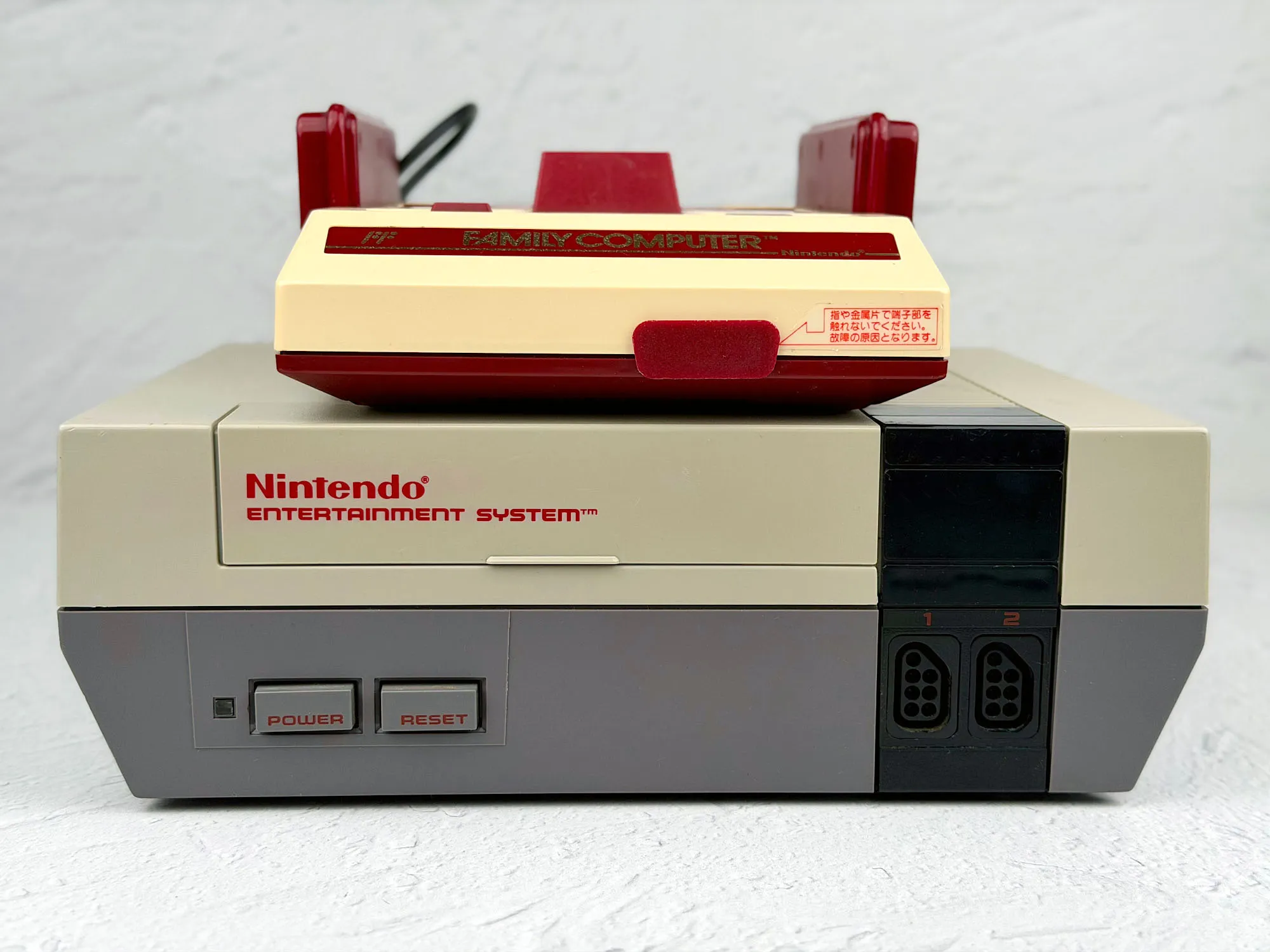
This design choice wasn’t random: just a few years before the NES launched, the video game market was shaken by the crash caused by low-quality products. So Nintendo did everything it could to distance itself from the “toy” image — the new system had to feel like reliable hardware, not something childish.
Front panel
On the front of the NES you get a horizontal cartridge slot, Power and Reset buttons, and ports for controllers.

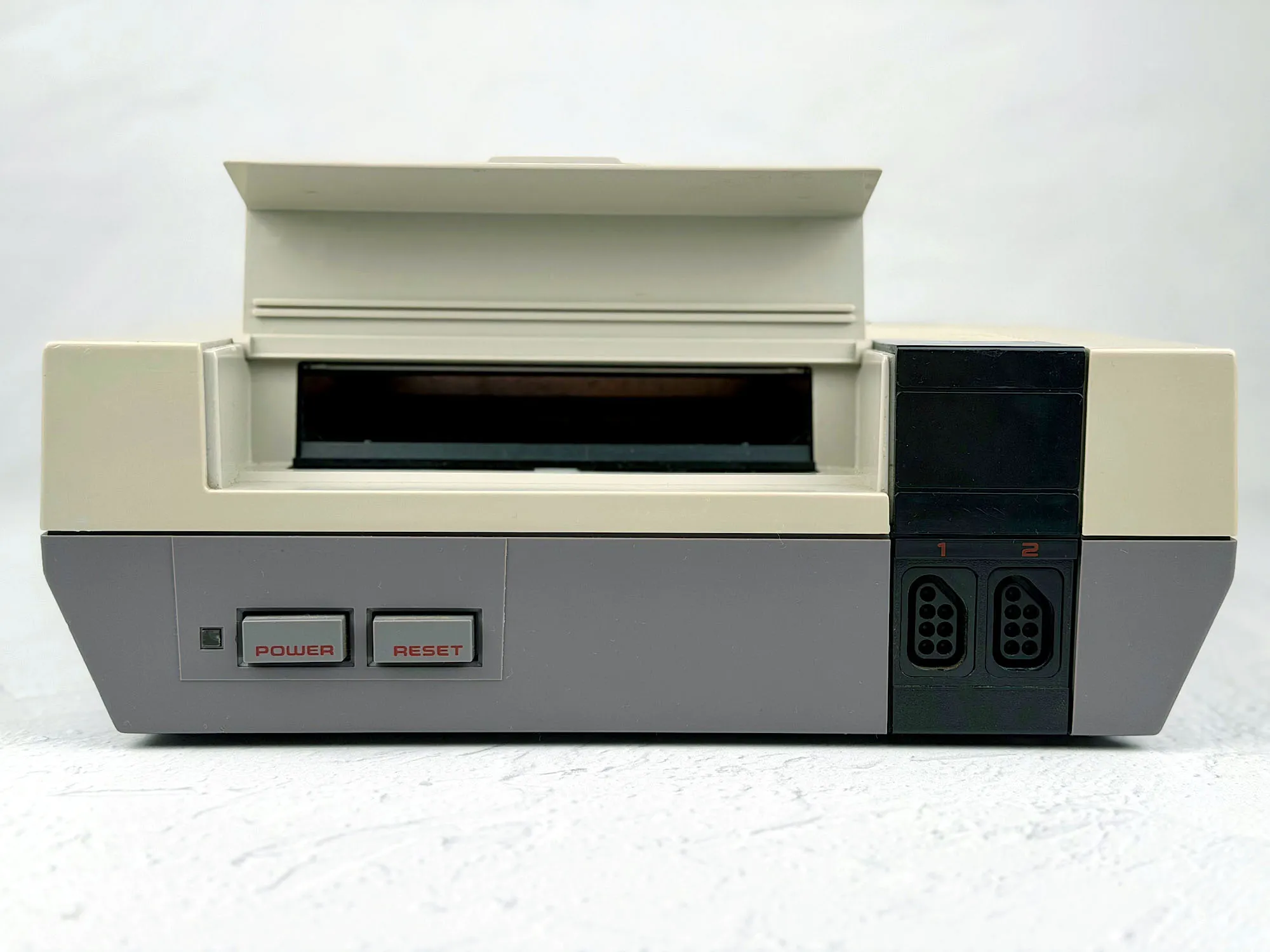
The cartridge loading mechanism deserves a special mention — I personally love how it works, it’s just a shame it wasn’t the most reliable solution.
Top panel
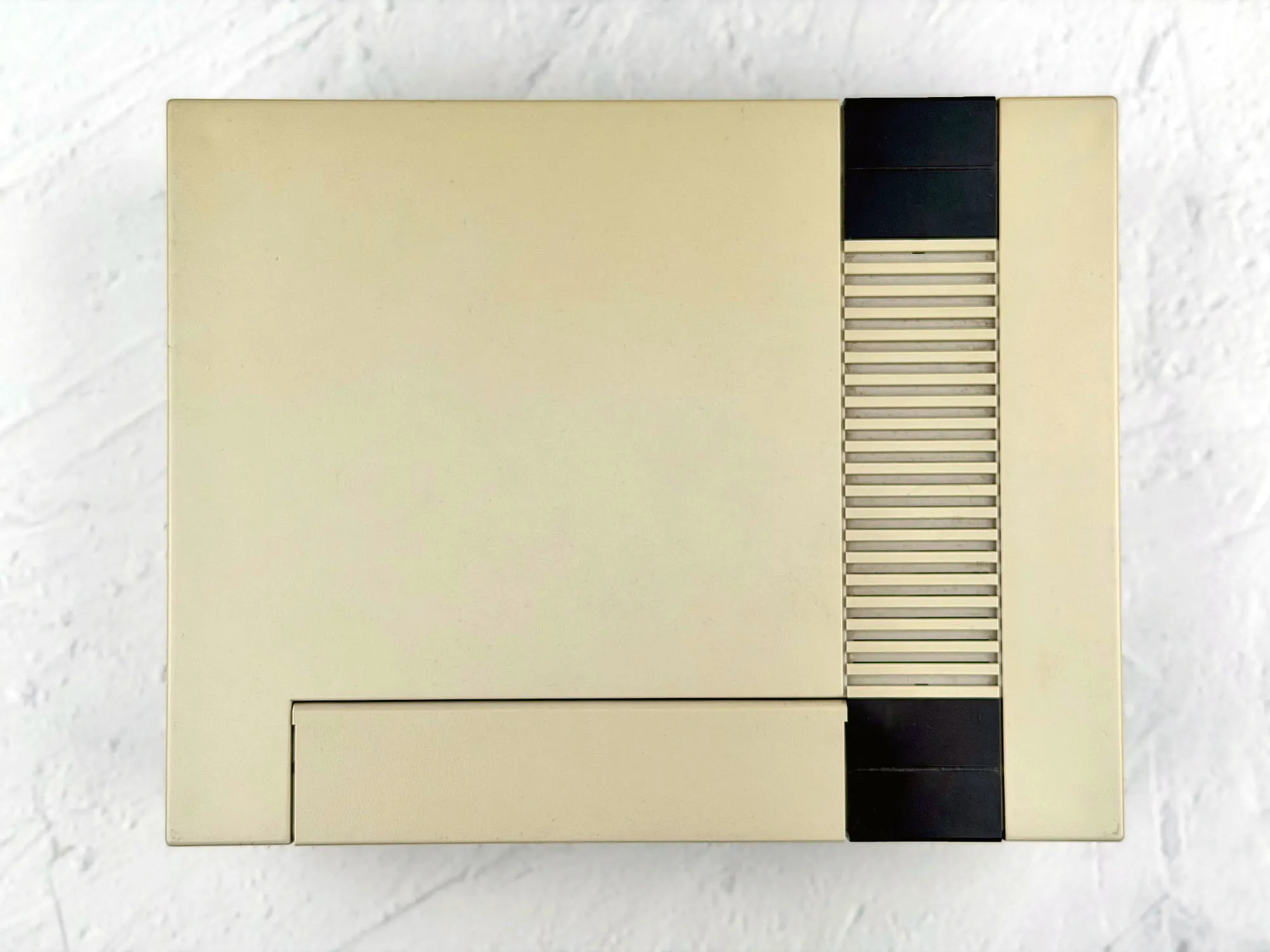
From above, the console is simple: a textured surface with a minimalist pattern, and no extra elements.
Sides
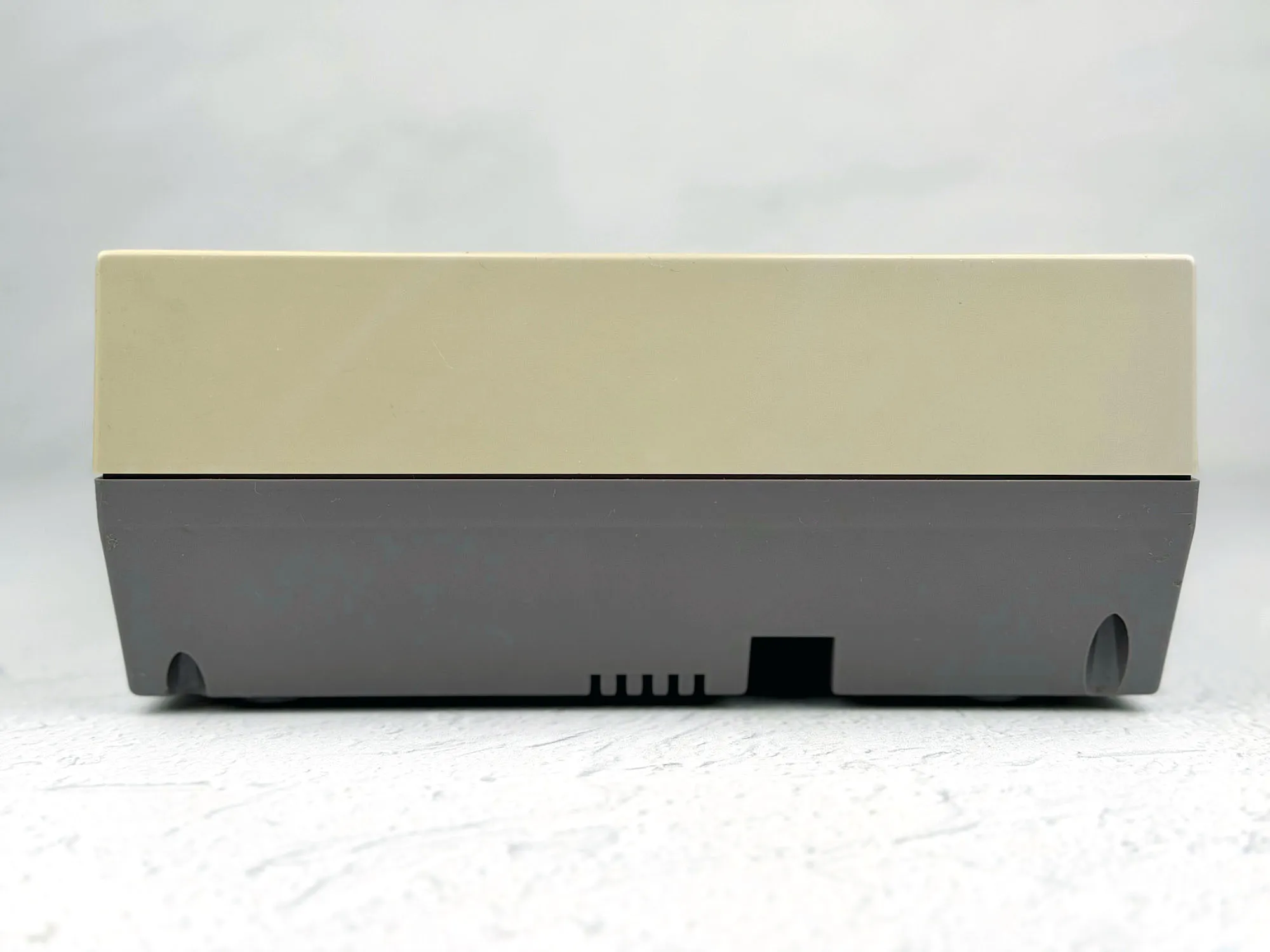
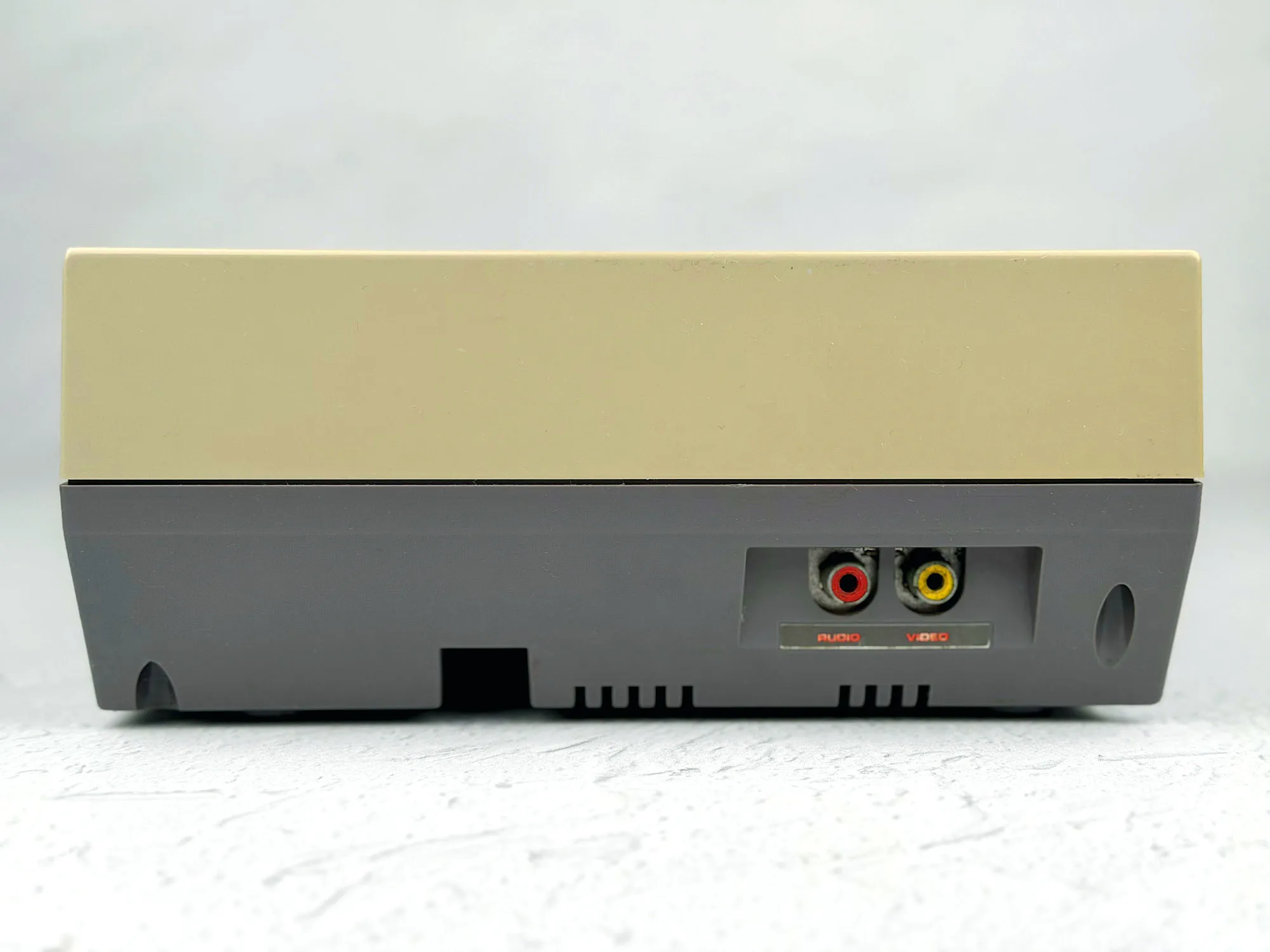
Unlike the Famicom, the NES has almost nothing on the sides — only the AV connectors on the right (and the French version doesn’t have them at all).
Controllers
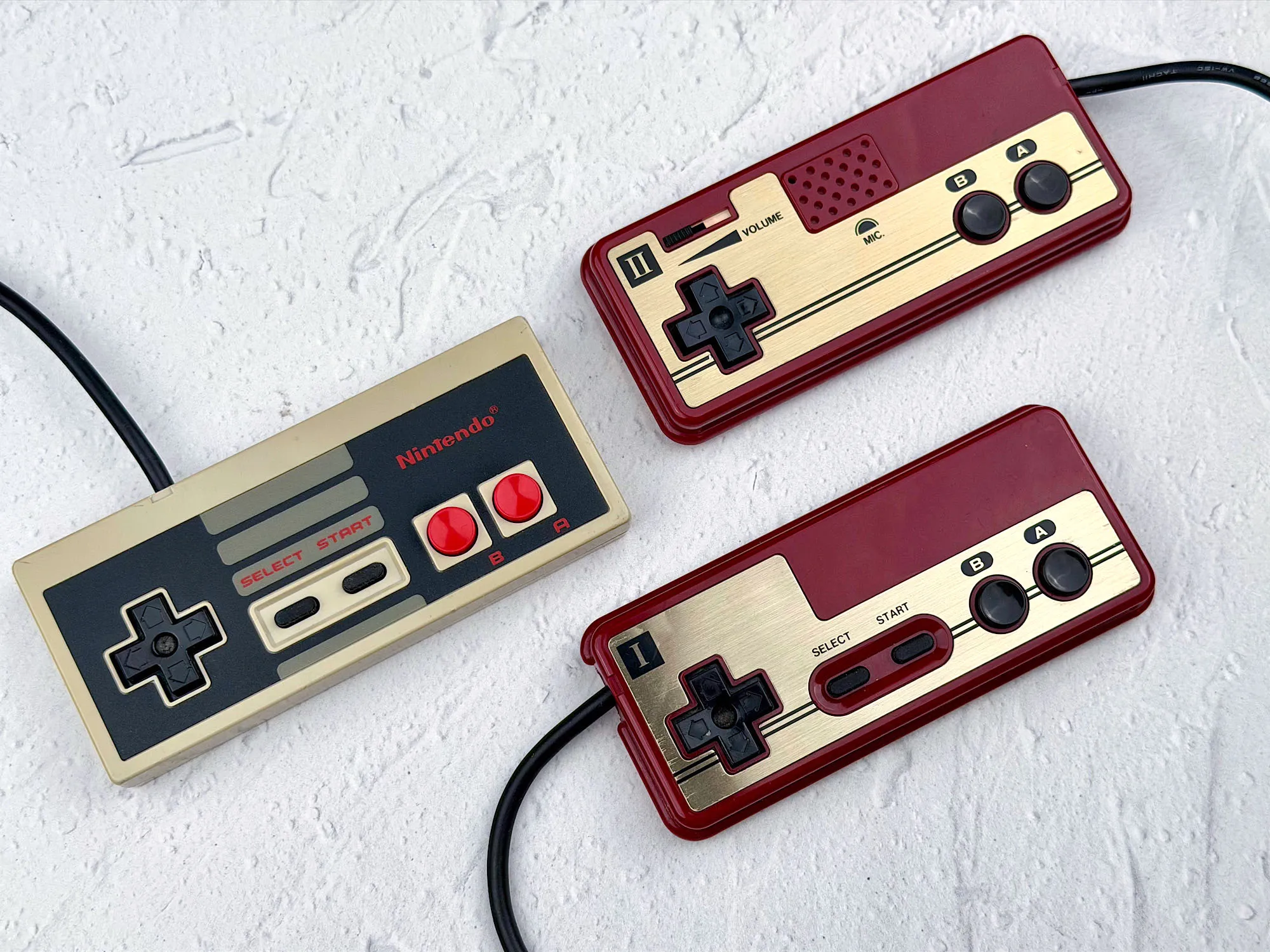
On the NES both controllers are exactly the same: a D-pad, A/B, Start, and Select. No microphone like on Famicom’s second controller.
Back panel
On the back you’ll find the power connector (AC), RF output, and the “3 — 4” channel switch.

Bottom panel
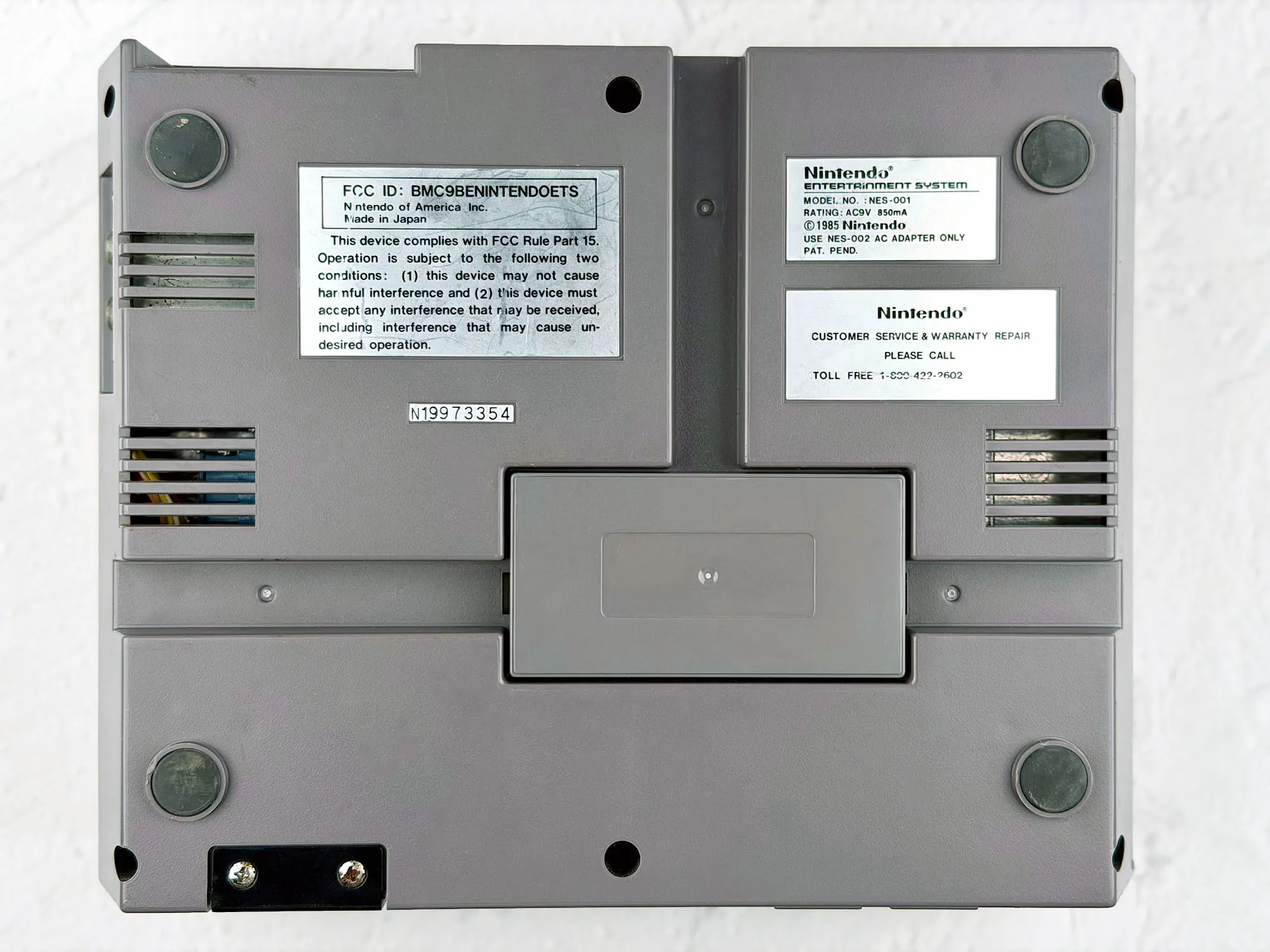
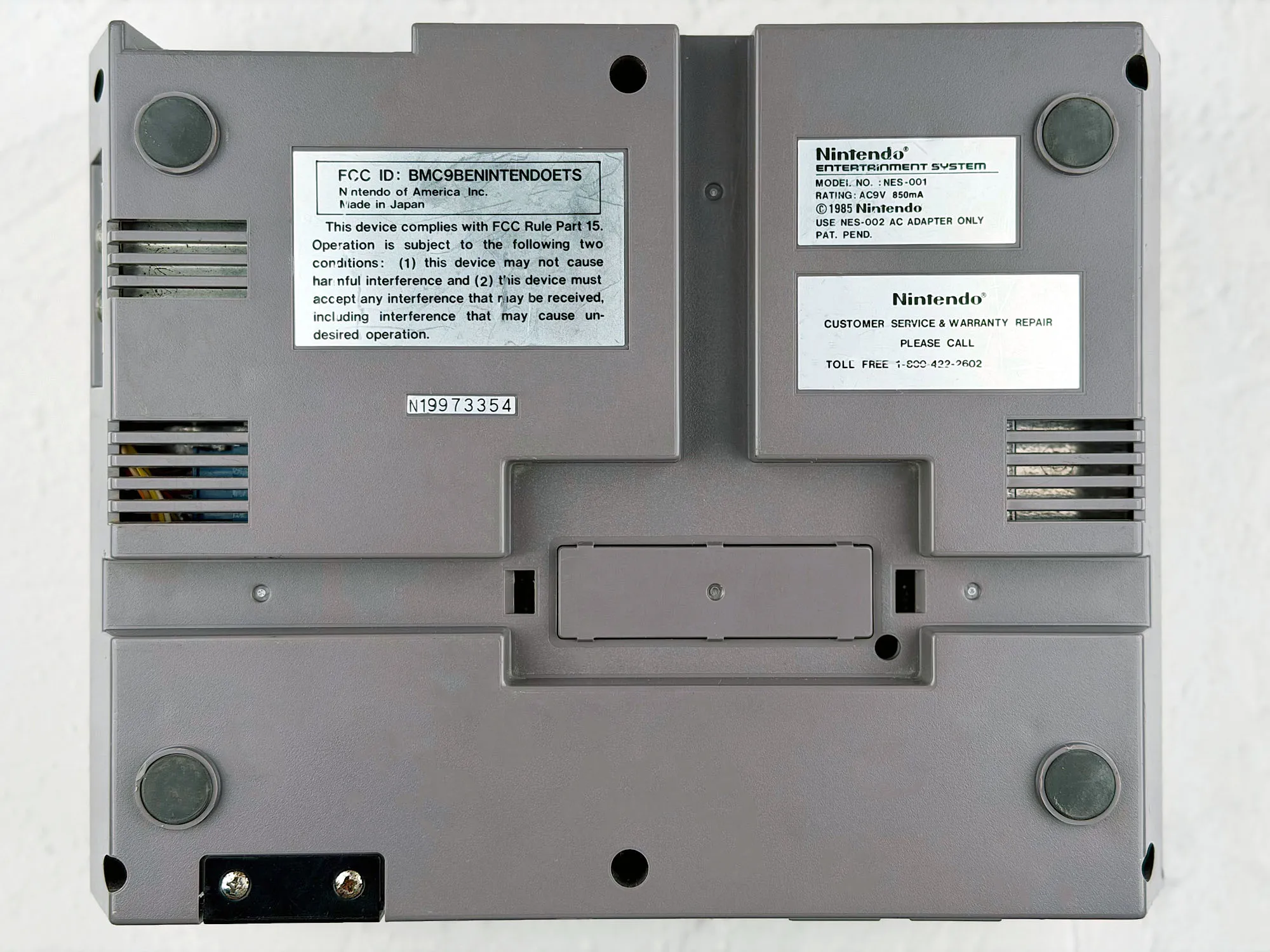
On the bottom there’s the legal text, the serial number, and a bay for the expansion connector.
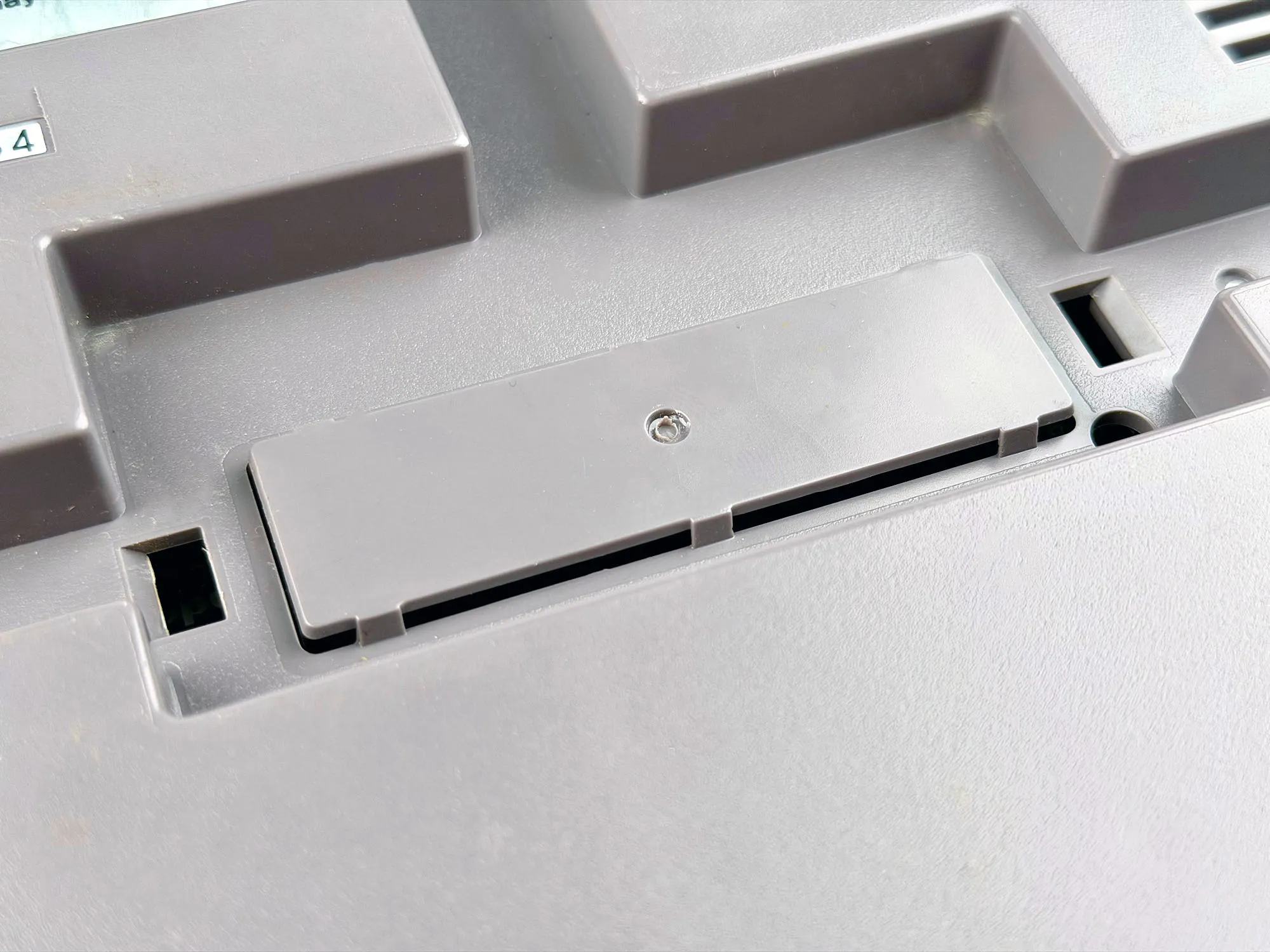
If you remove the cover, you’ll see a plastic blocker inside, hiding a 48-pin connector. To access it, you have to carefully break out that piece of plastic. The connector was meant for future accessories, which, in the Western market, never really arrived.
Now that we’ve gone over the looks and construction in detail, it’s time to talk about the NES pros and cons.
Pros and cons
After some questionable design choices in the Famicom, Nintendo fixed many things in the NES — although it wasn’t without downsides.
Cons
1. Front-loading cartridge slot.
Because of the complicated mechanism, game startup issues were common: cartridges went in at an angle, the console’s board flexed, contacts oxidized. That’s how you got the famous “blinking light”, and you ended up blowing into the cart or reinserting it a few times.
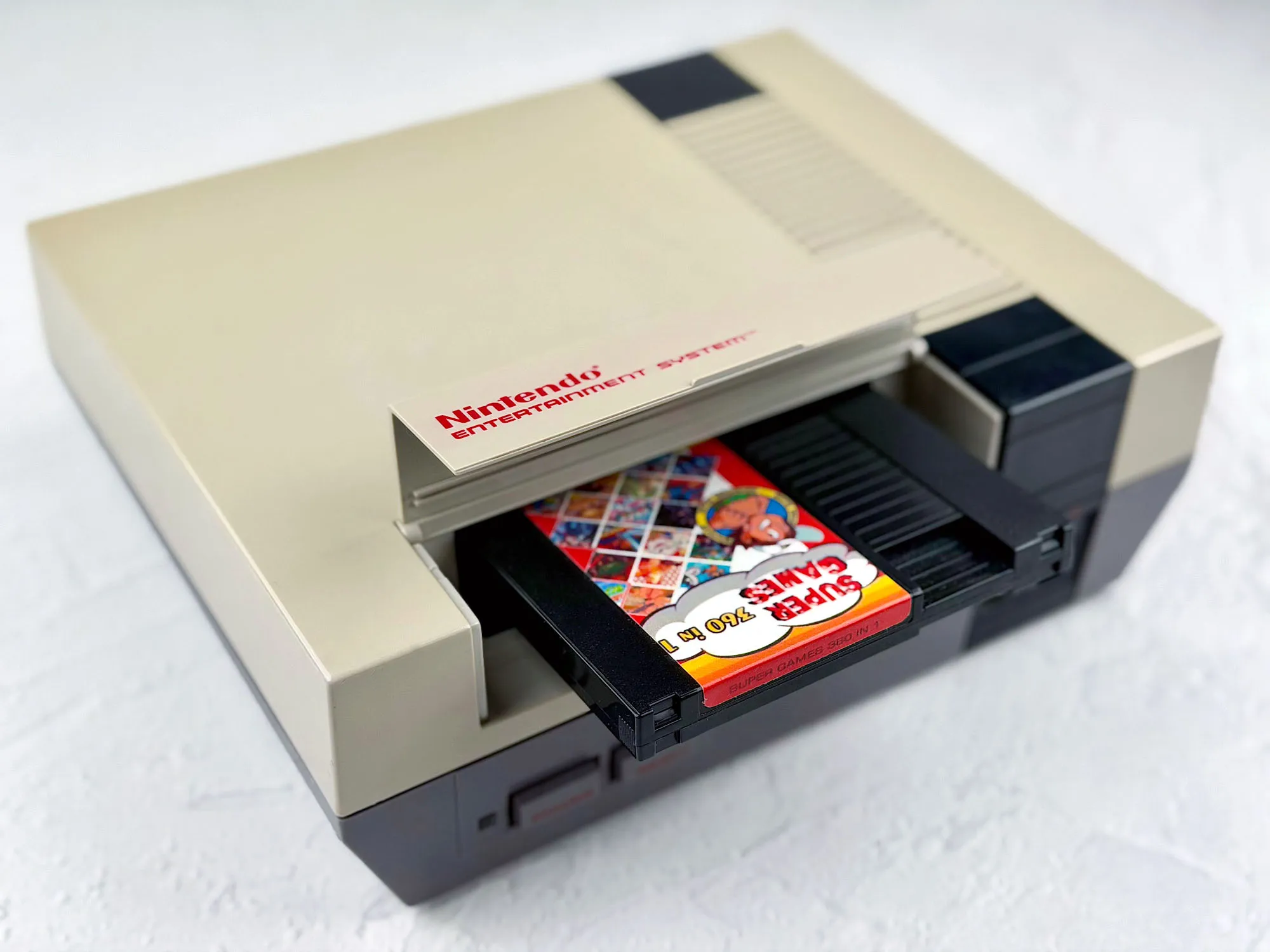
Unlike the Famicom, where you can use all kinds of adapters and build real “towers” of cartridges, the NES doesn’t have that flexibility. Here the cartridge goes inside the case, so you’re limited by the size of a standard NES cartridge.
Yes, adapters for Japanese games exist, but they only work with the smallest Famicom cartridges. If you run into a non-standard or simply larger cartridge, you’re out of luck — there just isn’t enough space inside the console.
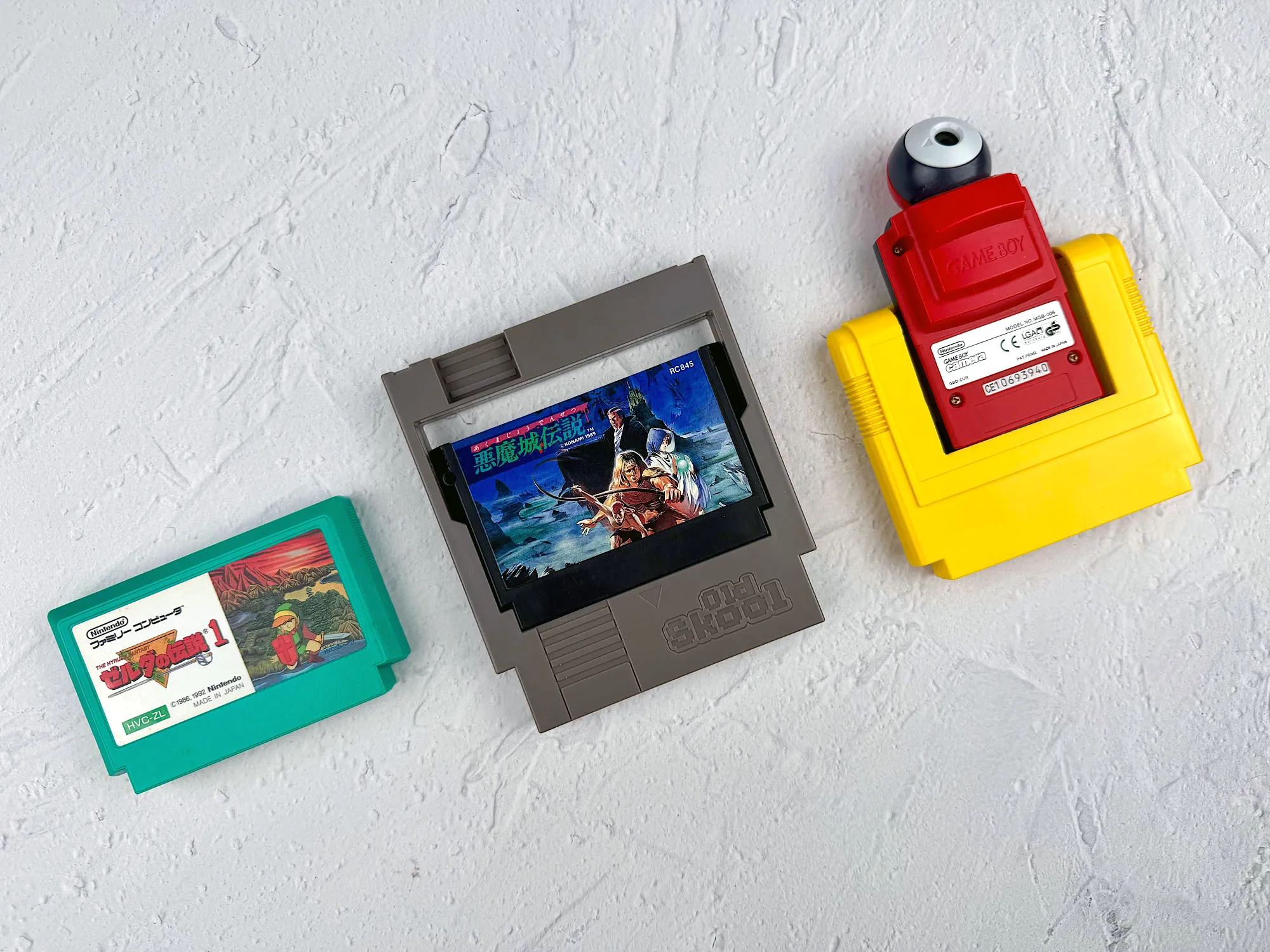
Basically, the closed NES slot almost completely kills experiments with adapters and weird cartridge shapes. For rare and bulky Japanese releases, it’s a real sentence — there are simply no remaining options to connect them.
2. Lockout chip (10NES).
Original NES consoles have a protection chip that can block unlicensed, pirate, and some modern homebrew cartridges. For full compatibility, modding is often required.
3. Higher price on the secondary market.
Today an NES is usually more expensive than a Famicom — especially in good condition or with a full set.
4. Fewer accessories and peripherals.
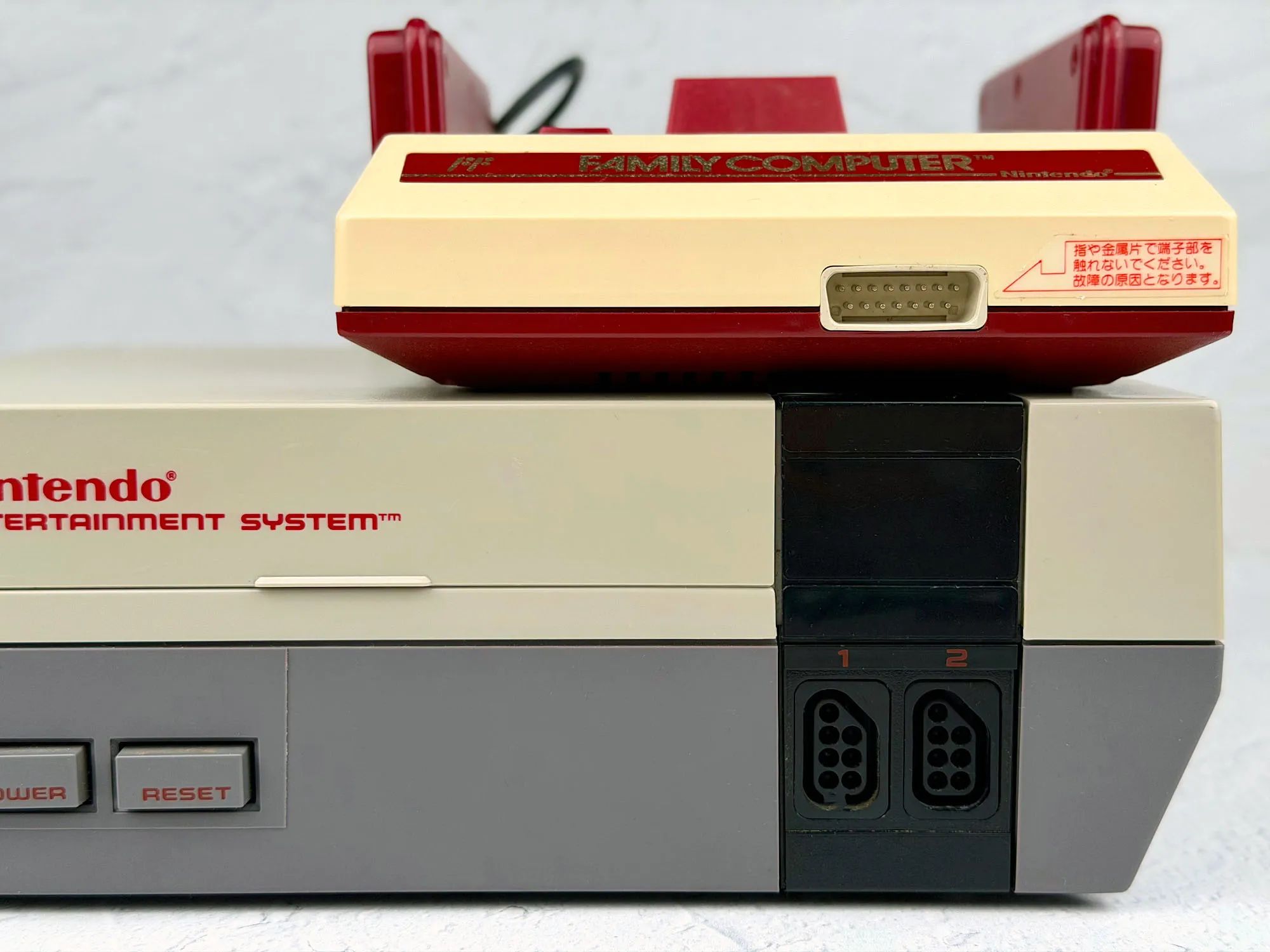
The NES got noticeably fewer unique devices and add-ons than the Japanese Famicom. No disk system, no mic in the second controller, no original keyboards, and a bunch of other expansions that exist on the Japanese version.
The main reason is that the NES doesn’t have a separate expansion port like the Famicom does on the front. For most rare accessories you had to use the second controller port. That limits compatibility a lot: some Japanese accessories need special adapters or even console mods, and some devices simply can’t be connected at all.
5. Big корпус.
The NES takes up more space than the Famicom.
Pros
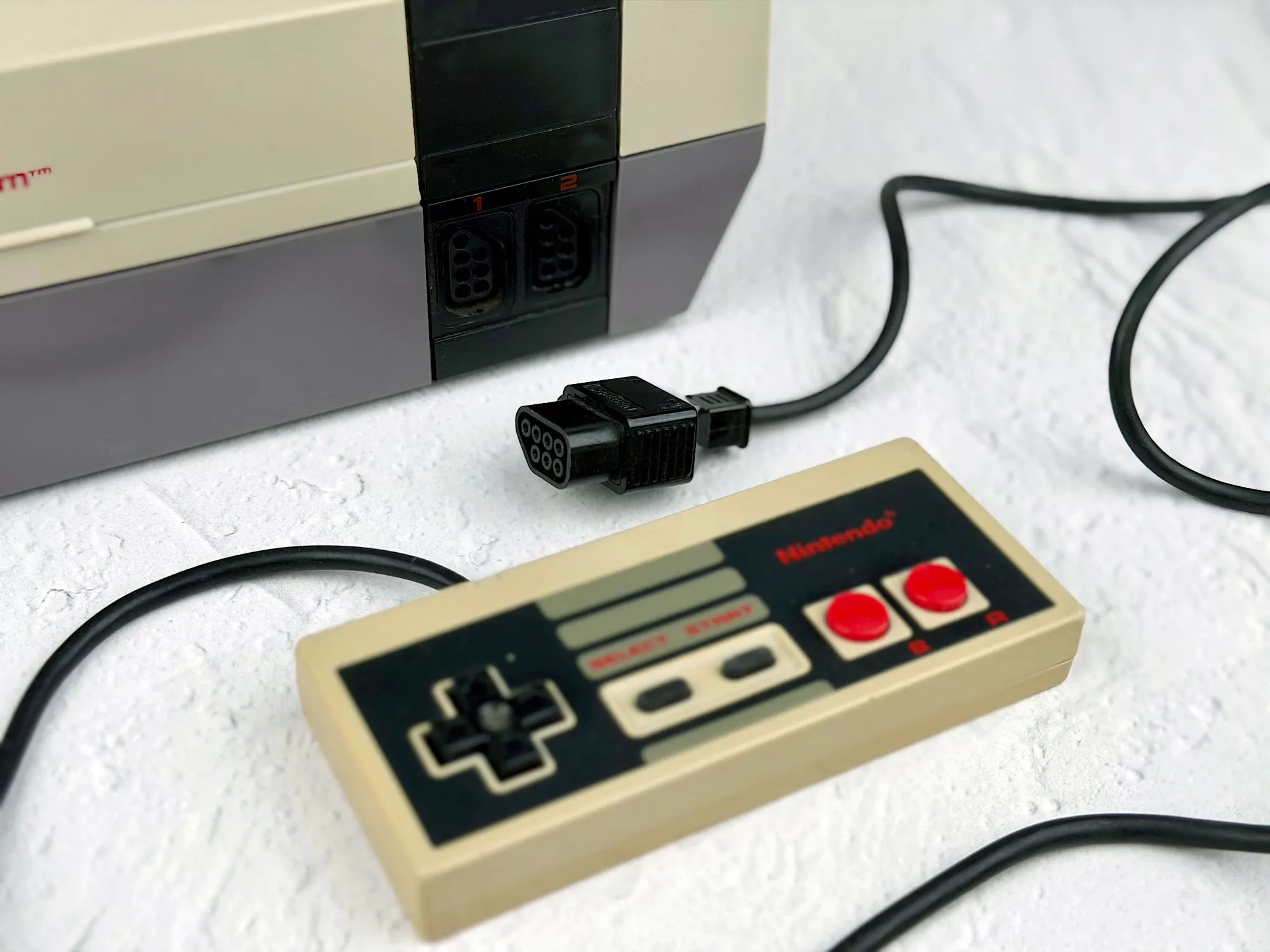
1. Detachable controllers.
Controllers plug in via standard ports and aren’t hardwired, which is great for replacement, repair, and storage.
2. Identical pads with Start and Select.
Both NES controllers are fully identical and each has all the necessary buttons — both players get the full set of functions.
3. AV output.
The NES has a proper AV output (RCA), so it’s easy to connect it to modern TVs without RF headaches and manual channel tuning.
4. Most games are in English.
No need to deal with Japanese menus and text.
How to play on the NES?
Even though the core idea is the same on both the NES and the Famicom — cartridge + slot, insert and play — in practice each system has its own quirks.
I already talked about the Famicom nuances in a separate article, but the NES has its own details you should keep in mind when choosing games and accessories.
Original NES cartridges
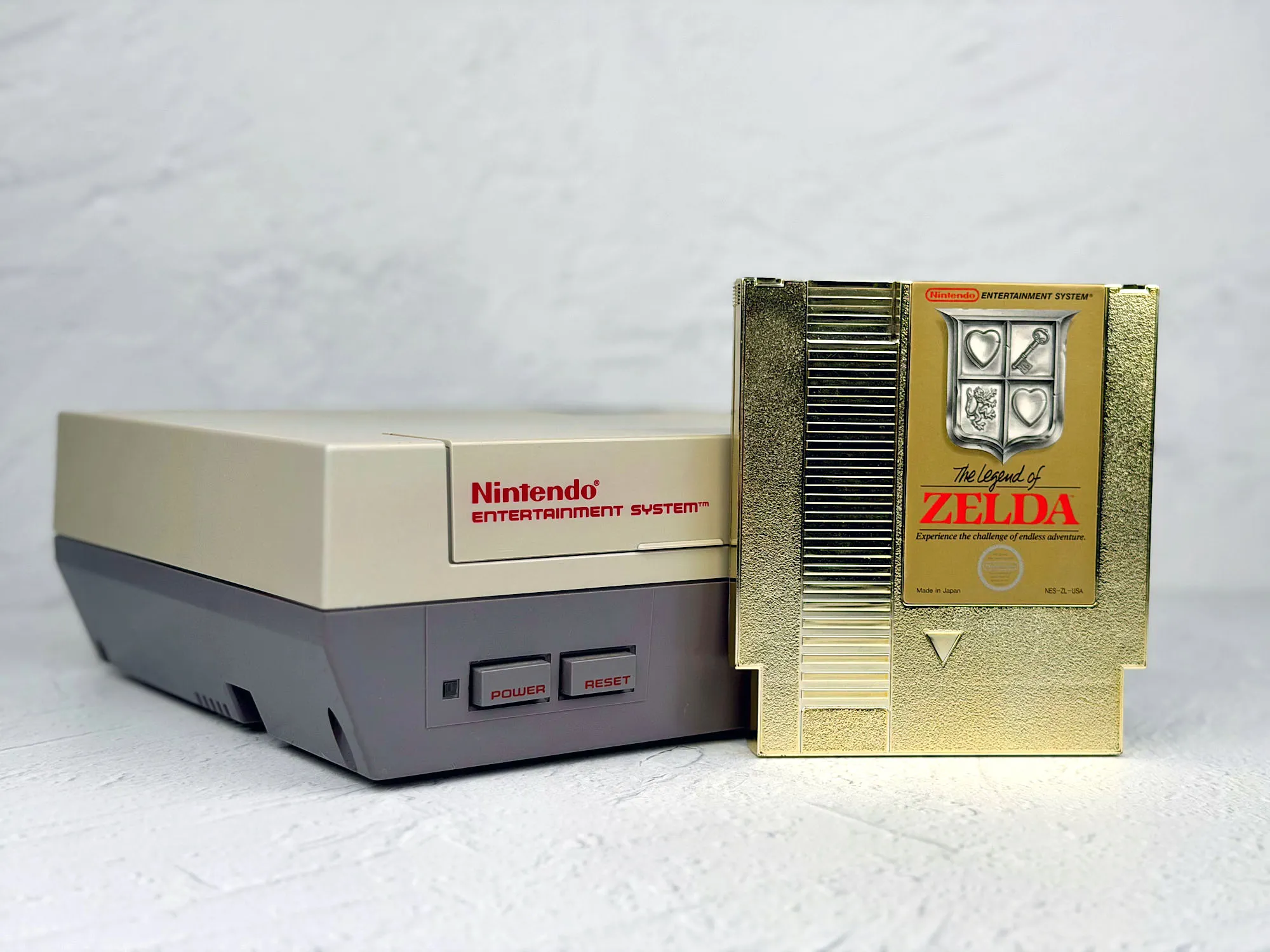
For the NES, using original cartridges is the simplest and most logical option. Unlike the Famicom, where you had to hunt down adapters and overseas carts for English versions, here it’s straightforward: native NES cartridges fit the slot right away and were English from the start.
There are downsides too:
- Truly interesting and rare games can take time to find.
- Popular hits like The Legend of Zelda or Metroid can cost noticeably more than you’d like.
- The price for a complete “boxed with manual” set sometimes goes into the stratosphere.
Japanese Famicom cartridges and adapters
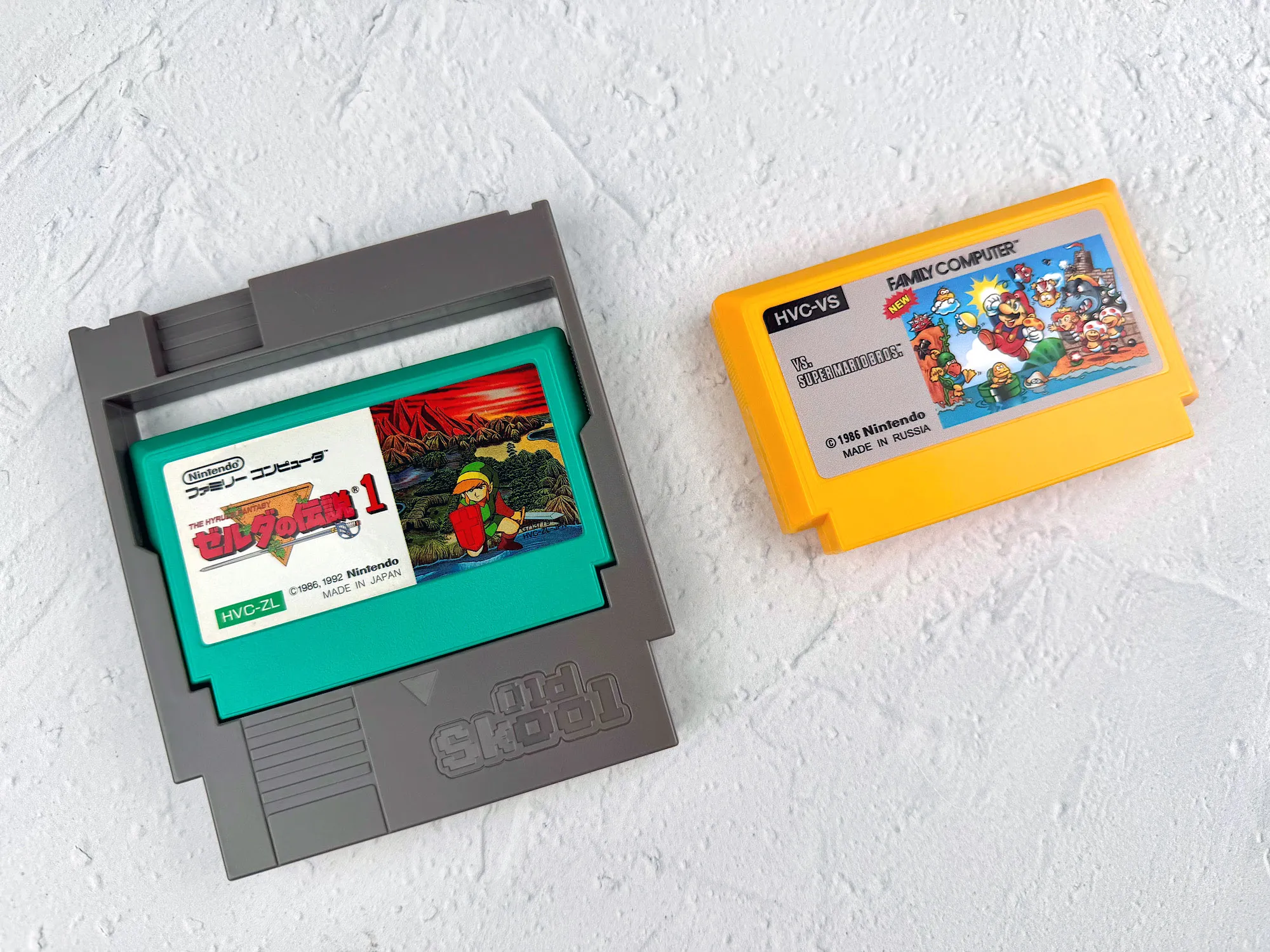
The NES and Famicom use different cartridge connectors:
- Famicom: narrower 60-pin;
- NES: wider 72-pin.
You can’t just stick a Japanese cartridge into an NES — it physically won’t fit. To “make these two worlds friends”, you need a 60-to-72 pin adapter. These adapters are still sold on marketplaces and in retro stores, so if you want, you can play Japanese games on an NES.
Pirate and multi-game cartridges
The third option is all kinds of pirate compilations and multi-carts. They often look like Dendy cartridges: a bright label, a “9999 in 1” promise, and total unpredictability inside.
But keep in mind: Dendy is a Famicom clone, and the vast majority of these cartridges are made for the Famicom (60-pin) or its clones, not for an original NES.
Pros:
- there are still plenty on the used market (if you want something unusual for a collection);
- sometimes you can get them very cheap — especially if you get lucky with a random “Avito lot”.
Cons:
- sometimes a rare “9999 in 1” costs more than an original NES cartridge — there’s no guarantee of a “cheap library”;
- the game list on the label can have little to do with what’s actually on the board;
- port quality ranges from “okay” to “please don’t show me this”;
- most of these cartridges simply don’t fit into the NES slot — they’re built for the Famicom (60-pin), not the NES (72-pin);
- there are small and big pirate carts: small ones can sometimes work through an adapter (60-pin → 72-pin), but big ones won’t fit even with an adapter — so you can’t run them on an NES;
- sometimes you can also run into conflicts with the NES lockout chip.
Flash cartridges
The most convenient option for modern players is a flash cartridge. Basically, it’s a “universal” cartridge with an SD card slot: you copy ROM files to the card, insert the cartridge into the NES, and pick a game from a menu.
The плюсы are obvious:
- your whole library in one cartridge;
- no need to hunt rare originals;
- easy to test different versions and fan translations.
These days the easiest places to buy them are AliExpress and specialized retro shops.
Epilogue
Nintendo made the Famicom a great console, but it was the NES that became the “Western face” of the 8-bit era. The redesigned look, detachable controllers, identical pads with Start and Select, AV output, and that strict “VCR” vibe — in many ways the NES really feels like a refined and “upgraded” version of the Japanese original.
If you just want to power it on, insert a licensed game, and play, the NES is a great choice. But as soon as you want to try unusual accessories, play Japanese carts, or mess with “Dendy-style” cartridges, the NES advantages turn into limitations. That’s where the Famicom is simply more flexible and more fun for experiments.